Family Organizer App: What It Should Do for You
What a family organizer app should do: one shared calendar, clear owners, kid access and low upkeep. Questions to ask, red flags and a first-week setup.
By Famiyo Editorial Team5 min read
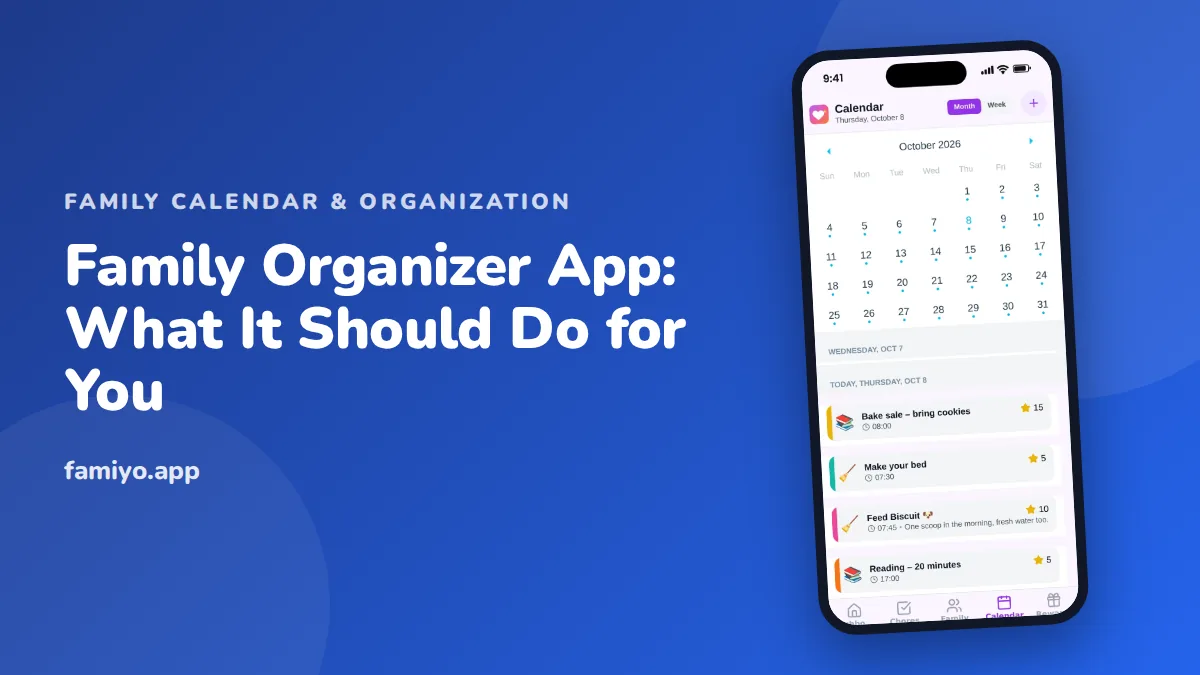
A family organizer app is supposed to end the 7 am questions: who has soccer, who is picking up, did anyone sign that form. When it works, the family runs on one shared picture of the week. When it does not, it becomes one more app that only one parent opens. This guide covers what the app should do for you, the questions to ask first, the red flags, the free-versus-paid traps and a setup that survives its first week.
What should a family organizer app do?
The job is narrower than the marketing suggests. At its core, it should do five things.
- Show one shared calendar that every family member can open, so a change made by one person appears for everyone.
- Make the owner of each thing clear. A color per person is the simplest way: at a glance, you see whose evening it is.
- Handle repeating events, so weekly practice and Tuesday piano are entered once.
- Give kids a view of their own day, in age-right form.
- Notify without nagging: a reminder before an event, a notice when the plan changes.
Anything beyond this, such as lists, chores or rewards, is useful only if it ties into those five. A tool that tries to be a planner, a budget tool and a recipe box often does none of it well. Decide which problem hurts most, and choose the app that fixes that one.
The questions to ask before you choose
- Can my partner, my kids and a grandparent each see the same calendar?
- Does every change show up for everyone straight away?
- Can children join without an email address?
- Can I give each person a color and filter by person?
- Do repeating events work for daily, weekly and irregular patterns?
- Can I limit what kids can edit?
- How many people and how many repeating items does the free plan allow?
- Does it work with the calendars we already use, or does it replace them? (If it does not connect, you will enter things twice.)
- What happens to our data if we stop?
Question 8 is the one families skip. If your work calendar lives elsewhere and the organizer does not connect to it, you will either re-type events or maintain two systems. Decide which you can live with before you commit, and be honest about how much typing you will really do on a Tuesday.
Red flags
- It needs a full account, birth date and photo for every child before showing a calendar.
- Only one parent can edit. The other will stop opening it.
- Changes take minutes to appear, so people trust texts over the app.
- Ads in a screen the children use.
- A free plan that limits the number of events or people so tightly that your actual week does not fit.
- No way to export or delete the family.
- A cluttered home screen. If the first screen needs a tutorial, a tired parent will not look at it.
Free versus paid: what to check
Free plans differ in what they hold back. The common caps are on the number of people, the number of repeating items and access to features such as history or reminders.
Look at it from your own week. Count your people, count your repeating events (school, practice, lessons, standing appointments), and see whether the free plan holds them. If it does, free is a fair deal. If it does not, check the paid price and billing before you build, not after.
Also check how the plan renews. A monthly plan that renews quietly is easy to forget, so set a calendar reminder the day you sign up.
Setting it up in the first week
Do not set up everything at once. The goal for week one is to make the calendar the place everyone looks.
- Sunday evening: sit down together for 15 minutes. Open the app on every adult phone, and on each child's if they are old enough.
- Give each person a color.
- Enter the fixed weekly events first: school hours, practices, lessons, standing work shifts.
- Add the next two weeks of one-off events, such as appointments and parties.
- Make one rule: if it is not on the calendar, it is not happening. This is the hard part, and it is the whole point.
- Check the calendar together at dinner for the first five days. Pointing at it is what builds the habit.
- At the end of the week, adjust colors, reminders and anything that confused people.
If you hold a family check-in already, put the calendar on its agenda. Our guide to the weekly family meeting shows a 15-minute format.
Who in the family needs what
Each person looks at the organizer for a different reason, and an app that serves only one of them will be dropped.
The parent who plans needs the whole picture: week view, every person, every conflict. The other adult needs a quick answer to "what is tonight", so the home screen matters more than the settings. Kids from about 8 need their own day: what is after school, what jobs are due, what is on Saturday. Teens want it fast and plain, or they will ignore it. A grandparent who helps with pickups needs a view that does not demand a tutorial.
Ask each of them, before you choose, what single question they want answered in five seconds. Build the setup around those five answers, and extras will find their own place later.
When the calendar is not the problem
An organizer app shows the plan. It does not carry the thinking behind it. If one adult is the only one who notices that a form is due, the app will not fix that alone, it will just record the form. Our list of mental load examples is a useful way to see which invisible tasks you are carrying, so you can move them onto the shared calendar and share them.
The same goes for direction. If you want the calendar to support something, such as less rushing on school nights or one fixed family evening, write it down first. Our family goals examples give concrete targets to attach to the schedule.
Using Famiyo as a family organizer
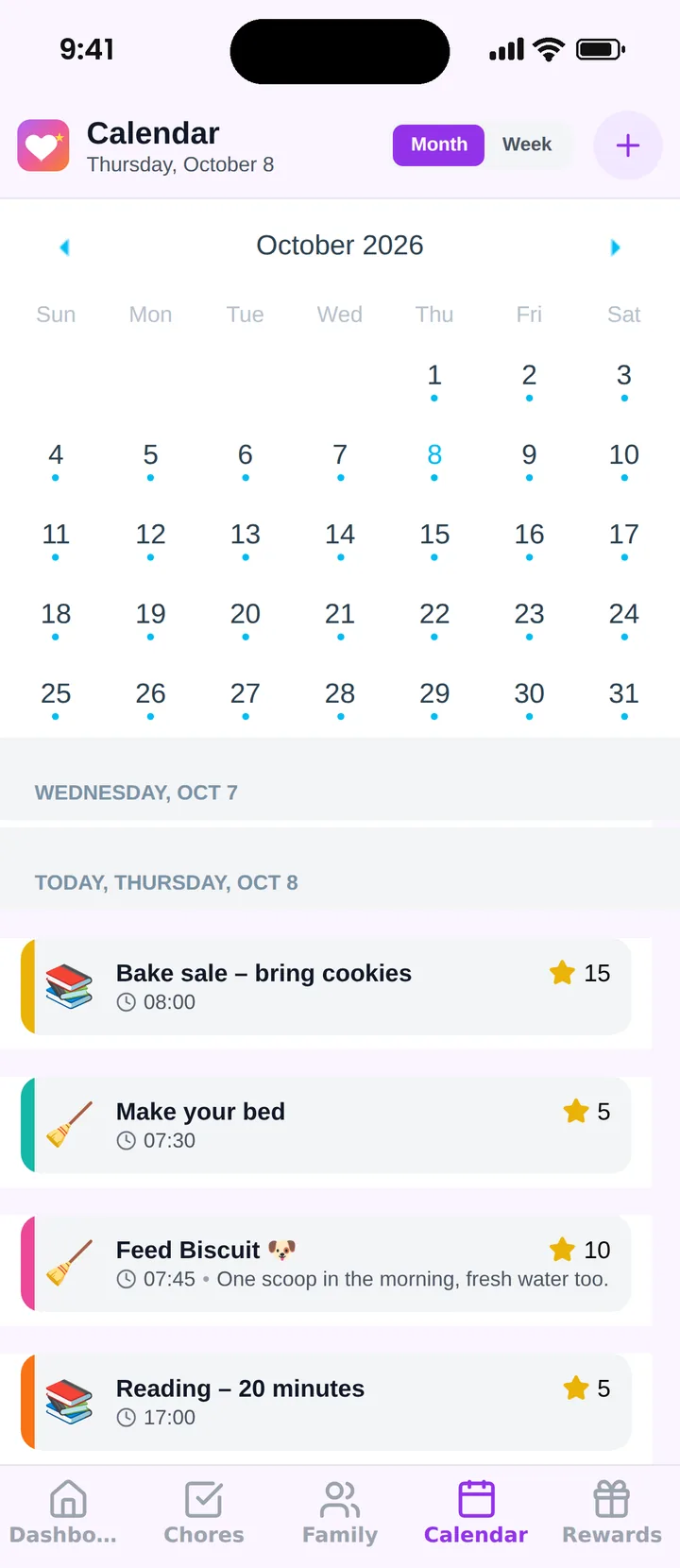
Famiyo is a free family app for iPhone and Android that combines a shared family calendar, chores with points and a rewards shop; kids join with a code, no email needed. The calendar has month and week views and a color for every family member, with repeating events and categories such as school, sports and appointments. Chores sit next to events, so everyone sees one list for the day, and kids see their own. Parents decide what kids can create or check off. Live sync keeps all phones the same. It has no web app and does not sync with Google or Outlook, so you enter events in Famiyo itself. See the best family organizer apps for a comparison.
A small next step
Tonight, write down every fixed weekly commitment your family has, and count them. That number tells you whether a free plan will hold your week, and it is the first thing you will type in.
Frequently asked questions
What is a family organizer app?
An app that keeps a family's shared plans in one place: a calendar of events, often with tasks, reminders or lists. The aim is to stop the same questions from being asked over and over: who is picking up, what is on Saturday, who has the dog.
What features matter most in a family organizer app?
A shared calendar with a color for each person, repeating events, access for kids, notifications and a view of today. Extras like lists, chores or rewards help only if your family will really use them.
Do kids need their own access to the organizer?
It helps a lot from about age 8. Kids who see their own schedule ask fewer questions and forget fewer things. Choose an app where children can join without an email and where parents control what they can edit.
How do I get my partner to use the family organizer?
Make it the single source of truth: stop answering schedule questions by text, and answer with 'it's on the calendar'. Add events together for two weeks, and keep the setup so simple that using it takes less effort than asking.
Is a family organizer app better than a paper calendar?
It is easier to share, edit and carry, and it can remind you. A paper calendar is better as a glance at home. Many families keep both, with the app as the master and the paper copy printed weekly.
Try Famiyo With Your Family
Chores with points, a rewards shop for kids and one shared family calendar. Set it up in a couple of minutes.



Free to download • No credit card required • Available on iOS & Android