Family Calendar App for Working Parents: What to Look For
What a family calendar app for working parents should do: show who covers pickup, hold work blocks, include kids and stay quick to update. Plus a setup plan.
By Famiyo Editorial TeamUpdated 5 min read
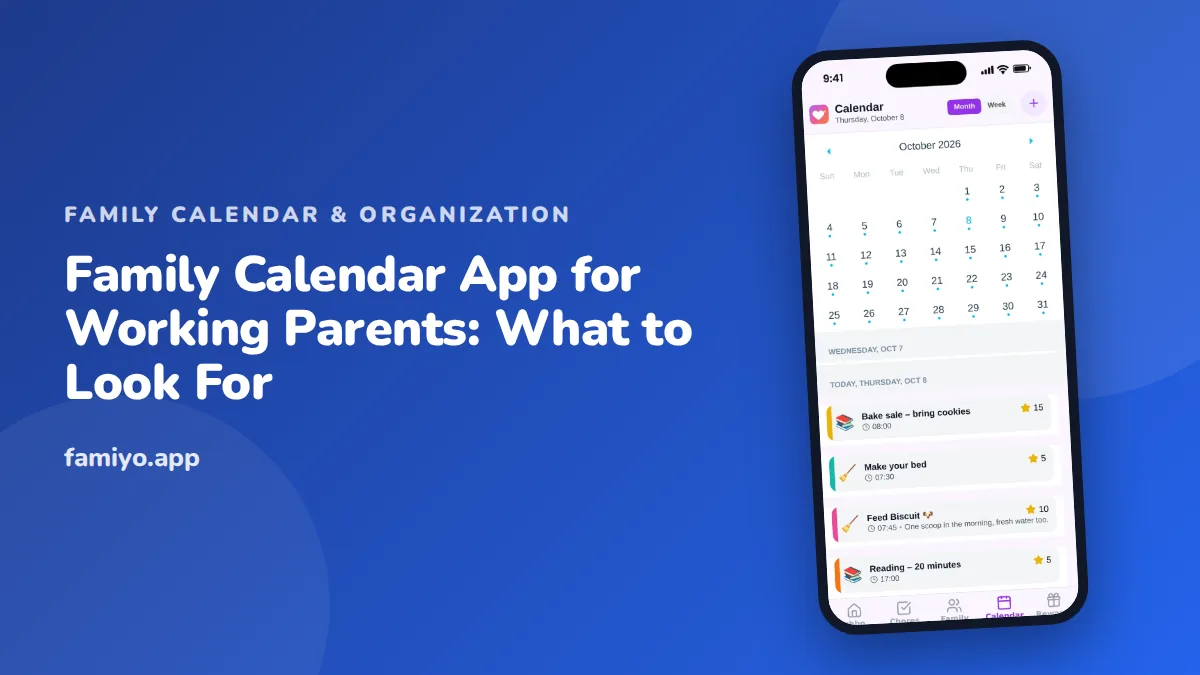
For a working parent, a calendar is not a nicety. It is the thing that decides who leaves the office at 4:30, who has the school pickup on the day of the client call, and whether the dentist appointment gets missed for the second time. A family calendar app earns its place only if it answers those questions quickly. This guide covers what to look for, how to set one up in an evening, and what a realistic week looks like once it runs.
What a family calendar should answer for working parents
A good test is whether the calendar answers five questions in under ten seconds, from a phone, while walking out of a meeting.
- What is happening today, and for which child?
- Who is taking each child, and who is picking up?
- What do we need to bring or do beforehand?
- When am I, or my partner, unavailable?
- What is coming next week that needs a decision?
If an app makes you open three screens to find out who is picking up, it will stop being used within a month. The best ones show the week at a glance and let you tap into details.
Features that matter, and ones that do not
Before you compare tools, rank what you need. Working parents tend to need a short list.
| Feature | Why it matters | What to check |
|---|---|---|
| One shared calendar both adults can edit | Prevents one person from becoming the family secretary | Can both parents be administrators? |
| A colour for each person | You see who is busy without reading titles | Month and week views both show colours |
| Repeating events | Weekly practices and daily routines are entered once | Daily, weekly and every-few-days options |
| Event details and participants | "Who is going" is in the entry itself | Can you list every participant? |
| Notifications | The right person is alerted at the right time | Do kids and parents get different alerts? |
| Fast phone entry | You add events in the car park, not on a laptop | Works on iPhone and Android with live sync |
| Limits on the free plan | Surprises appear when you add the fourth person | Member and repeating-event caps |
Features that sound impressive but rarely matter: complicated project views, endless integrations, and anything that adds steps to creating a simple event. If you rely on a work calendar, remember that most family apps will not pull it in automatically, so plan to add your key work blocks by hand.
Set it up in one evening
You do not need a whole weekend. Here is a sequence that works for most households with school-age children.
- Create the calendar and invite your partner. Make both of you administrators so either can edit.
- Give each family member a colour. Keep parents in neutral shades so children's colours stand out.
- Add the fixed points first: school hours, daycare or after-school care, and each parent's usual work pattern.
- Add every repeating activity once, set to repeat weekly.
- Add the next four weeks of appointments, birthday parties and school dates.
- Decide the default pickup and drop-off pattern, and put the driver in each entry.
- Set a recurring 10-minute Sunday check on the calendar itself.
Our guides to how to make a family calendar and how to manage a family calendar walk through the same steps in more depth if you want screenshots and variations.
A realistic Tuesday
Picture a household with two working parents and children aged 7 and 11. The calendar says: 7:40 school drop-off (Dad), 8:30 Mom's team meeting (blue block), 3:15 pickup (Mom, leaves work at 2:50), 4:15 soccer for the 11-year-old (Dad drives), 5:30 piano for the 7-year-old (Mom), 6:30 dinner. A parent glancing at it at lunch sees at once that Dad has a conflict if his meeting runs past 3:45.
Without the shared calendar, that conflict shows up at 3:50 when the school calls. With it, Mom swaps the pickup on Sunday night. That is the real return: not saved minutes but fewer 3:50 phone calls.
Handling the days when work runs over
Working parents rarely lose control of the calendar on normal days. It goes wrong when a meeting stretches, a flight is delayed or a child is sent home sick. Plan for those in advance, with two simple habits.
First, agree on a backup for each regular pickup. It might be the other parent, a neighbor, a grandparent or an after-school program with late pickup. Write the name in the entry notes, so the plan is visible when you are stressed and not thinking clearly.
Second, agree on a message rule. If your plans change, you update the calendar first and then send a short text, "Moved pickup to you, see calendar." The calendar stays the source of truth, and the text is only the nudge. That way no one has to scroll through a long chat to find out who is going where.
Review the backups once a month. People move, schedules change, and a backup you have not checked in six months may no longer exist.
Make your partner and the kids part of it
A calendar only one adult updates is a second job for that adult. Ask your partner to enter their own work trips and late nights, and agree that if it is not in the calendar, it does not count as a commitment. Our piece on getting your partner to use the family calendar covers how to start that conversation without it sounding like a complaint.
Children from about 7 or 8 can read their own colour and see what is on tomorrow. Teenagers can add their own events if you allow it, which saves you from learning about the Friday game on Friday. See how to get teens to use a shared calendar for what tends to work.
Common mistakes
- Entering details in two places, then forgetting which is right.
- Adding only the children's events and leaving out parents' travel and late meetings.
- Setting reminders for everything, so none gets read.
- Treating the calendar as a to-do list, which clutters it. Keep tasks elsewhere or use chores.
- Skipping the Sunday check because the week looks fine.
Using Famiyo as a working parent
Famiyo is a free family app for iPhone and Android that combines a shared family calendar, chores with points and a rewards shop; kids join with a code, no email needed. Both parents can be administrators, the calendar has month and week views with a colour per family member, and events can have categories like school, sports and appointments. Repeating events are supported, and all phones stay in live sync.
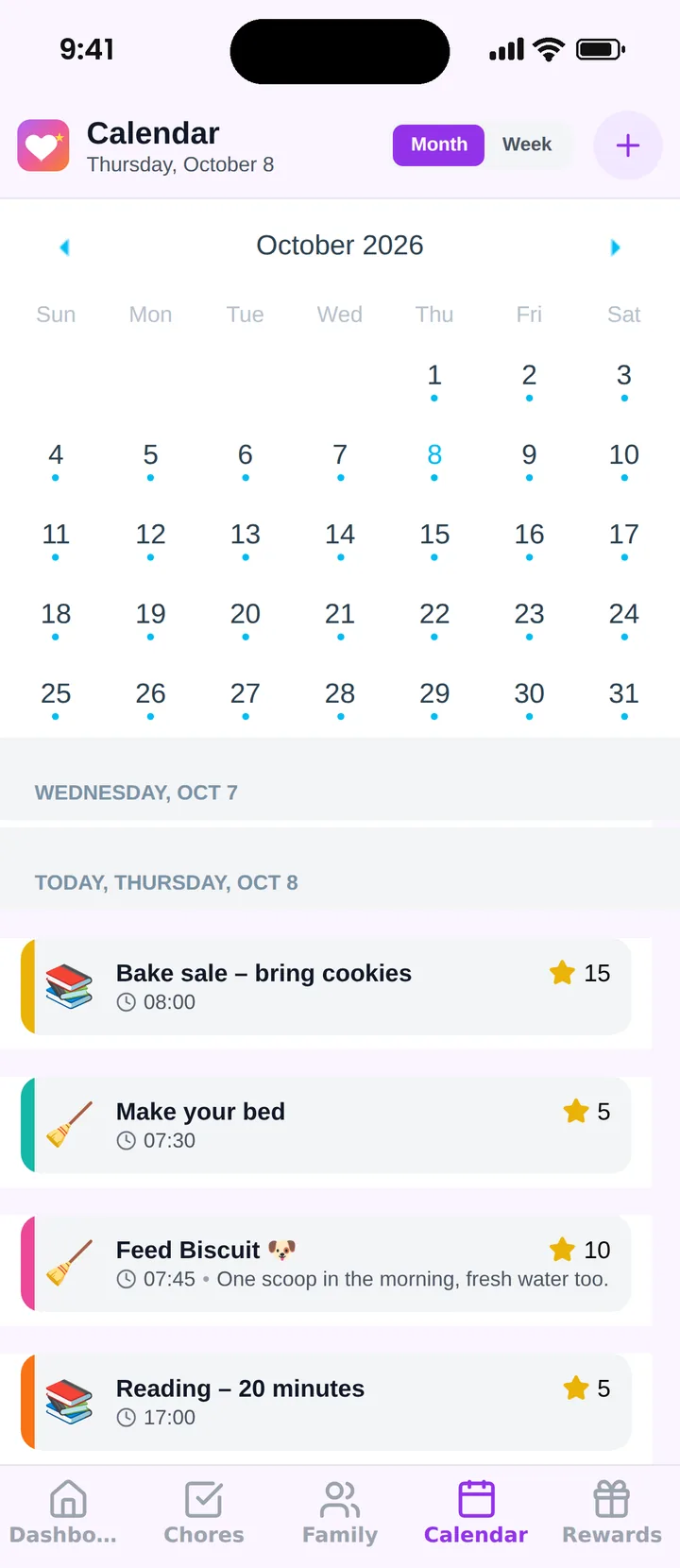
Kids see their events and chores on their own phone, and parents get a push notification when a chore is done. Famiyo does not sync with Google or Outlook, so work blocks are added by hand. The free plan covers up to 3 family members and 1 repeating task, and Premium removes those limits. Compare it in our list of the best family calendar apps.
Tonight, create the calendar, add your partner as an administrator and enter just the next seven days.
Frequently asked questions
Does a family calendar app replace my work calendar?
No. Keep your work calendar for meetings and use the family one for everything that involves home. The overlap is small: add your late meetings and travel to the family calendar as busy blocks so your partner knows you are not available.
How do two working parents split pickups using a calendar?
Add a driver to every event that needs one, and decide the default in advance, for example Mom takes Monday and Wednesday, Dad takes Tuesday and Thursday. Change only the exceptions in the calendar so neither parent guesses.
What if my partner does not check the calendar?
Make it hard to miss without nagging. Add them to events, agree on a 10-minute Sunday check together, and ask them to enter their own commitments. Most people start using a calendar once they see it prevents a problem for them.
Is a free family calendar app enough for a busy family?
Often yes, if the plan covers your family size and repeating events. Check the limits before you commit. Famiyo's free plan allows up to 3 family members and 1 repeating task, and Premium removes those limits.
How much time should it take to maintain the calendar?
About 10 minutes on Sunday plus a few seconds each time something new arrives. If it takes longer, the calendar probably holds too much detail or too many people are entering the same events twice.
Try Famiyo With Your Family
Chores with points, a rewards shop for kids and one shared family calendar. Set it up in a couple of minutes.



Free to download • No credit card required • Available on iOS & Android