How to Organize a Busy Family Schedule: A Complete Guide
How to organize a busy family schedule: audit the week, pick one system, set weekly and daily routines, build in buffers and fix what keeps breaking.
By Famiyo Editorial TeamUpdated 6 min read
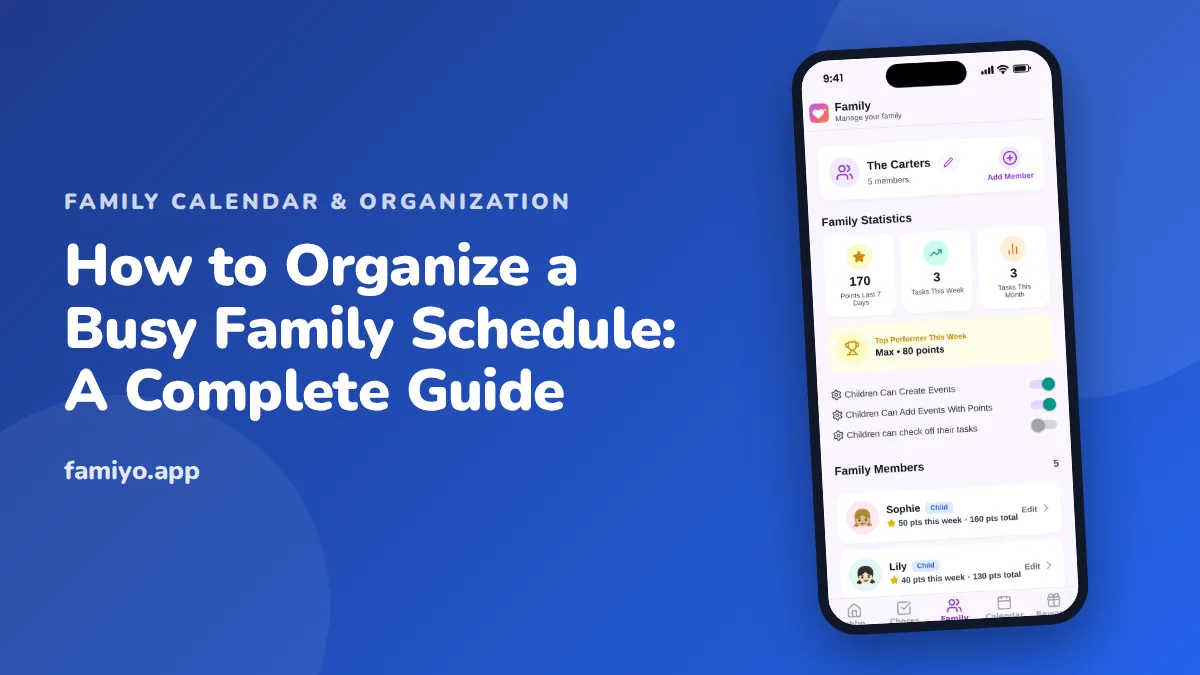
A busy family schedule is rarely one big problem. It is forty small ones: a form due Friday, a pickup that moved, a dentist visit nobody booked, dinner at 7:40 again. Without a plan they pile up, and the person who remembers everything gets tired. This guide goes through the setup in order: measure the week, choose one system, add a few routines, build in slack, and fix what keeps breaking.
Start by writing down one normal week
Before you reorganize anything, find out what you are organizing. Take a sheet of paper or a spreadsheet, list the days across the top, and write in everything that happens in a typical week for each person.
Include more than activities: school start and end times, work hours and commute, regular appointments, meal times, bedtime, laundry day, grocery run. Include drive time. Mark in red anything that overlaps.
Most families discover two things. First, there are one or two evenings that are impossible as written. Second, there is usually at least one commitment that nobody remembers choosing. That list is where the relief starts.
If you want a pre-made format for this, our family schedule template gives you a blank grid.
Pick one place where everything lives
The most common reason schedules fail is not a lack of effort. It is too many places. A paper calendar, a work calendar, a school email, a group chat and mental notes mean that something always falls between them.
Choose one primary home for the family schedule, and use it for everyone. Whatever you choose should meet four conditions:
- Every adult can see and edit it.
- It shows each person separately, with a color or label.
- It handles repeating events, so you do not re-enter soccer every week.
- It is somewhere you look every day.
Then do a one-time import. Move everything from other sources into it, and add the rule: if it is not in the calendar, it is not happening. Our guide on how to organize a family calendar covers the setup step by step, and the family calendar example shows a full week filled in.
Add a weekly review and two daily routines
Structure beats willpower. Three small habits do most of the work.
The weekly review takes ten minutes. Pick a regular time, such as Sunday evening, and walk through the week: what is different, who drives, what needs buying or preparing.
The morning routine has a fixed order. For school-age kids it usually takes 30 to 45 minutes from wake-up to leaving the house. Put the order on a card or checklist: dressed, breakfast, teeth, bag, shoes.
The evening reset takes ten to fifteen minutes. Bags packed, clothes picked for tomorrow, lunch started, calendar glanced at together. The night before is when mornings are won.
Give a new routine two to three weeks of consistent use before judging it. Most routines feel clumsy for the first week.
Spread the household work around
A schedule is not only appointments. The work of running a home takes time too, and if all of it lands on one person, the whole system tilts. Write the recurring jobs down, and assign them by who is available when, not by habit.
Kids can take on more than most parents expect. By ages 6 to 7 they can pack their own school bag, and by 8 to 9 they can load the dishwasher or take out the trash. Our cleaning schedule for families shows how to split tasks by age and room. For the broader picture, see household management for busy families.
Meals deserve the same treatment. Deciding on dinner at 5:30 every day is exhausting, so a loose plan helps: tacos on Tuesday, pasta on Thursday, leftovers on the night with practice. Three fixed nights out of seven already cut the daily decision by almost half.
It also helps to name one person as the owner of each recurring job for a month, then rotate. Ownership means the job gets done without a reminder, and rotation keeps anyone from feeling stuck with the worst one. Write the owners next to the job on the same page as the schedule, so the information is not scattered again.
Bring the kids into the system
A schedule that only the adults can read keeps the adults as the only ones responsible. Kids can take part earlier than you might think. A 5-year-old can look at a color-coded calendar and tell you that blue days mean swimming. A 9-year-old can read out tomorrow's plan at dinner. A 13-year-old can keep their own entries and tell you when something clashes.
Give each child a small job in the system: checking the bag against the day's events, announcing the plan, or adding their own events. Ask them to say what is happening tomorrow before bed. It takes two minutes, and it cuts the "nobody told me" moments sharply. When a child forgets, ask "where would you look to find out?" instead of rescuing them every time. That question builds the habit faster than a reminder does.
Build in buffer time
Most schedules fail not because they are full, but because they have no slack. A 6:00 practice across town is not a 6:00 task. It is a 5:30 departure plus a snack plus a missing shoe.
Some practical numbers. Allow 15 minutes between events in different places. Allow 30 minutes on school mornings with younger children. Never schedule two things back to back on the same evening if you can avoid it, and keep one evening a week with nothing planned.
If you are always late to the same thing, add time to that slot rather than trying harder.
What to do when it still feels like too much
Sometimes the answer is not a better system but fewer things. Look at the weekly grid again. If it is still full after the changes, remove one commitment. Ask each family member what they would drop first, and listen.
A few common patches:
| Problem | Fix |
|---|---|
| Two kids need to be in two places | Swap rides with another family, or alternate which child gets the activity that season |
| Forgotten forms and money | A weekly school-paper time on Sunday, one folder, due dates on the calendar |
| Constant morning rush | Move choices to the night before, cut one step, wake up 10 minutes earlier |
| One parent holds all the information | Both parents enter events, both attend the weekly review |
| Dinner chaos | Pick 3 easy meals for the busiest nights |
Review monthly. Kids grow, sports seasons start and end, work changes. Small adjustments keep the system alive, whereas a full rebuild every six months is usually a sign that the original plan was too complicated.
Seeing the whole family in Famiyo
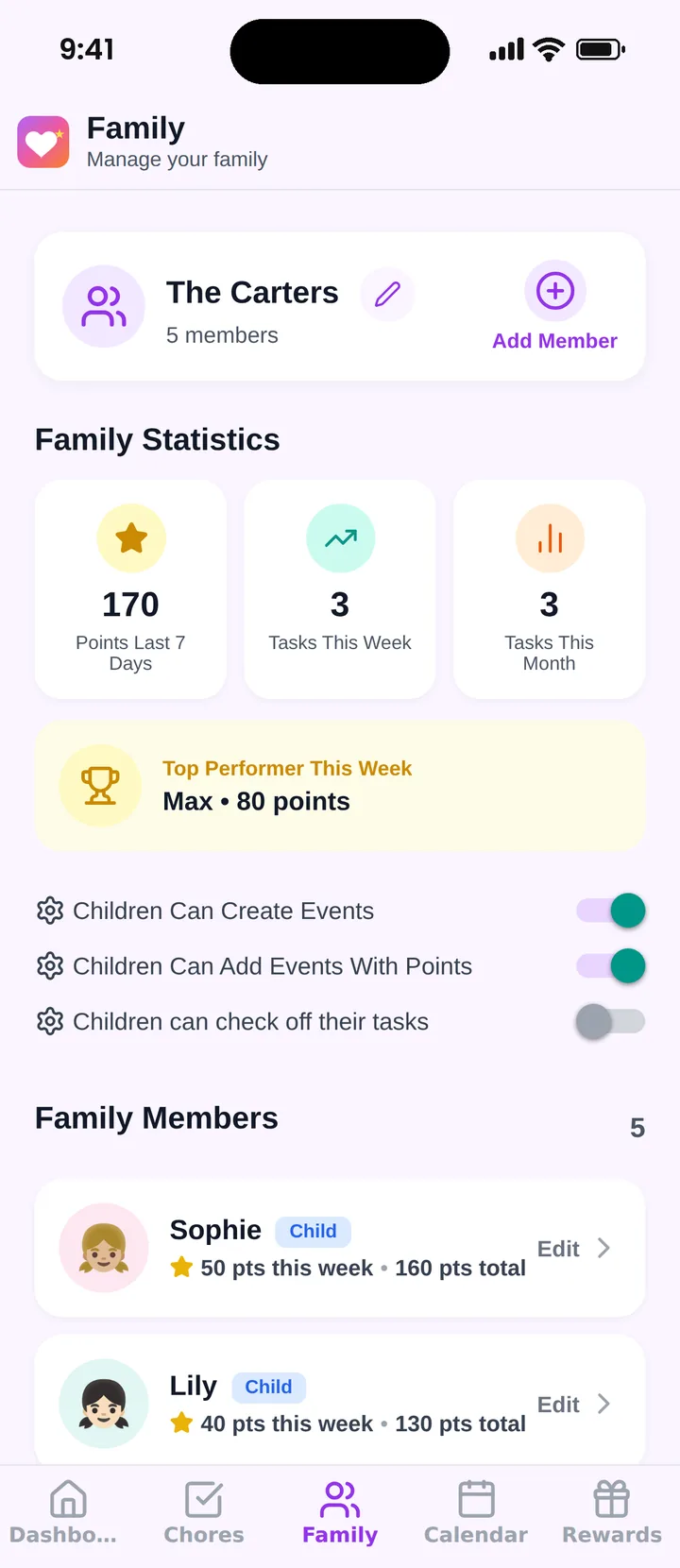
Famiyo is a free family app for iPhone and Android that combines a shared family calendar, chores with points and a rewards shop; kids join with a code, no email needed. For a busy schedule, the shared calendar gives each person a color, supports repeating events and categories such as school, sports and appointments, and both parents can be administrators. Chores sit in the same place as events, so the whole day shows in one view. The statistics screen shows points this week and a top performer, which keeps the household work visible too.
If you are choosing a tool, our list of the best family organizer apps can help.
Start with the first step only: write down one normal week this evening, and look for the red overlaps.
Frequently asked questions
Where do I start if our schedule is already out of control?
Write down one ordinary week: every school hour, practice, work shift, appointment and recurring task, for every person. Seeing it on one page shows the real load and where the conflicts are, which is usually the first step to fixing them.
Should we use a paper calendar or an app?
Either works if everyone checks it. Paper is visible on the fridge; an app goes with you and updates live. Pick one primary place and use only that. Two systems create the exact gaps you are trying to close.
How do I get my partner to use the family calendar?
Agree on one rule: if it is not on the calendar, it is not happening. Enter their commitments together in the first session, and keep the setup quick for them. Habit follows once the calendar proves useful.
How much buffer time should I add between events?
Fifteen minutes between events in different places is a good starting point, and 30 minutes on school mornings with young kids. If you are always late to the same thing, the buffer there is too small.
How often should I change the system?
Review it monthly and rebuild it at big transitions such as a new school year, a new sport season or a job change. Small changes work better than full resets.
Try Famiyo With Your Family
Chores with points, a rewards shop for kids and one shared family calendar. Set it up in a couple of minutes.



Free to download • No credit card required • Available on iOS & Android