Planning a Family Week When Everyone's Schedule Is Different
Put every schedule on one calendar, find the few real collisions, give each one an owner and protect two open evenings. A 30-minute weekly method.
By Famiyo Editorial TeamUpdated 5 min read
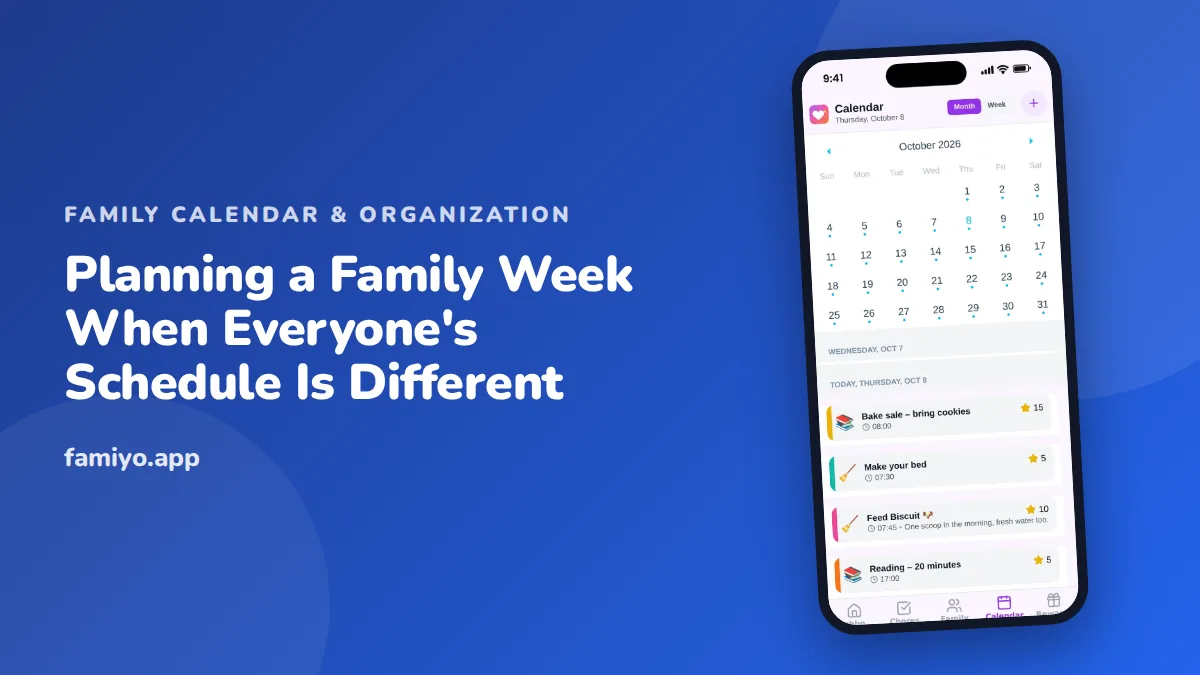
Say Dad works rotating shifts, one child has swim on Tuesdays and Thursdays, another has a club that moves every other week, and you have a standing late meeting on Wednesday. Planning a week like that is less about a perfect timetable and more about finding the few hours that collide. This page gives you a 30-minute method for finding them, a table of fixes, and a full example week you can copy.
Why different schedules break the usual weekly plan
A normal weekly plan assumes one family rhythm: everyone leaves around the same time, everyone is home around the same time. When schedules differ, the trouble does not spread evenly across the week. It piles up in two windows, the morning handoff and the stretch between about 3 and 6 pm, when pickups, practices, dinner and homework all want the same adults.
That is good news. Most weeks have only three or four real collisions. Everything else runs on its own. So the job is not to plan every hour. It is to find the collisions on Sunday, while there is still time to fix them, instead of at 4:40 on Tuesday.
The 30-minute weekly collision check
Do this once a week, at the same time, with every adult who drives or covers. A teenager can join and add their own plans.
- Gather every schedule before you sit down. Work shifts, school hours and early dismissals, practices, lessons, appointments. Ask each person for anything that is not already written down.
- Enter fixed things first: school, work shifts, standing practices. Then add one-off items like a dentist visit or a birthday party.
- Read each day in two windows, out the door and 3 to 6 pm. Mark any slot where two people need to be in different places and only one adult is free, or where no adult is free at all.
- Pick one fix per collision from the table below.
- Give every fix a named owner. "Someone will pick up Maya" is not a plan. "Dad picks up Maya at 4:15" is.
- Choose two evenings to leave empty. Put them in the calendar as events so nobody books over them.
- Spend five minutes at dinner saying the week out loud, one day at a time.
For a lighter weekly routine that works when schedules are mostly the same, see how to plan the week ahead as a family. The method here is for the weeks when they are not.
Which fix fits which collision
| The collision | Fixes to try, in this order | What to say |
|---|---|---|
| Two kids, two places, one adult | Carpool swap with another family, stagger the drop-offs, older child walks or takes the bus | "Can we take your two on Tuesdays if you take ours on Thursdays?" |
| No adult free at pickup | Aftercare, a relative, a neighbor, a trusted friend | "Could you take Sam from school on Wednesdays until 5:30?" |
| A parent on a late shift | Move the shared meal to breakfast or the weekend, split bedtime duty | "Wednesday dinner is just us. We do pancakes together Thursday." |
| Too much in one evening | Move one item, drop one for the season | "We can do swim or art on Tuesday, not both." |
| A last-minute change | Call the backup person from your short list | "Mom's meeting ran over. Can you do pickup today?" |
Keep a short backup list of two adults who have agreed in advance that they can be called. It turns a crisis into a phone call.
An example week: two working parents, three kids
This is a made-up family, shown so you can see the method on a real grid. Mom works 9 to 5:30, Dad works an early shift Monday and Tuesday and is home by 3 the rest of the week. The kids are 12, 8 and 4.
| Day | What is on | Collision | Fix and owner |
|---|---|---|---|
| Mon | Dad out at 6:00, nothing after school | None | Protected evening, no plans |
| Tue | Swim for the 8-year-old at 4:30, piano for the 12-year-old at 5:00 | Mom at work until 5:30, Dad on early shift | 12-year-old walks to piano (two blocks from school). Neighbor drives swim, Dad owes them Saturday |
| Wed | Mom has a meeting until 7:00 | Dinner and bedtime for the 4-year-old | Dad owns dinner and bedtime, leftovers planned |
| Thu | Dentist for the 4-year-old at 3:15, swim at 4:30 | Both need an adult | Dad takes the dentist visit, Mom swaps to a work-from-home afternoon for swim |
| Fri | Nothing | None | Protected evening, family movie |
| Sat | Soccer at 9:00 for the 12-year-old, birthday party at 1:00 for the 8-year-old | Two places at once | Mom takes soccer, Dad takes the party |
| Sun | Weekly check at 7:30 pm | None | Both parents, 30 minutes |
Four collisions, four named owners, two empty evenings. Nothing on that grid is clever. It simply got decided on Sunday. If your Saturdays are the real problem, how to plan a family weekend covers that side.
When schedules change every week
Shift work, seasonal sports and project deadlines all produce schedules that arrive late. A few habits keep them from wrecking the plan.
Enter shifts the day they are published, even if the rest of the week is empty. Start the entry title with "Tentative" until it is confirmed, then delete the word. Anything that changes after Sunday goes into the calendar, not into a passing comment in the hallway, because the passing comment is the one that gets lost. And leave a little slack: if three fixes depend on one parent being back by 4:30, one late meeting sinks the whole day.
Keep the kids in the loop
Children feel steadier when they know the shape of the week, and older ones can carry part of it. Give a teenager the job of adding their own practices and rides. Tell younger kids the week in plain words: "Tuesday is busy. Dad has you for swim and Sam walks to piano. Wednesday is just us at home." If you want to teach a child to read a schedule for themselves, teaching kids to plan has age-by-age steps.
Seeing all schedules at once in Famiyo
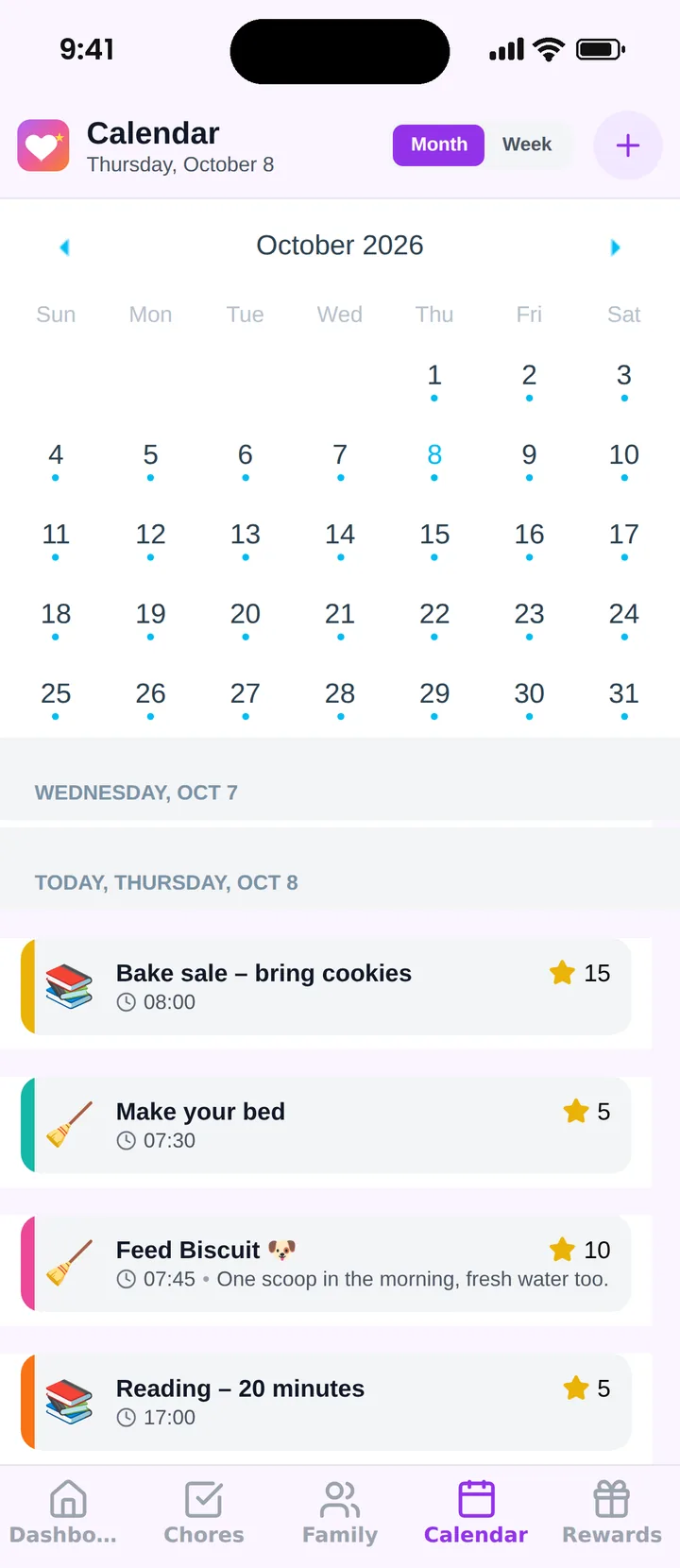
Famiyo is a free family app for iPhone and Android that combines a shared family calendar, chores with points and a rewards shop; kids join with a code, no email needed. For this topic, the month and week views show the whole family at once, with a colour for every person, so a Tuesday collision is visible as two colours at the same hour. Add each event with its participants, and use repeating events for swim or piano so you enter them once. Everyone's phone stays in sync.
Compare options in our list of the best family calendar apps.
Before next Sunday, ask everyone for their schedule by Saturday night. A calendar with half the information is the easiest way for the method to look like it does not work.
Frequently asked questions
How do you plan a week when parents work different shifts?
Work from the most fixed schedule to the least. Enter school and standing activities first, then each parent's shifts the day they are published. Mark shifts as tentative until confirmed, and keep two backup adults on a short list for the days a shift changes.
How do you stop two kids' activities from overlapping?
Spot the overlap early by viewing the week, not just the day. Then pick one fix: a carpool swap, a staggered pickup, an older child walking or taking the bus, or dropping one activity for the season. Name who owns the fix.
How often should a family review the weekly schedule?
Once a week for about 30 minutes, usually Sunday, plus a one-minute look at tomorrow each evening. The weekly session finds the collisions. The evening glance catches anything that changed since.
How many activities is too many for one week?
There is no fixed number. A useful test is whether the family still has two evenings with nothing scheduled and one adult who can say yes to a surprise. If not, move or drop something before adding more.
Try Famiyo With Your Family
Chores with points, a rewards shop for kids and one shared family calendar. Set it up in a couple of minutes.



Free to download • No credit card required • Available on iOS & Android