Earn Screen Time Ideas for Kids: 24 Things That Work
24 ways for kids to earn screen time, from chores and reading to outdoor play, with minutes to award, simple rules and tips for keeping it fair.
By Famiyo Editorial Team5 min read
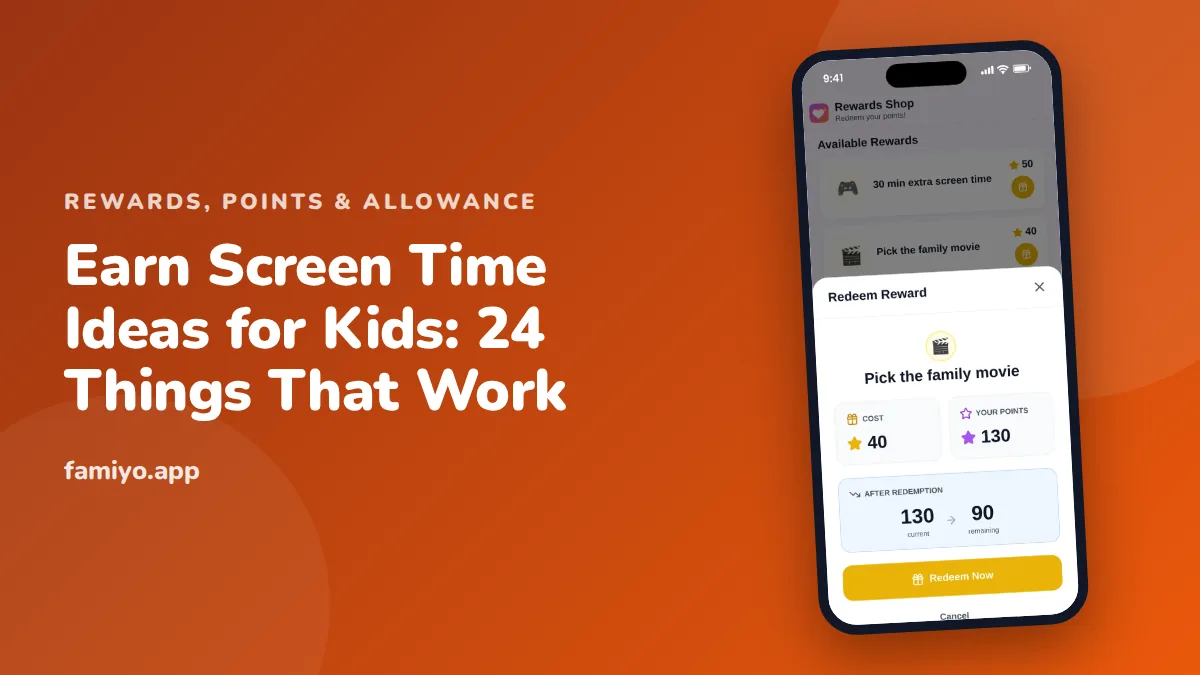
Most parents who ask this question are already halfway into a screen time argument. Tablets come out right after school, chores get skipped, and "five more minutes" turns into forty. Making screen time something kids earn changes the deal: the rules are written down, and the child knows exactly what gets them there.
Below are 24 things kids can earn screen time for, a table of suggested minutes, and the rules that keep the system from collapsing by Thursday. If your child struggles to wait for a reward, our delayed gratification activities make a good warm-up.
Before you pick ideas: set the base rules
An earn-first system only works if the starting point is clear. The American Academy of Pediatrics does not give a fixed number of minutes for children 6 and up. It asks families to set consistent limits and protect sleep, physical activity and homework. For ages 2 to 5 it suggests about an hour a day of high-quality programming, ideally watched together.
So decide three things first:
- What counts as earned screen time (games, video, TV) and what does not (homework, calls with relatives, a reading app).
- The daily cap, for example 60 minutes on school days and 90 on weekends.
- The cutoff, such as screens off about an hour before bed and none at meals.
Earned time sits inside those limits. It does not replace them.
Chore ideas that earn screen time
Chores are the most common currency because they come around every day. Match the minutes to the effort, and keep a short list of "free" family chores that do not earn anything, like clearing their own plate. Those are just part of living in the house.
- Make the bed and get dressed without reminders
- Feed the pet, morning and evening
- Set the table or clear it after dinner
- Empty the dishwasher
- Fold and put away their own laundry
- Take out the trash and recycling
- Tidy the bedroom to a written checklist
- Do a weekly bigger job such as vacuuming a room, cleaning a bathroom sink or washing the car
Learning and creative ideas
Reading is the classic. A common trade is one minute of screen time for each minute of reading, which many families sweeten to 1.5 to 1 for books they would not normally pick. If you want more on this, our piece on how to reward kids for reading covers it in depth.
- Read a chapter book for 20 minutes
- Practice an instrument for 15 minutes
- Finish homework before 5 p.m. without being asked
- Write a page in a journal or a letter to a grandparent
- Build something with Lego or craft materials for 30 minutes
- Learn one new recipe step, such as cracking eggs or measuring flour
Active and outdoor ideas
The AAP guidance specifically names physical activity as something screens should not crowd out, so trading movement for screen time points the incentive in the right direction.
- Play outside for 30 minutes
- Ride a bike or scooter around the block
- Walk the dog with a parent
- Join in a family walk after dinner
- Practice a sport for 20 minutes
Kindness and family ideas
- Help a younger sibling with a task
- Play a board game with the family
- Cook part of dinner with a grown-up
- Do a favor for a neighbor or grandparent
- Go a full day with no name-calling or screaming at a sibling
That last one is a behavior goal, not a chore, and it suits older kids better than preschoolers. Keep the target specific so you do not end up arguing about what counts.
How many minutes should each idea earn?
Use the table as a starting rate and adjust after two weeks. Smaller kids need quicker payoffs; older kids can wait for a weekly total.
| Task size | Examples | Screen minutes earned |
|---|---|---|
| Small (2 to 5 minutes) | Make the bed, feed the pet | 10 |
| Medium (10 to 15 minutes) | Empty the dishwasher, tidy the room | 15 to 20 |
| Reading or practice | 20 minutes of a book or instrument | 20 |
| Active play | 30 minutes outdoors | 20 to 30 |
| Big (30 minutes or more) | Clean the bathroom, wash the car | 30 to 45 |
| Bonus | Done without a reminder | +5 |
A child who finishes a normal day of four small and medium tasks lands around 45 to 60 minutes. That fits most daily caps and leaves room for a big weekly job to earn a movie night.
Rules that keep the system from falling apart
A few habits matter more than the ideas themselves.
- Write the rates down where everyone can see them. Arguments shrink when the rule is on paper.
- Pay out after the task, not before. "Screen time first, chores later" almost never ends with chores.
- Keep the cap. Without one, a good week turns into six hours on Saturday.
- Do not take earned time away as punishment. If time is earned, it belongs to the child. Use a separate, clearly stated consequence for behavior.
- Mix in other rewards. If screens are the only thing worth working for, kids start to rank everything else as boring. Try some of the free rewards for kids that cost nothing, like picking the dinner music or a bedtime story swap.
Some kids, especially those who are easily frustrated, handle a screen ending badly. Warn them five minutes ahead, use a timer they can see and plan the next activity. If transitions are very hard for your child, it is worth mentioning to your pediatrician.
Tracking earned minutes in Famiyo
Famiyo is a free family app for iPhone and Android that combines a shared family calendar, chores with points and a rewards shop; kids join with a code, no email needed. For earning screen time, you give each chore a point value, then create a reward such as "15 extra minutes of screen time" for 30 points, with a limit on how many your child can buy and when.
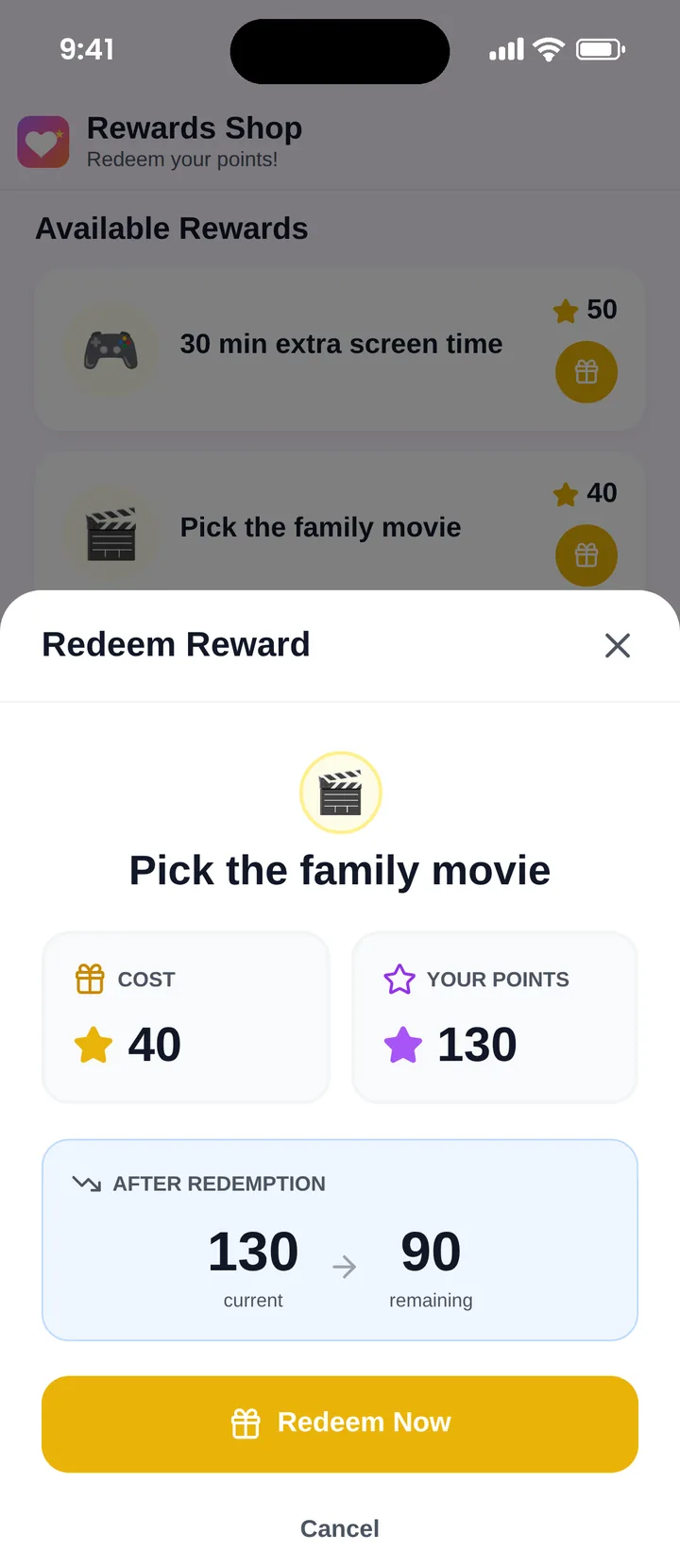
Your child redeems from their own phone and sees the points left, and you get a notification when they do. That replaces the nightly "how many minutes did I earn?" negotiation. If you are comparing tools, see our list of the best reward chart apps for kids.
Start with one week
Pick five ideas from this list, write the minutes beside each one, and run it for a week before changing anything. If your child is old enough, let them choose two of the five. Kids stick to rules they helped write, and you will quickly see which tasks are worth too much or too little.
Frequently asked questions
How much screen time should a kid earn for one chore?
About 10 to 15 minutes for a small chore and 30 minutes for a bigger one is a good starting rate. Set a daily cap too, so a child cannot stack six chores into a four-hour gaming session.
Is it a good idea to make kids earn screen time?
It works for many families because the rule is clear and the child controls the outcome. It backfires if screens become the only thing a child works for, so mix in other rewards and keep basic limits for sleep and meals.
What counts as screen time kids can earn?
Decide this before you start. Most families count entertainment such as games, YouTube and TV, and leave homework, video calls with grandparents and reading on a device outside the earned pool.
What should I do if my child melts down when the earned time ends?
Give a five-minute warning, use a visible timer, and have the next activity ready. Transitions are hard for many kids, and a predictable end works better than negotiating in the moment.
Should earned screen time carry over to the next day?
Allow a small carryover, such as one day, so kids can save for a movie night. Unlimited banking tends to produce marathon sessions, which is exactly what the daily cap is there to prevent.
Try Famiyo With Your Family
Chores with points, a rewards shop for kids and one shared family calendar. Set it up in a couple of minutes.



Free to download • No credit card required • Available on iOS & Android