Technology for Family Scheduling: A Simple Setup
How to use technology for family scheduling: pick one shared calendar, set a few reminders, agree on who enters events and cut the texts and sticky notes.
By Famiyo Editorial TeamUpdated 5 min read
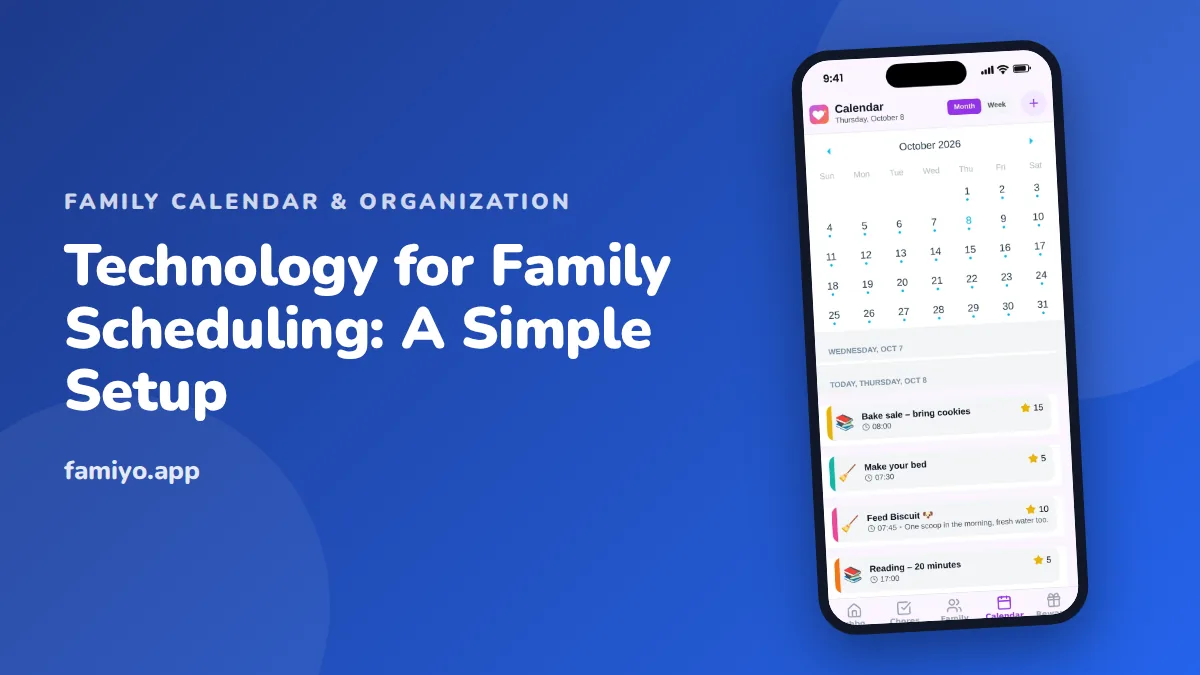
Most family scheduling trouble is not a time problem. It is a scatter problem: a practice time in a text, a school date in an email, a dentist card on the fridge, and a half-remembered promise from the car ride home. Technology can fix that, but only if you use it to collect things in one place instead of adding a new place to check. This guide walks through a setup that takes about an evening and a few habits that keep it working.
What technology actually helps with family scheduling?
Three things, and only three. A shared calendar, so everyone looks at the same schedule. Reminders, so the people who need to move at 3:15 get nudged at 2:50. And a way for kids to see their own responsibilities without asking you.
Everything else is optional. Many families end up with five apps because each one solved a small problem, and then nobody knows where Thursday lives. Before you add a tool, ask whether a repeating calendar event or a category could do the same job. Usually it can.
Pick one calendar and make it the source of truth
The choice matters less than the commitment. Whichever calendar you use, it needs to work on every phone in the house, let at least two adults edit, and update live so a change at 4 p.m. shows up at 4:01.
Then adopt one rule and say it out loud: if it is not on the calendar, it is not happening. This sounds strict, and it is the whole system. It is also fair to everyone. A parent can't be blamed for missing a game nobody entered, and a coach's late text becomes a two-minute job instead of a mental note.
Pick one person to do the first big load of entries (school year dates, regular practices, standing appointments), then share the editing afterward. For the partner side of this, our guide on getting your partner to use the family calendar has the wording that works.
Set it up in one evening
Block 45 to 60 minutes after the kids are in bed and work through these steps in order.
- Add every family member, including kids who don't have a phone yet. Give each person one color and never reuse it.
- Enter the fixed weekly things first: school hours, regular practices, lessons, standing work shifts. Use repeating events so you type each one once.
- Add the next four weeks of one-off events: appointments, birthday parties, school days off, trips. Grab them from the school newsletter and the fridge.
- Put the details in the event itself. Address, "leave by" time, what to bring, who drives. A title like "Practice" saves nothing; "Soccer, Field 3, leave 4:15, shin guards" saves a text.
- Choose a few categories, such as school, sports and appointments, so you can tell the kind of day it is at a glance.
- Delete the paper calendar or move it to the pantry door as a backup you stop updating. Two live sources is the fastest way to lose faith in both.
If you want to see what a finished version looks like, our family calendar example shows a full week for a family with three kids.
Keep reminders short and meaningful
Reminders are where good setups quietly fail. If your phone buzzes eleven times a day, you will start swiping them away, including the one that matters.
A workable rule: remind for departures and handoffs, not for events themselves. "Leave for dentist" is useful. "Dentist at 4:00" an hour before you already planned to go is noise. Set most reminders 20 to 45 minutes before you need to move, and set one earlier alert (the evening before) for anything with equipment, forms or a snack assignment.
Give it a few weeks. Habits take 2 to 3 weeks of consistent use before you can judge them, so don't scrap the tool on day four because Tuesday went sideways.
Decide what stays out of the calendar
A calendar full of everything becomes unreadable. Keep it for things with a time, a place or a person attached. Leave the rest elsewhere.
| Put it on the calendar | Keep it somewhere else |
|---|---|
| Practices, lessons, appointments | Grocery and household lists |
| School days off, early dismissals | Long-term goals and ideas |
| Birthday parties and playdates | Random reminders with no date |
| Trips, with leave and return times | Homework details beyond the due date |
| Recurring chores with a set day | Phone numbers and forms |
Lists work best as a separate, boring tool that everyone can add to. For the bigger picture of how these pieces fit, see our guide to a digital family planner.
Get kids and teens to look at it
A calendar nobody reads is a diary. Kids who can see their own color learn to check it, and checking beats asking. Show a young child the week once on Sunday. Give older kids access to their own events and ask them to add what they hear about first, which is often before you do. Teens need a slightly different pitch, and our piece on getting teens to use the shared family calendar covers that.
A short weekly check keeps it alive. Ten minutes on Sunday, looking at the next seven days: where are the two heavy days, who is driving, what needs buying or packing. That ritual does more than any feature.
Using Famiyo as the family calendar
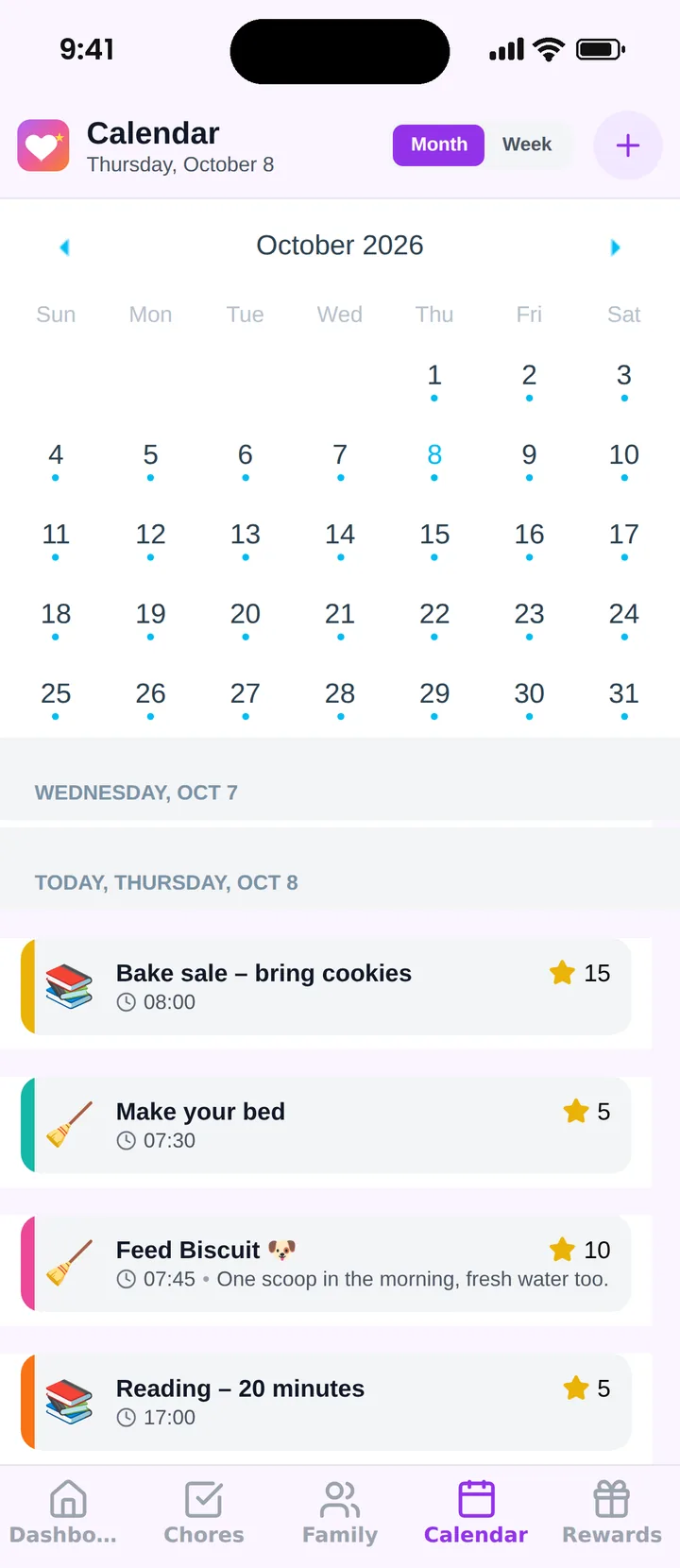
Famiyo is a free family app for iPhone and Android that combines a shared family calendar, chores with points and a rewards shop; kids join with a code, no email needed. For scheduling, that means a month view and a week view, a color for every family member, repeating events (daily, weekly or every few days) and categories such as school, sports and appointments. Changes sync live between phones, and parents can decide whether kids may add events themselves. The free plan covers up to 3 family members, and our list of the best family calendar apps compares the options.
One first step
Tonight, enter next week only. Fixed activities, appointments, who drives. Open it Monday morning and see how many questions it answers before you do.
Frequently asked questions
What is the best technology for family scheduling?
A shared calendar that works on every phone in the house is the core. Look for colors per person, repeating events and live sync between devices. Add other tools only when a calendar can't do the job, because each extra app is one more place to check.
How many apps does a family need to stay organized?
Most families do well with two: a shared calendar for anything with a date and time, and a simple list for things without one, like groceries. Once the schedule lives in more than three places, people stop trusting any of them.
Should kids have their own access to the family calendar?
Yes, once they have a phone or tablet. Kids who can see their own practices and events ask fewer questions and pack their own bags sooner. Younger children can look at the calendar with you during a short weekly check-in.
How do I stop reminders from becoming noise?
Limit reminders to moments that cost you something if missed: leaving for practice, picking up a sibling, bringing a permission slip. Skip alerts for all-day events and things you check weekly anyway. If a reminder gets ignored three times, delete it.
What if my partner won't use the shared calendar?
Start by entering their commitments yourself and asking for one thing only: that they look at it before saying yes to plans. Habit follows convenience, so make the calendar the fastest way to answer the question of who is where.
Try Famiyo With Your Family
Chores with points, a rewards shop for kids and one shared family calendar. Set it up in a couple of minutes.



Free to download • No credit card required • Available on iOS & Android