How to Track Kids' Activities Without Missing Anything
How to track kids activities in one place: catch every email, flyer and text in a single weekly sweep, then log time, place, gear and driver for each event.
By Famiyo Editorial TeamUpdated 4 min read
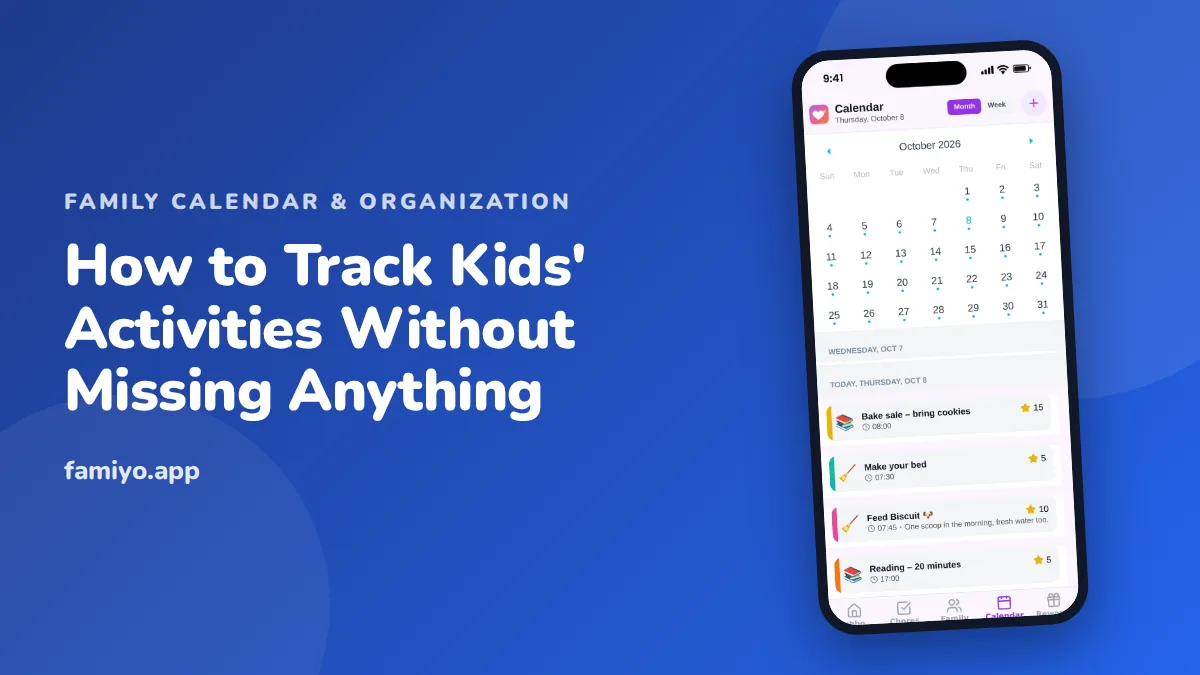
The schedule itself is rarely what trips parents up. It is where it arrives: a coach's group text, a PDF in an email, a photocopied flyer at the bottom of a backpack, a verbal "oh, and Saturday is now at 8" from the back seat. Tracking kids' activities well means solving that intake problem first and the storage problem second. Here is a method that handles both, plus a table of what to write down for each event.
Why do kids' activities get missed?
Usually for one of three reasons. The information came in through a channel you don't check daily. It got saved in your head instead of anywhere visible. Or it was entered with so little detail that it didn't help when the day came.
All three have the same fix: a single destination and a short routine that moves things there. Once you accept that the calendar is the destination, you can stop trying to remember and start routing.
Pick one place for the schedule
Your home for kids' activities should be a calendar that both parents can edit and that you can open on your phone in a parking lot. A paper wall calendar is fine as a display, but it can't tell you what changed an hour ago. If you want to compare options, our list of the best family calendar apps covers what to look for.
Whatever you choose, keep a few rules:
- One calendar, not one per child, so you can see collisions.
- One color for each child.
- Both parents can add and edit.
- Anything unscheduled goes in a separate note, not the calendar.
Do one weekly sweep
You will not enter things the moment they arrive. Nobody does. Instead, schedule a sweep of 10 to 15 minutes at a fixed time, such as Sunday after dinner or Friday while the kids are in the bath.
- Open the email inbox and search for the school, the league and the studio. Enter anything dated.
- Check each team or club app and its message thread. Scroll back to your last sweep.
- Empty the backpacks. Photograph anything useful, enter it, throw the paper away.
- Look at the next four weeks and note any week with three or more evenings booked.
- Text your partner the two things that affect them: a conflict, a pickup you can't do.
During the week, if something arrives that can't wait, enter it on the spot. The sweep is the safety net, not the only chance.
What to write down for every activity
A calendar entry that says "Practice" tells you nothing at 4:05. Use the same template each time so you stop thinking about it.
| Field | Example |
|---|---|
| Title with child | "Maya: piano lesson" |
| Start and end | 4:30 to 5:15 |
| Leave-by time | Leave 4:10 (the drive is 15 minutes) |
| Address | Ms. Ortega, 22 Pine Street |
| What to bring | Piano book, water bottle |
| Who drives | Dad, Mom picks up |
| Repeat | Weekly on Tuesdays until June |
Put the season's recurring events in as repeating events, and the one-offs (tournaments, recitals, picture day) as separate entries. When a change arrives, edit the existing event instead of adding a new one, or you will end up with two Saturdays.
Track the deadlines too
Activities have a second schedule that is easy to miss: registration dates, fees, form deadlines, uniform fittings, snack duty. Put each of these on the calendar the day it is announced, with a reminder two or three days before. Keep the forms in one folder, or one photo album, named for the activity. That alone ends the "where's the permission slip" scramble.
Handle the season changes
Activities come in blocks. A fall season ends, a winter one starts, and your calendar slowly fills with events that no longer exist. At the start and end of each season, spend 15 minutes on a clean-up.
- Delete or end repeating events that are over, so they stop showing up.
- Enter the full schedule for the new season at once, once the league or studio publishes it.
- Check the first two weeks for gear you need to buy, forms to sign and fees due.
- Note the end date of each activity, so you know when the evening comes back.
If your child quits an activity mid-season, remove the future events the same day. A calendar with ghosts in it teaches everyone to ignore it.
Review before you add one more thing
Tracking is easier when there is less to track. Before you sign up for next season, look at the calendar you built and ask what a typical Tuesday looks like. Our guide on how many activities a child should do can help you decide, and the case for leaving gaps is in kids' free time. If you want a ready-made format to print for the fridge, there is a kids activities schedule template.
Doing it in Famiyo
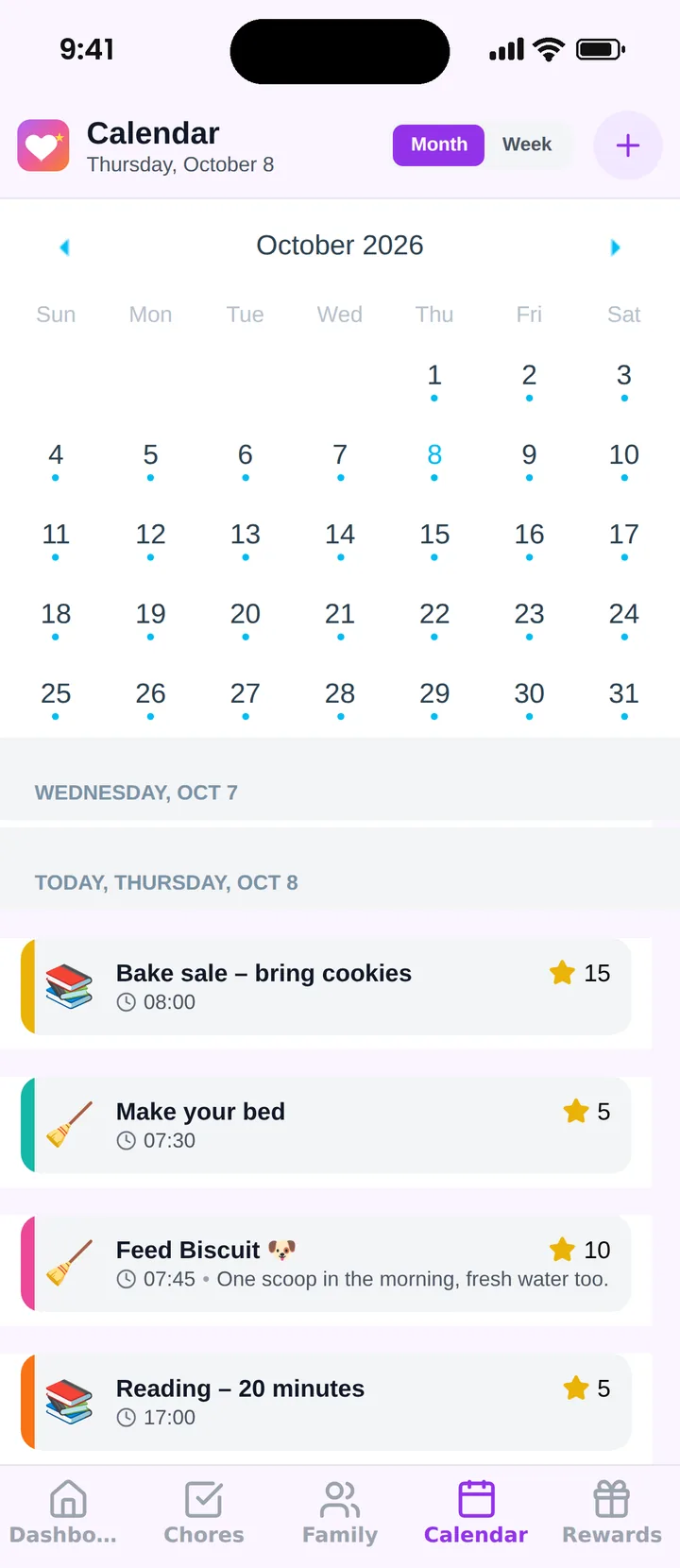
Famiyo is a free family app for iPhone and Android that combines a shared family calendar, chores with points and a rewards shop; kids join with a code, no email needed. Each family member gets a color, so a glance at the month view shows whose activity is whose. You can add repeating events for weekly lessons, tag them with categories such as sports or school, and pick who takes part. Both parents can edit, and changes appear on every phone. Chores sit on the same calendar, so practice and "pack the gear bag" share a screen.
Start with this week
Open your calendar and enter only what you are certain of for the next seven days, with full details. Do the first sweep this weekend. By the third one it takes ten minutes and you stop being surprised.
Frequently asked questions
What is the easiest way to keep track of kids' activities?
Use a single shared calendar and enter every event with its details the day you learn about it. If that is too much, do one sweep a week. The system matters less than having exactly one place where the schedule is allowed to live.
How do I keep track of sports schedules that change constantly?
Treat the calendar as the truth and the coach's message as the update. When a change arrives, edit the existing event instead of adding a new one, so the old time disappears. Ask the team for one channel and mute the rest.
Where do I put activity costs, forms and deadlines?
Put deadlines on the calendar the day they are announced, with a reminder a few days earlier. Keep the form itself in one folder or photo album named for the activity. Costs can go in the event notes, or a short list you check each season.
How far ahead should I enter kids' activities?
Enter the whole season when the schedule is published, then add changes as they come. At minimum keep the next four weeks current. A calendar that only shows this week can't warn you about the two conflicts coming on the 14th.
Should kids track their own activities?
Gradually, yes. Children around 8 or 9 can check their own color and pack their gear from the event notes. Teens can add events themselves. Keep the parent check on Sunday so nothing important depends on one person's memory.
Try Famiyo With Your Family
Chores with points, a rewards shop for kids and one shared family calendar. Set it up in a couple of minutes.



Free to download • No credit card required • Available on iOS & Android