Tracking Multiple Kids' Activities: Spot Conflicts Early
Track multiple kids activities with one calendar, a color per child, a conflict check and a parent split for driving, so two or three schedules stop colliding.
By Famiyo Editorial TeamUpdated 5 min read
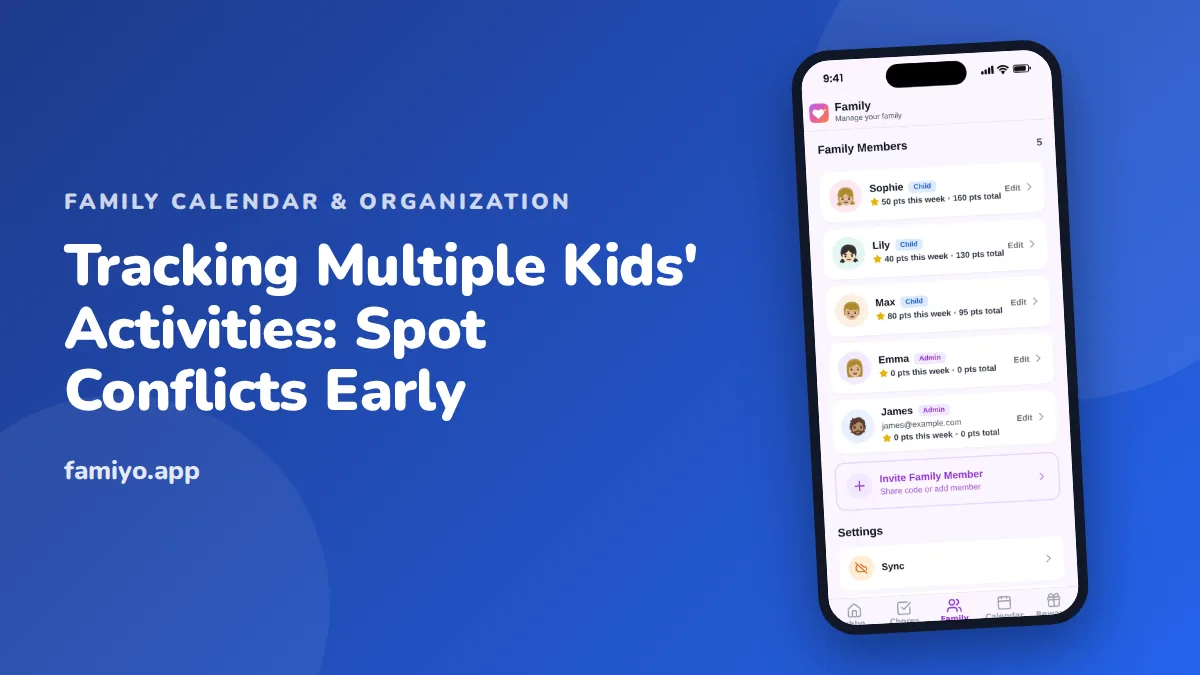
One child's schedule is a list. Two children's schedules are a puzzle, and three is a seating chart. The calendar fills up, the overlaps multiply, and the evening you hoped to be home is somehow the one where you need to be at a field and a studio in the same 30 minutes. This guide is about the extra layer that comes with more than one child: finding collisions early, deciding who handles what, and keeping each kid responsible for their own piece. If you want to see what a full week looks like first, our family calendar example shows one.
Put every child on the same calendar
It is tempting to give each child a separate calendar. Don't. Separate views hide the very thing you most need to see, which is two events landing at once. Use one shared calendar, give each child a color and keep it permanent. Parents get a color too, for their own work and appointments, because your Thursday meeting is part of the puzzle.
A single calendar also lets you ask a different question. Instead of "what does Sam have this week," you ask "which evenings are free for everyone." That is the question that decides birthday parties, doctor visits and whether you can say yes to a weekend trip.
Check for collisions every Sunday
Collisions are cheap to fix four weeks out and nearly impossible the afternoon before. Spend 10 minutes on a weekly look ahead, scanning the next four weeks for three kinds of problems.
| Problem | What it looks like | First fix to try |
|---|---|---|
| Direct overlap | Two kids need to be in two places at 5:00 | Carpool one, or the other parent drives |
| Back-to-back | One drop-off ends at 5:30, the next start is 5:45 across town | Move one pickup to a friend, or leave the first early |
| Pile-up | Three activities and a project due on the same Thursday | Say no to one extra, or prep Wednesday night |
| Empty parent | Both parents at work events during a pickup | Ask a grandparent or carpool family a week ahead |
Write the fix directly on the event ("Dad drives Lily, Ayaan with the Parks"). The calendar then answers the logistics question for you.
Decide the driving split before the season starts
Most sibling-schedule stress is about transportation. Decide it in advance, in writing, in the calendar.
- List every recurring activity with its day and place.
- Split by day or by child, whichever leaves fewer exceptions. A standing arrangement works better than a daily request.
- Name a backup for each slot. One grandparent or one carpool family is enough.
- Add games and recitals separately, since those often need both parents or have a fixed arrival time.
- Reset the split at the start of each season.
Trades should happen by editing the event, not by text. If Mom takes Thursday, she changes it on the calendar, and Dad sees it without having to remember a conversation.
When two things collide, decide in this order
Having a rule saves you from deciding emotionally while a child watches. A fair order:
- A game, performance or exam beats a regular practice.
- A commitment to a team beats a casual class.
- The one that can't be rescheduled beats the one that can.
- If it is still tied, rotate who gets the sacrifice, so it stays fair across siblings over the season.
Tell the sibling who is missing out what you are doing and why, and put the next fun thing on the calendar for them. Our piece on how many activities a child should do covers when collisions mean you have simply signed up for too much.
Make each child responsible for their own color
Parents shouldn't be the only ones who read the calendar. Children around 8 and 9 can check their own color each morning and pack their gear from the event notes. Older kids can add their own events and tell you when something changes. Doing this early gives you a quiet gain: when each child owns their schedule, you are managing three people's logistics, not remembering three people's lives.
The details matter. A line in each event such as "shin guards, water, snack" makes it a checklist a child can follow. Print a weekly view for the fridge too, using our kids activities schedule template, if younger children like to see their own row.
What a busy week looks like on one calendar
Say you have Maya (10), Ayaan (7) and a toddler. Monday is free. Tuesday has Maya's piano at 4:30 and Ayaan's swim at 5:00 on the other side of town. Wednesday has nothing but a school project due Thursday. Thursday has Ayaan's soccer at 5:30 and a parent work dinner. Saturday has a game at 9:00 and a birthday party at 1:00.
On a combined view, Tuesday and Thursday jump out immediately. You fix Tuesday by asking the swim carpool family to take Ayaan, with Mom driving Maya. You fix Thursday by confirming Dad covers soccer before the dinner is booked. Saturday is fine as long as the game does not run long, so you add "leave the game by 11:45" to the event. Nothing here is hard. It is only hard when you find it out on Tuesday at 4:20.
Keep a short list of backups
Every family with more than one child needs a handful of people who can step in. Write down two or three: a grandparent, a neighbor, a carpool parent you trade with. Keep their numbers where both parents can find them. When you make a request, offer something back: a ride next week, a plate of cookies, a Saturday of their kid. Backups only work when the trade is fair, and the calendar makes it easy to see who owes whom.
Handling several kids in Famiyo
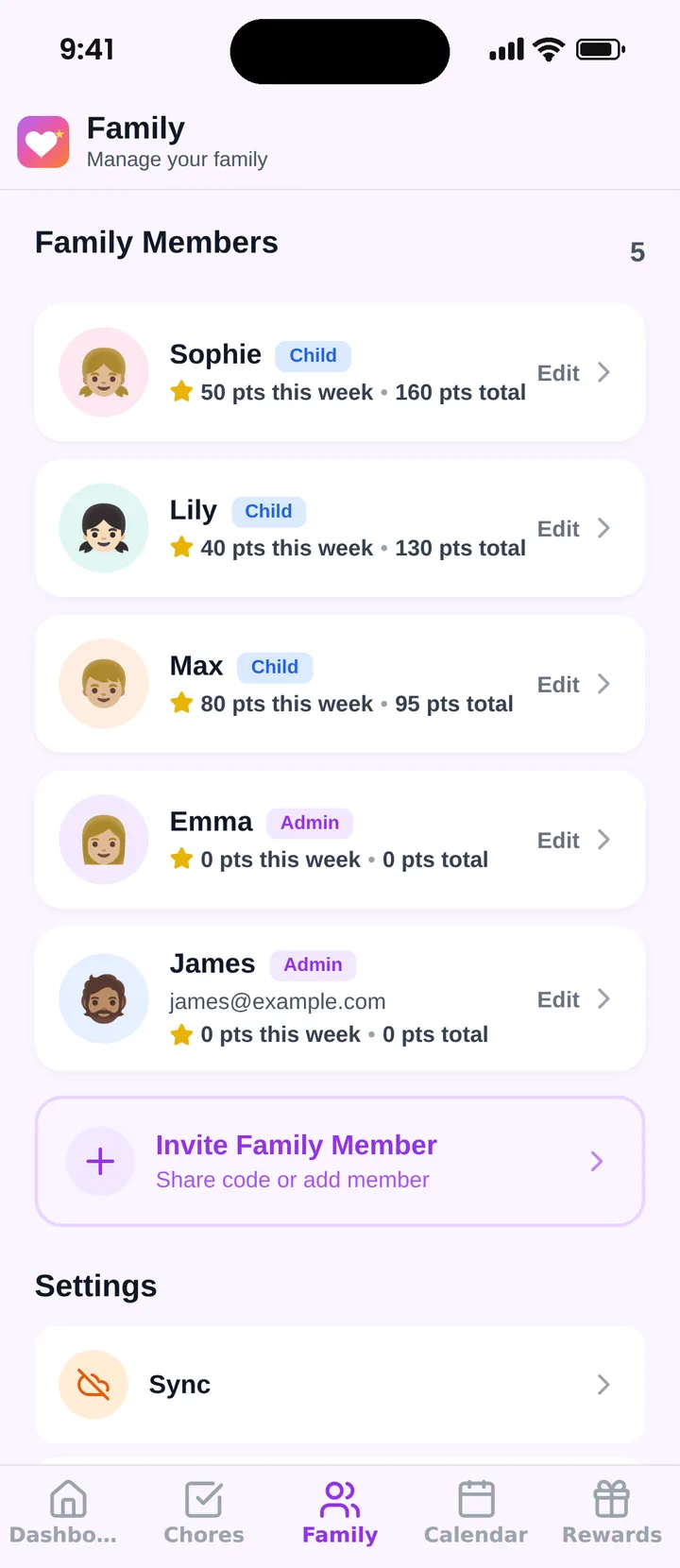
Famiyo is a free family app for iPhone and Android that combines a shared family calendar, chores with points and a rewards shop; kids join with a code, no email needed. Every family member has a color on the shared calendar, and an event can include more than one participant, so a family trip or a shared practice shows once instead of twice. Repeating events handle weekly lessons, and parents choose whether kids may add events. Each child joins on their own phone, so they see their own events. See our list of the best shared family calendar apps for how the options compare.
One thing to do now
Look at next Thursday. If two children have something at the same time, write down who drives each before you do anything else.
Frequently asked questions
How do I keep track of activities for several children?
Keep every child on one shared calendar, with one color each, so conflicts are visible. Look at the next four weeks once a week. Overlaps you find on Sunday are solvable with a carpool or a swap; the ones you find at 3 p.m. on the day are not.
What do I do when two kids have activities at the same time?
Check the rules in this order: is either one a game or performance that can't move, can the other get a ride with a carpool family, and can the other parent cover one? If none work, skip the lower-stakes practice and tell the coach early.
Should each child have their own calendar?
Separate calendars hide collisions, because you only see one child at a time. One shared calendar with a color per child lets you filter when you need to and see everything when you plan. Kids can still check their own color.
How do two parents split kids' activities fairly?
Assign by child or by day, not by whoever is free. A standing split such as Dad drives Tuesday and Thursday, Mom drives Monday and Wednesday, removes daily negotiation. Review it every season, and trade by changing the calendar, not by text.
How many activities is too many with several kids?
When a typical week leaves no evening without somebody going somewhere, or when you're eating dinner in the car three times a week, it's too many. The limit is usually the adults' logistics, not the children's energy.
Try Famiyo With Your Family
Chores with points, a rewards shop for kids and one shared family calendar. Set it up in a couple of minutes.



Free to download • No credit card required • Available on iOS & Android