Best Free Chore App for Kids: What Free Really Includes
What a free chore app for kids should include, where free plans quietly limit you, and how to test one fairly in a week before the kids get attached.
By Famiyo Editorial Team5 min read
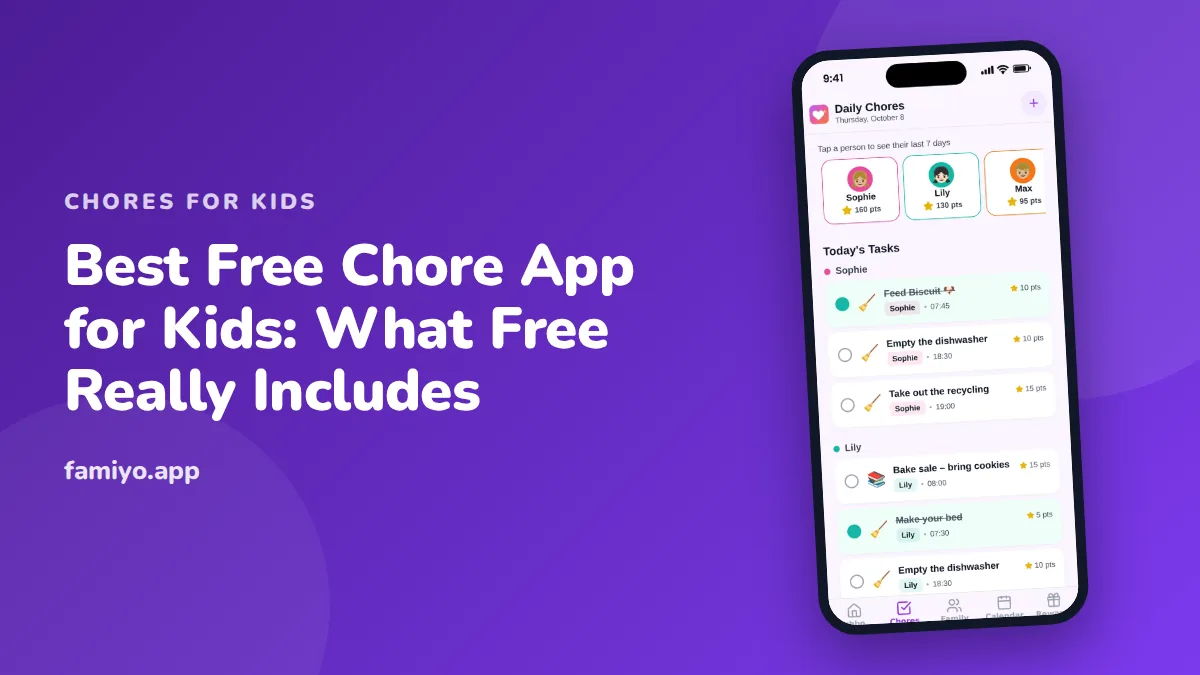
"Free" is the most useful and the least reliable word in an app store listing. A free chore app can be a good fit for your family for years. It can also be a three-task demo with a pop-up. This guide shows what a free plan should really cover for kids, which limits are normal, which are traps, and how to test an app in a single week so your kids do not get attached to something you will not keep.
What should a free chore app for kids include?
Start from what a chore app is for. Kids need to see their own jobs, do them and feel something for it. Parents need to assign jobs once and know when they are done.
That adds up to a short list of must-haves:
- A separate list for each child.
- Repeating tasks. Without them you re-enter the same job every day.
- Check-off by the child, with the option of parent approval.
- Notifications for new and completed tasks.
- A simple points or reward system, so effort turns into something.
- No ads where a child taps.
- A way for kids to join without a personal email.
If a free plan includes all seven, it is a real plan. If it includes four and hides three, ask which three, because they are the ones you will miss.
The four places "free" quietly stops
- People. Some free plans cap the family at a small number of members. If you have three kids and two parents, check the cap before you start.
- Repeating tasks. This is the sneakiest limit. You can add many tasks, but only a few can repeat. A chart that does not repeat is paper with extra steps.
- Rewards. Points without a way to spend them are a scoreboard. A child loses interest in a week.
- History and statistics. These are often behind the wall, and they are what settles "I did it yesterday".
None of these limits is dishonest as long as it is stated. The trouble is when you discover them after the kids have set up their avatars.
Free with ads, free with limits, or free trial
| Model | What you give up | Good for |
|---|---|---|
| Free with ads | Attention, and sometimes a child's | A quick test, a short project |
| Free with limits | Features beyond the cap | Small families, one or two kids |
| Free trial | A decision in a week or two | Families sure they want to pay later |
There is no best model, only the one that suits your household. A family with two kids and a handful of jobs may live happily within a cap. A family of six probably will not.
A one-week test before you commit
Treat the app like a short experiment. The goal is to find the limit before it finds you.
- Day one: enter your real week of chores, not a sample. Include every repeating job.
- Add every child who will use it. If the plan will not let you, you have your answer.
- Add three rewards with prices, so you can see the full loop from task to reward.
- Let each child join on their own device. Note how long it takes and what they must enter.
- Days two to six: run the routine. Notice how many taps a check-off takes and whether notices arrive when they should.
- Day seven: look at the history. Can you see what each child did?
- Decide: keep, upgrade or leave. Write down which limit would push you to pay.
If the app passes, you now know where the paywall sits. If it fails, you have lost a week, not a month.
Matching the app to the age of the child
The right app depends on the child more than the brand.
For 4-year-olds, a parent runs the app and the child enjoys ticking a big visual box. See the chore chart for a 4-year-old for tasks that actually get done at that age.
For 7-year-olds, a simple list with a clear finish is enough, and a visible point count works well. Our chore chart for a 7-year-old lists realistic tasks and times.
For tweens and teens, the phone is the point. The app needs to be quick and plain. Our guide to chore apps for teens and tweens goes into that stage.
And for specific life skills, such as laundry, see how to get kids to do their own laundry, then put the steps into the app as a repeating weekly job.
Safety and privacy checks for a kids' app
A chore app holds a family's names, routines and sometimes photos. Before you hand a device to a child:
- Read what the app collects. Look for plain language, not just a long document.
- See what a child needs to enter to join. A simple code is better than a personal email.
- Open the child's screen yourself and look for ads and links that leave the app.
- Check that you, the parent, control rewards and approvals.
- Confirm you can delete the family and the data.
If any of these answers is vague, treat that as an answer.
What kids themselves say about the app by week two
You will learn more from your children's behavior than from any review. Watch for three things in the second week.
Do they open it without being told? If a child checks the list on their own, the app has a place in their day. If you are still saying "check the app", the timing is wrong, not the child. Tie the check to something fixed, such as right after school or right after dinner.
Do they understand the points? A child who cannot explain what 10 points buy will stop caring. A small reward at 30 to 50 points, reachable every 2 to 3 days, keeps the loop short enough for kids to feel it.
Do they argue about fairness? If one child sees another's easier list, you need either separate views or a clearer explanation of why a 9-year-old and a 12-year-old have different jobs. Different points for the same task by age is a fair fix.
If two of the three go badly, change the setup before you change the app. The tool rarely causes a failure that a shorter list and a clearer reward would not fix.
Free chores with Famiyo
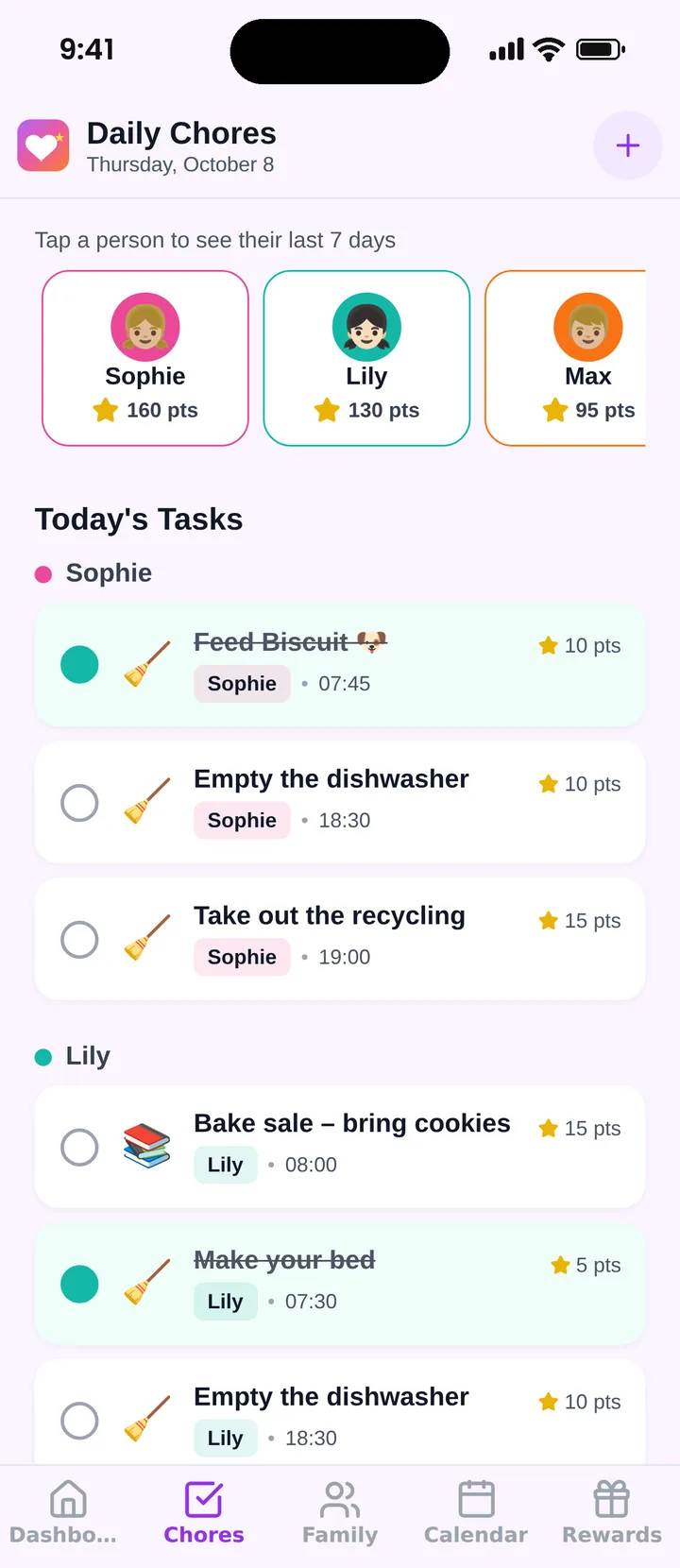
Famiyo is a free family app for iPhone and Android that combines a shared family calendar, chores with points and a rewards shop; kids join with a code, no email needed. The free plan includes the calendar, chores with points, the rewards shop and statistics with no ads, for up to 3 family members and 1 repeating task. Premium, monthly or yearly, removes those limits. Kids check off their own tasks or you approve them, and redeem rewards from their own phone. Our list of the best chore apps for kids compares options.
What to do this week
Pick two apps at most, run the one-week test with your real chores, and decide on day seven. For a comparison focused on the chart itself, read about the chore chart app.
Frequently asked questions
Are free chore apps really free?
Some are, some are not. Most fall into one of three types: fully free with ads, free with limits on people or tasks, or a time-limited trial. Read the plan limits before entering your chores, not after.
What should a free chore app include at minimum?
Repeating tasks, a separate list for each child, a one-tap way to mark done and notifications. Points and rewards help with motivation. If any of these sit behind a paywall, you are looking at a demo.
Are chore apps safe for young children?
Check what the app collects and whether a child needs to give an email, full name or photo to join. Prefer apps where kids join with a simple code, show no ads in the child's screen and let you delete the family.
At what age can kids use a chore app?
Around 6 or 7 with a parent nearby, and independently from about 9 or 10. Younger children often do better with a paper chart on the wall, and parents can still manage the app on their behalf.
How do I avoid ads in a free chore app?
Read reviews and the store listing for ad mentions, and open the child's screen yourself before handing over the phone. Some apps are ad-free by design, others show ads on the free tier and remove them for a fee.
Try Famiyo With Your Family
Chores with points, a rewards shop for kids and one shared family calendar. Set it up in a couple of minutes.



Free to download • No credit card required • Available on iOS & Android