Chore Wheel Generator: How to Spin Chores Fairly
How to use a chore wheel generator to assign chores at random, with rules that keep it fair, a paper version to make at home, and when to switch to a rotation.
By Famiyo Editorial Team5 min read
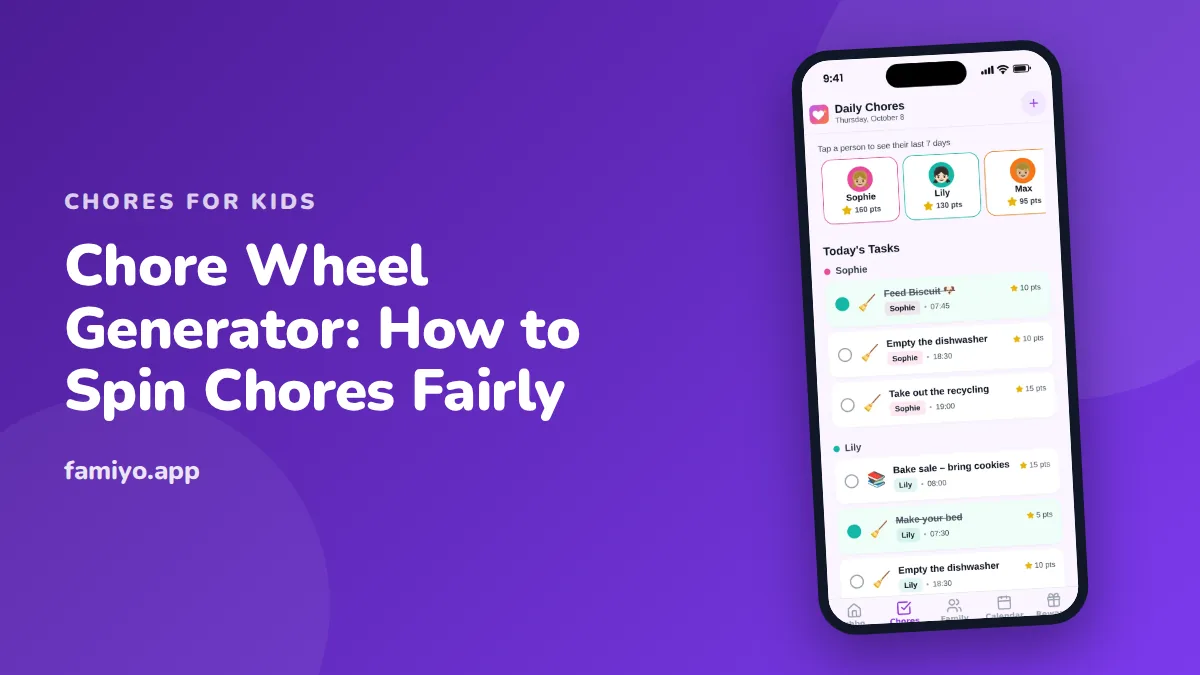
A chore wheel does one useful thing: it takes the parent out of the middle. Nobody can say "you always give me the trash," because the wheel decided. A generator does the same job on a screen, with a spin and a short drumroll. This guide explains how to set one up so it holds past week two, what to put on it, and the point where a spinner stops being the right tool.
Two kinds of chore wheel
The first is a random spinner. You list the chores, hit spin, and one lands. Online generators do this, and many let you paste in a list, remove each result after it comes up, and spin again until the list is empty. Everyone gets a share, though not necessarily an equal one.
The second is a rotating wheel, usually paper. Two circles sit on top of each other and turn on a pin. Each name lines up with one chore, and every week you turn it one notch. Nothing is random. Everyone cycles through everything. That is a chore rotation in a wheel-shaped package, and it is the better choice if fairness matters more than fun.
Pick the spinner when you want the novelty and a bit of drama. Pick the rotating wheel when you want predictability.
Before you spin: build a fair chore list
Random only feels fair if the pieces are the same size. If the wheel holds "wipe the table" and "clean the bathroom", the child who draws the bathroom twice in a row has a real grievance.
Group the chores into tiers, then spin within each tier.
| Tier | Time | Examples for school-age kids |
|---|---|---|
| Quick | 5 minutes | Wipe the table, feed the pet, take out the recycling |
| Medium | 10 to 15 minutes | Empty the dishwasher, sweep the kitchen, tidy the living room |
| Big | 20 to 30 minutes | Vacuum two rooms, clean the bathroom sink, fold laundry |
Then give each child one chore from each tier per week, or two quick ones and one medium, whatever matches their age. If you are not sure what suits each age, our chores for 8-year-olds and chores for 12-year-olds pages list age-appropriate jobs and rough timings.
Keep the daily basics off the wheel. Making a bed and clearing a plate are not things to gamble on. The wheel is for the shared, rotating jobs.
How to run it, step by step
- Write the chore list with the kids, so nobody can claim they never agreed to "scrub the toilet".
- Sort the chores into the tiers above.
- Choose a fixed day and time to spin, like Sunday at 5 p.m. Put it on the family calendar.
- For each tier, spin once per child. Remove each chore after it lands so no one gets it twice.
- Write the results on a visible chart, or set them up as repeating tasks on phones.
- Decide the "done" standard for each chore in one sentence, such as "table wiped and chairs pushed in".
Rules that keep it fair
A wheel is a tool, and a tool needs a few rules. These cover the usual complaints.
- One veto per week. A child can reject one result and spin again, but the second result stands. This takes the sting out of drawing the one chore they hate.
- Swaps need two yeses. Two kids can trade chores if both agree and a parent is told.
- No repeats. If a child got the bathroom last week, they are out of that spin this week. A generator that removes results does this automatically; with a paper wheel you manage it by hand.
- Spin day is fixed. Skipping it means last week's chores carry over, not that the week is free.
- Sick or away means pause. A child who is out Tuesday through Thursday does not owe those chores later. The wheel is not a debt ledger.
Say the rules out loud once and put them on the chart. Do not renegotiate in the middle of a spin.
Make a paper chore wheel in ten minutes
You need card stock, a pencil, scissors and a brad fastener.
- Cut a large circle, about 10 inches across. Divide it into as many slices as there are chores. Write one chore per slice.
- Cut a smaller circle, about 6 inches across, with the same number of slices. Write one family member per slice. If you have fewer people than chores, repeat names, or add a "free pass" slice.
- Place the small circle on top of the large one and pin through the centers.
- Each week, turn the top circle one slice so everyone gets a new chore.
For three kids and nine chores, give each child three slices, one from each tier. Draw a small picture next to each chore for kids who are still learning to read.
Chores a wheel handles well, and ones it does not
Shared, rotating jobs suit a wheel: unloading the dishwasher, wiping the table, taking out the trash, sweeping the kitchen, tidying the living room. Anything personal should stay off it. Your child's own room, own laundry and own school bag belong to them every day, not once a week by chance. Jobs that need skill or safety checks, like using the stove, should only land on a child who is ready, so keep them off a random spin or give them a separate list.
When a chore wheel stops working
A spinner is fun for the first few weeks. Then the novelty drops, and the problems of any chart show up: someone forgets, someone argues, and the chart ends up behind a door.
Watch for three signs that it is time to change the system:
- Kids ask to skip the spin because "it's boring".
- The same chores keep going undone, regardless of who draws them.
- You find yourself reminding everyone more than you did before the wheel.
At that point, switch to a fixed rotation, or give each child a set of chores they own for a month. Our chore schedule for kids shows how to turn those into a routine with set days.
Letting an app do the spinning
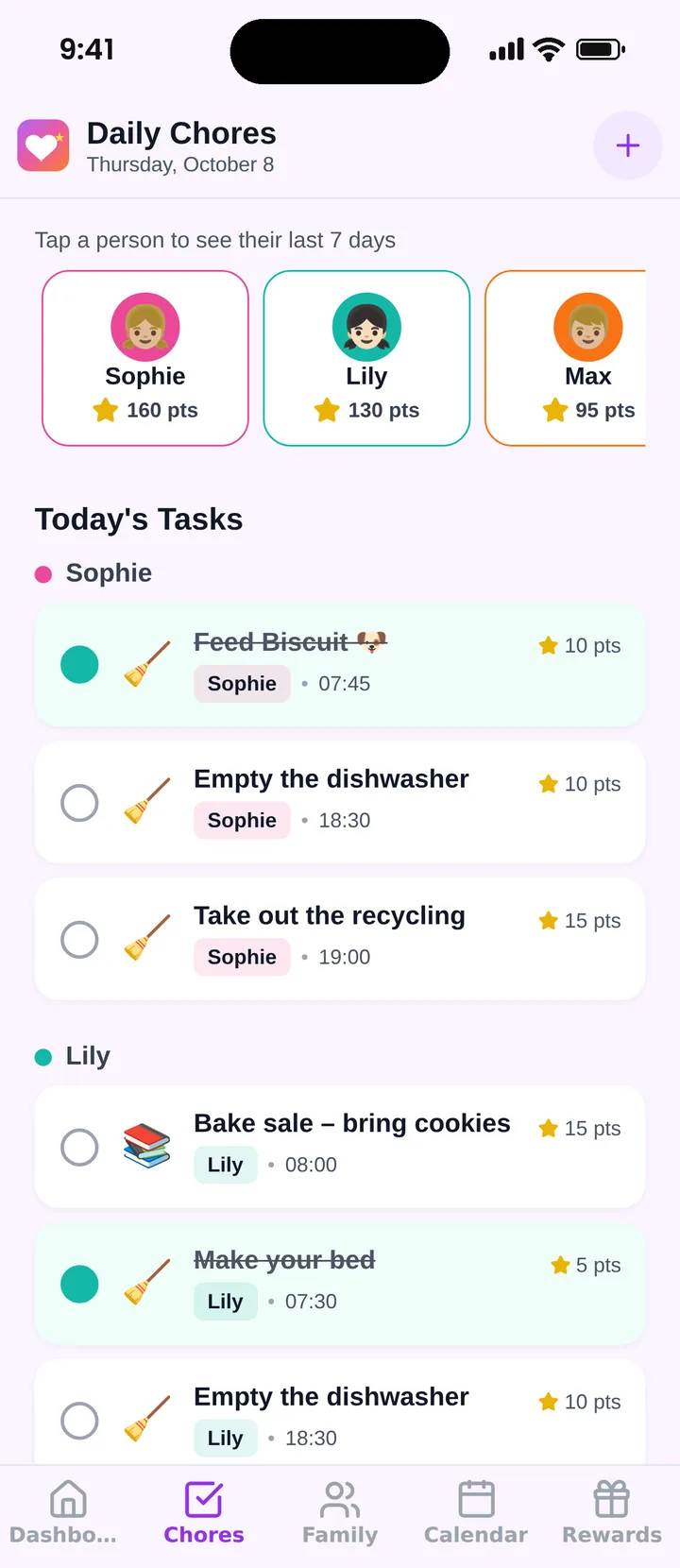
Famiyo is a free family app for iPhone and Android that combines a shared family calendar, chores with points and a rewards shop; kids join with a code, no email needed. It does not include a spinner, but it removes most of the work that makes paper wheels fade. After your spin, add each result as a chore, pick the child, set it to repeat daily, weekly or every few days, and give it points. Kids see their own tasks on their phone and get a notification when something new arrives. You hear when a chore is done, and the Today screen shows everyone's progress. For other options, see our list of the best chore chart apps.
A first week to try
Tonight, write the chore list with your kids and sort it into the three tiers. Put the spin on the calendar for the weekend. Spin, post the results, and let the chart run for two weeks before you change anything. Habits need that long, and a wheel that gets adjusted every other day is just a more complicated way to nag.
Frequently asked questions
What is a chore wheel generator?
It is an online or paper spinner where you enter chores and family members, then spin to assign jobs at random. Some generators let you remove a result after it lands so no chore is picked twice in the same round.
Is a random chore wheel fair?
Only if the chores are roughly equal in effort. Random assignment is fair about who gets what, but not about workload. Group chores into similar sizes first, or the same child will keep landing the bathroom by bad luck.
How often should kids spin the chore wheel?
Once a week works for most families, at the same time, such as Sunday evening. Daily spinning creates too much negotiation and no chance to get good at anything.
What age is a chore wheel good for?
It works best from about ages 5 to 12. Younger kids enjoy the spinning but need picture chores and help. Teens usually prefer to negotiate or choose, so a rotation or a sign-up may suit them better.
Can I make a chore wheel without a generator?
Yes. Cut two paper circles, a small one for names and a larger one for chores, and join them with a brad fastener. Turn the small circle each week so every name lines up with a new chore.
Try Famiyo With Your Family
Chores with points, a rewards shop for kids and one shared family calendar. Set it up in a couple of minutes.



Free to download • No credit card required • Available on iOS & Android