Family Calendar App Features That Actually Matter
The family calendar app features worth caring about, which are extras, questions to ask, red flags, free-plan limits and a first-week setup plan.
By Famiyo Editorial Team5 min read
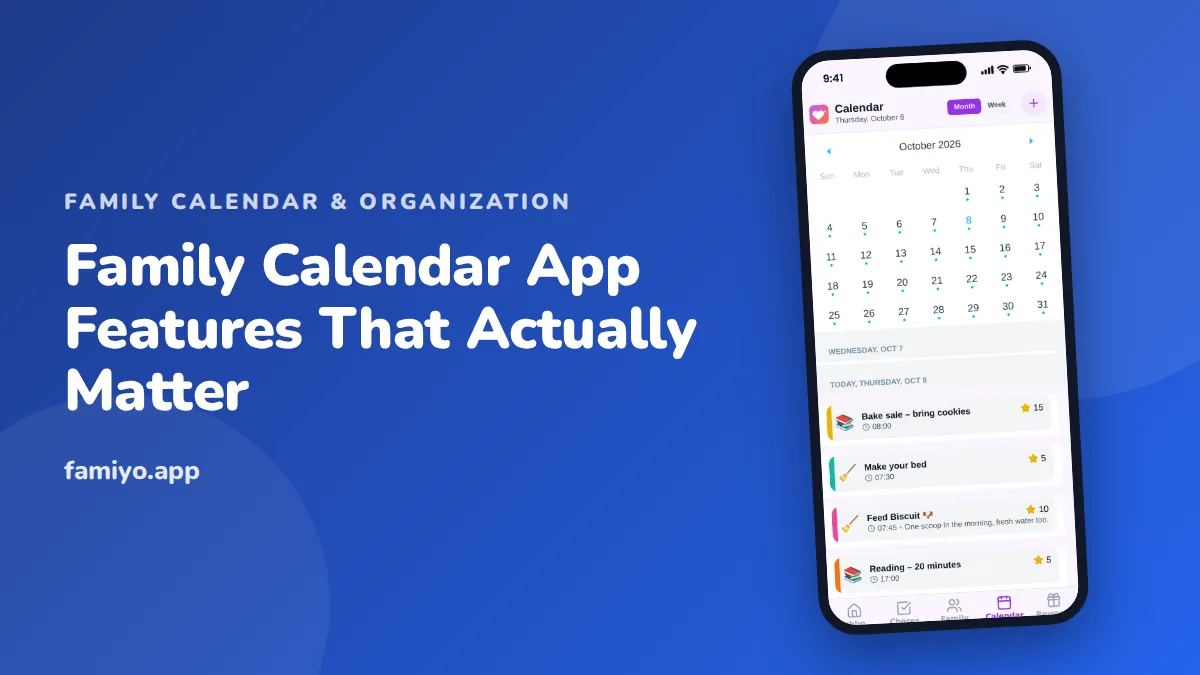
Feature lists on app pages are long, and almost all of them sound useful. Most of them will never matter to your family. This guide sorts features into three groups: the ones that decide whether an app works, the ones that are pleasant, and the ones that are noise. It also covers questions to ask, red flags, free-versus-paid traps and what to do in the first week.
The six features that decide everything
If you only check six things, check these. They map to the problems families actually have: missed pickups, double bookings and "nobody told me".
| Feature | The problem it solves | What to look for |
|---|---|---|
| Shared access | One person holds the whole schedule | Every member on their own phone, parents with equal rights |
| Color per person | Hard to scan a crowded day | One color per person, consistent in every view |
| Repeating events | Re-typing the same practice every week | Daily, weekly and every few days patterns |
| Targeted reminders | Alert fatigue, or no alert at all | Reminders for the people involved only |
| Live sync | Two parents with two different versions | Edits show on all phones without refreshing |
| Role control | A child deleting the dentist visit | You decide who can add, edit or only view |
A free plan that has all six is a real calendar. An app with ten extras and one of these six missing is a risk.
Features that are pleasant but optional
These make life nicer once the basics are solid.
- Week and month views. Practically essential, though some apps hide one behind a tab.
- Categories such as school, sports and appointments. Great for scanning, easy to live without.
- A kid-friendly view. Helpful from about age 6, because children check their own plan instead of asking.
- Tasks or chores alongside events. If your family also needs a chore system, a combined screen saves one app.
- Notifications about completed tasks. Handy for parents who want to know a job is done without asking.
- Languages. Matters a lot in multilingual homes, so check yours is on the list.
Ask of each one: would my family use this weekly? If the answer is "maybe", it belongs in this group, not in the first one.
Features that sound good and rarely matter
Be skeptical of anything that is built to impress in a screenshot. Weather panels, inspirational quotes, photo frames and news widgets add screen clutter. Deep integrations also deserve a question: what is the problem they fix? If you do not have the problem, the integration is a distraction.
The same applies to long customization menus. If it takes an hour to set up colors and layouts, the calendar will be more effort than the paper one it replaced.
Testing a feature instead of reading about it
Marketing pages describe features, but only a trial shows how they feel. Give each core feature a thirty-second test. Create a repeating event and check that it appears on next month's calendar. Change its time and see whether the other phone updates. Set a reminder for someone else and confirm they, and nobody else, receive it. Hand the app to a child and ask them to find their Thursday.
Four tests, about five minutes, and you will know more than a feature table can tell you. If the app passes, the rest is detail. If it fails one, you have found the weak spot before it costs you a missed pickup.
Questions to ask before you commit
- How do children join, and do they need an email address?
- Can both parents be administrators?
- Can I choose whether kids may add events?
- Are reminders included on the free plan?
- What are the limits on members and repeating events?
- How quickly does a change reach the other phones?
- How does it behave with a weak connection?
- Are there ads?
Question seven is easy to skip and expensive to learn the hard way. Test it at the place your family really spends time: a ball field, a school lobby, a long drive. Do not assume. The app maker's help page should state plainly what works without a signal.
Red flags and paywall traps
Watch for these in a trial.
- The feature you came for is behind a paid tier. The sales page shows repeating events, the free plan allows none.
- Limits revealed late, after you have entered weeks of data.
- Kids need accounts that require an email.
- Reminders go to everyone or no one.
- Updates lag, so two people see different versions of Saturday.
- Heavy upgrade prompts in the middle of normal use.
For a closer look at free tiers, read what you get without paying for a family calendar app. A useful rule: pay only to remove a limit that you have actually hit in two weeks of real use.
A word on privacy and children
Because kids will be in the app, read the privacy page, even briefly. Look for what the app collects about children, whether location is tracked and whether the app shows ads. A family calendar needs names, times and places you type yourself. It does not need access to a child's contacts or position. If a calendar asks for more than it needs, treat it as a warning and look elsewhere.
Matching features to your family
Different households need different things, so weight the six core features by your situation.
- Twins or several kids in different activities: repeating events and color per person matter most. Our guide to organizing a family with twins or multiples shows how fast overlapping schedules multiply.
- Two households: shared access with equal rights and live sync matter most.
- Teens with their own commitments: speed and a view they can edit themselves.
- Young children: a simple view and a way to join without an email.
Write down your top three needs. Then check any candidate against them before looking at anything else.
Setting up in the first week
- Day 1: Add the family and pick colors.
- Day 2: Enter repeating events with the right patterns.
- Day 3: Invite everyone and set their permissions.
- Day 4: Turn on reminders for the two or three events that cause the most trouble.
- Day 5: Add one real change that arrives by text and watch how fast it reaches the other phones.
- Day 7: Review what you did not use. Hide it or ignore it.
For how a calendar fits into routines, see family time management habits that stop the weekly scramble.
What this looks like in Famiyo
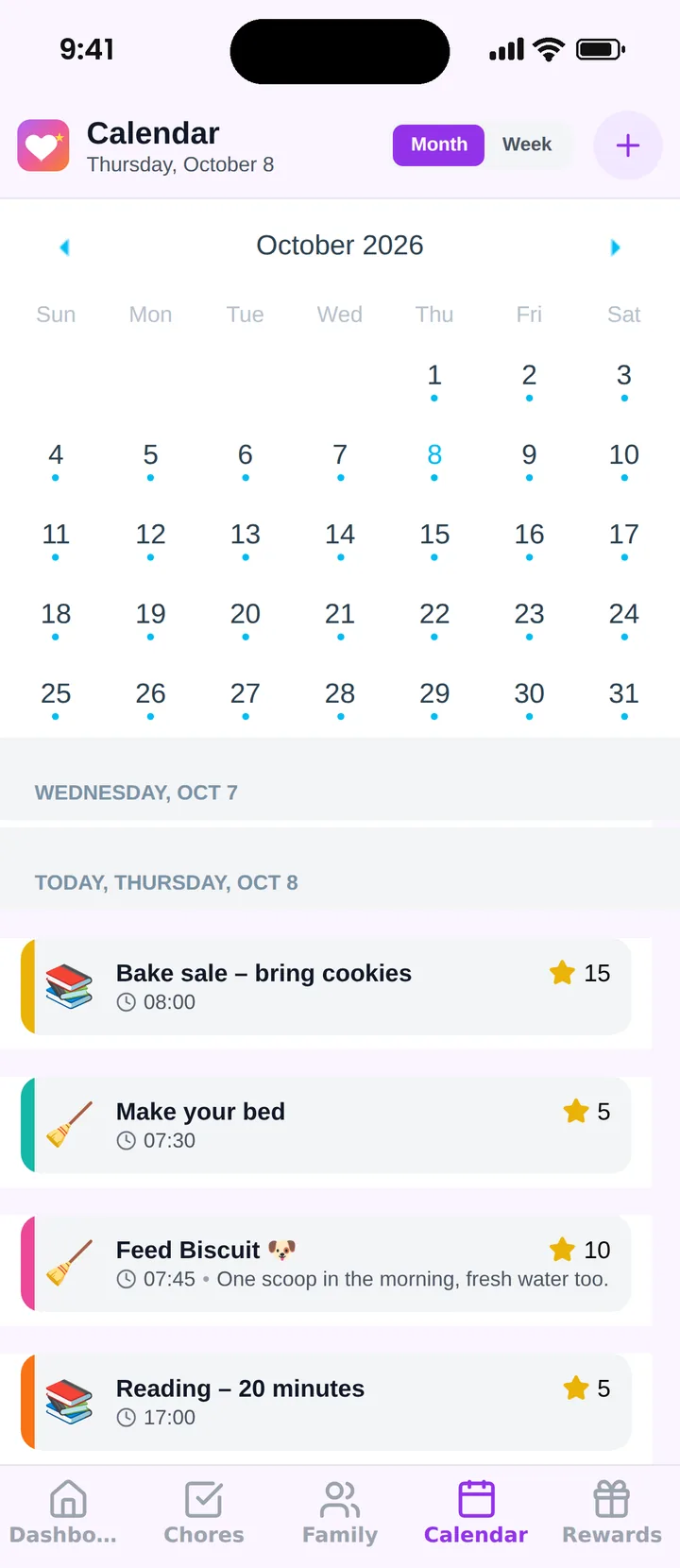
Famiyo is a free family app for iPhone and Android that combines a shared family calendar, chores with points and a rewards shop; kids join with a code, no email needed. On the calendar side it has month and week views, a color for every family member, categories such as school, sports and appointments, and repeating events. Parents decide whether kids can create events. Push notifications reach the right people and every phone syncs live. The free plan covers up to 3 family members and 1 repeating task, and Premium lifts those limits. Compare it with others in our list of the best family calendar apps.
Keep the list short
Pick the six core features, test them for two weeks, and treat everything else as a bonus. An app that does the basics well and gets used by all five people beats an app with fifty features that gets used by one.
Frequently asked questions
What are the most important features in a family calendar app?
Shared access, a color for each person, repeating events, targeted reminders, live sync across phones and role control for kids. These six cover almost every daily problem. Everything else is a convenience you can add later.
Do I need chores and to-do lists in a calendar app?
Not required, but helpful if you are tired of switching apps. Tasks that sit beside events let kids see the whole day. If you prefer separate tools, make sure the calendar still handles the basics well.
Which features are marketing extras?
Weather tiles, news feeds, themes and widgets look good in a demo but rarely change how a family runs. If you cannot say what problem a feature solves in your house, you can ignore it.
Should a family calendar app work offline?
It depends on how you use it. Check how the app behaves with a weak signal, such as at a field or in a car. Ask the app maker directly, because many apps need a connection to sync changes.
Try Famiyo With Your Family
Chores with points, a rewards shop for kids and one shared family calendar. Set it up in a couple of minutes.



Free to download • No credit card required • Available on iOS & Android