Family Time Management: Habits That Stop the Weekly Scramble
Practical family time management habits: a weekly look-ahead, one shared schedule, buffer time and a simple setup that cuts the Monday scramble.
By Famiyo Editorial Team5 min read
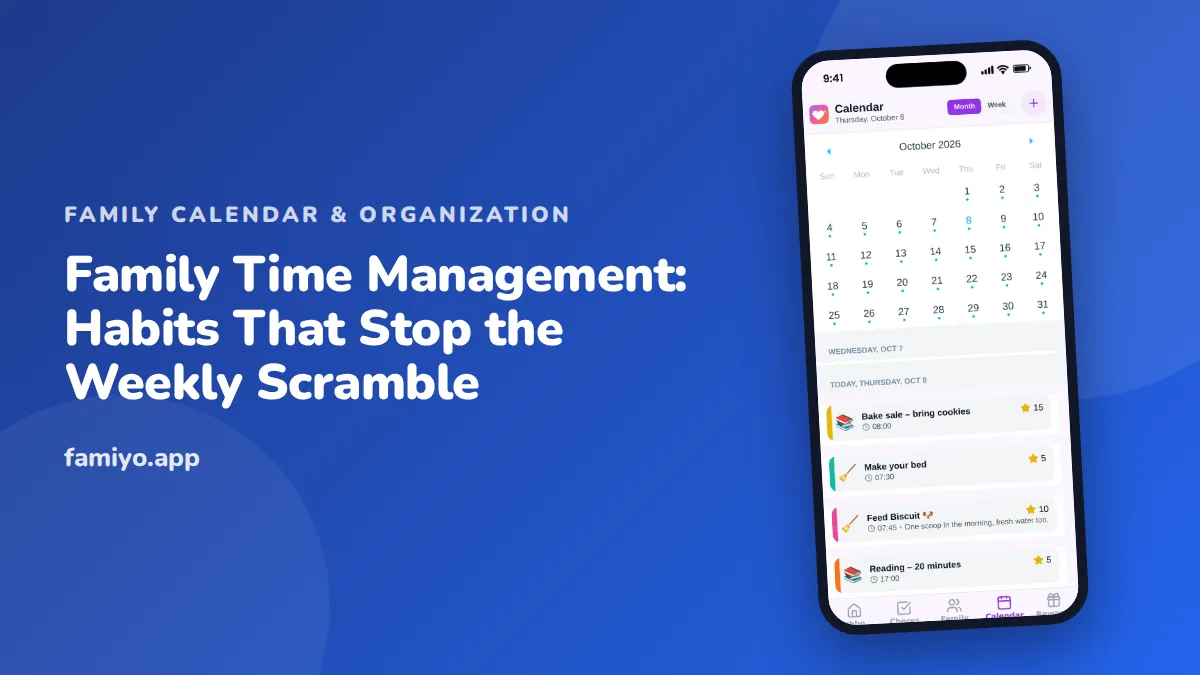
Most families do not have a time problem. They have a visibility problem. The schedule exists, scattered across three heads, a school email and a text from a coach, and nobody sees all of it until Thursday at 4:50 p.m. The habits below are small and boring, and they work because they get repeated. You will find a weekly routine, rules for buffer time and saying no, a sample week, and the role a tool can play.
Start with one shared schedule
Every other habit depends on this one. If your family's commitments live in several places, someone is always working from old information.
Pick one place. It can be an app, a wall calendar or a whiteboard, but it must be the place everyone checks. Then set a house rule: if it is not on the schedule, it is not happening. When a coach texts a change, the change goes in before anyone replies.
The shared part matters as much as the one part. A schedule that only one parent can see makes that parent the family secretary, which is the mental load in a calendar. For more on spreading that load, see how to share the mental load with your partner.
The 10-minute weekly look-ahead
This is the single most useful habit in the list. Once a week, at the same time, sit down with the schedule and walk through the next seven days.
- Read each day aloud, one at a time. Start with tomorrow if you do it on Sunday.
- Spot clashes: two events at once, one adult double-booked, no one available for a pickup.
- Assign each gap to a person by name. "Someone will get her" means no one will.
- Check what needs preparation: a form, a snack for the team, a costume, a library book.
- Name one evening that stays empty. Protect it.
- Add anything you just remembered to the schedule right then.
Keep it short. If it grows past 15 minutes, you are solving problems that belong on another day. You can add kids in once they are 6 or 7. Reading their own day aloud is good practice and gives them a say.
Add buffer time
Most schedules fail not because of the events but because of the gaps between them. A practice that ends at 5:30 and a dinner at 5:45 across town is a plan on paper only.
- Add 10 to 15 minutes before any event that involves shoes, bags or a car seat.
- Add 15 minutes after anything that might run over, such as a game or an appointment.
- Never schedule two hard stops back to back.
- Keep the evening before a big morning light.
A simple test: say the schedule out loud for a Wednesday. If your voice speeds up, something needs more room.
Decide who owns what
Time gets lost in negotiation. "Can you grab her?" "I thought you were." Settle owners in advance and write them down.
| Recurring task | Owner | Backup |
|---|---|---|
| Monday school drop-off | Parent A | Parent B |
| Tuesday swim pickup | Parent B | Grandparent |
| Thursday dinner | Parent A | Oldest child with a simple recipe |
| Sunday school bags check | Each child | Parent on duty |
| Trash and recycling | Oldest child | Parent B |
The backup column is what holds up when someone is sick. For fairness questions, our household chores division guide is a good place to start before you fill in the table.
Kids can own things too. A child who owns "pack my school bag on Sunday night" is practicing time management, not just following it.
Learn to say no, or not now
Every new commitment costs time somewhere else. A family that agrees to everything ends up with a schedule that has no room for anything unplanned, such as illness, homework that takes longer, or a day in the park.
Try a one-in, one-out rule. When a new activity arrives, ask which current one it replaces. Another tool is the empty-slot rule: at least one afternoon and one evening per week with nothing booked. If your calendar looks like a bar chart with no gaps, you are at the limit.
When you decline, you can be brief: "We have a full week, so we'll skip this one." That sentence is enough.
A sample week that has breathing room
Here is how the habits fit together in a family with two parents and two school-age children.
| Day | Fixed items | Buffer or note |
|---|---|---|
| Monday | School, one parent works late | Pack bags Sunday night |
| Tuesday | Swim at 4:30 | Snack in the car, leave by 4:05 |
| Wednesday | Nothing booked after school | Protected evening |
| Thursday | Piano at 5:00, parent meeting | Dinner owner decided at the look-ahead |
| Friday | Early pickup | Reminder at 1:00 p.m. |
| Saturday | Game at 10:00 | Leave 30 minutes early |
| Sunday | Look-ahead at 7:30 p.m. | 10 minutes, then bags and clothes |
Notice that the week has one empty evening and a fixed look-ahead. Everything else flexes around those two anchors.
When the plan falls apart anyway
It will. A child gets sick on the day with three fixed events, or a work trip lands on the one night you had protected. A good system is not one that never breaks, it is one you can repair quickly.
Keep a short repair routine. First, look at the schedule and pick the one event that cannot move. Second, ask who can cover the others, including backups from your table. Third, drop or reschedule whatever is left without guilt. Then update the shared schedule right away so nobody works from the old version. Ten minutes of repair on a bad day is the best argument for having a single place to look.
Where a tool helps, and where it does not
An app cannot create habits, but it can lower the cost of them. A shared calendar removes the "can you check?" step, repeating events cut re-typing, and reminders catch the ones that slip. If you are weighing features, see family calendar app features that actually matter, which separates the essentials from the extras.
A tool does not fix a family that never looks at it. The look-ahead and the one-place rule are the real system. The app just carries them.
How Famiyo fits in
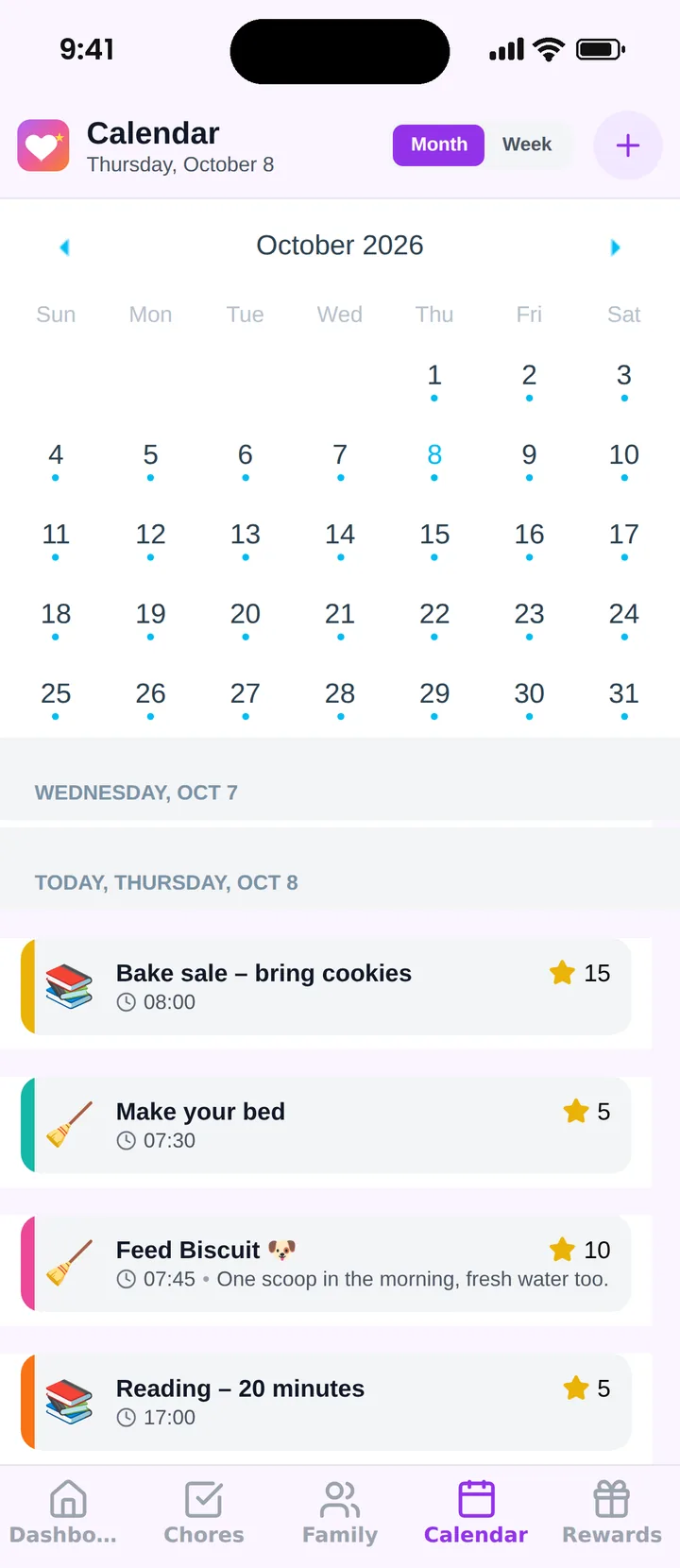
Famiyo is a free family app for iPhone and Android that combines a shared family calendar, chores with points and a rewards shop; kids join with a code, no email needed. For time management it gives the whole family one shared calendar and one chores list. Each person has a color, events can repeat, and chores sit alongside events so a child can see the whole day. Parents get notified when a chore is done, and everything syncs live. The free plan covers up to 3 family members and 1 repeating task. Browse our list of the best family organizer apps.
Start with the smallest version
Do not rebuild the family system this weekend. Choose the look-ahead, put it in the calendar for next Sunday at a fixed time, and run it for four weeks. Add buffer time next. By the end of a month, the Thursday scramble will be a smaller problem.
Frequently asked questions
How do you manage time in a busy family?
Put every commitment in one shared place, review the coming week together for about 10 minutes, and give each recurring task a clear owner. Add buffer time before events so one late shoe does not break the day.
How often should a family review its schedule?
Once a week is the sweet spot. A 10-minute look-ahead on Sunday evening or Friday night catches clashes while they are still easy to fix. A quick 2-minute check each morning handles the rest.
How do I stop being the only one who tracks everything?
Make the schedule visible to everyone and give others real ownership, such as one person running Thursday's evening. If you still answer every 'what's today?' question yourself, the system is not yet shared.
How many activities are too many for kids?
There is no fixed number. Signs of too many include no unscheduled afternoon in the week, rushed dinners most nights, and kids who are tired or tearful. When that happens, drop one activity before adding anything new.
Try Famiyo With Your Family
Chores with points, a rewards shop for kids and one shared family calendar. Set it up in a couple of minutes.



Free to download • No credit card required • Available on iOS & Android