Family Reminder App: Reminders Everyone Actually Sees
How to choose a family reminder app: who gets each alert, timing that works for kids, red flags, free-plan limits and a one-week setup that sticks.
By Famiyo Editorial Team5 min read
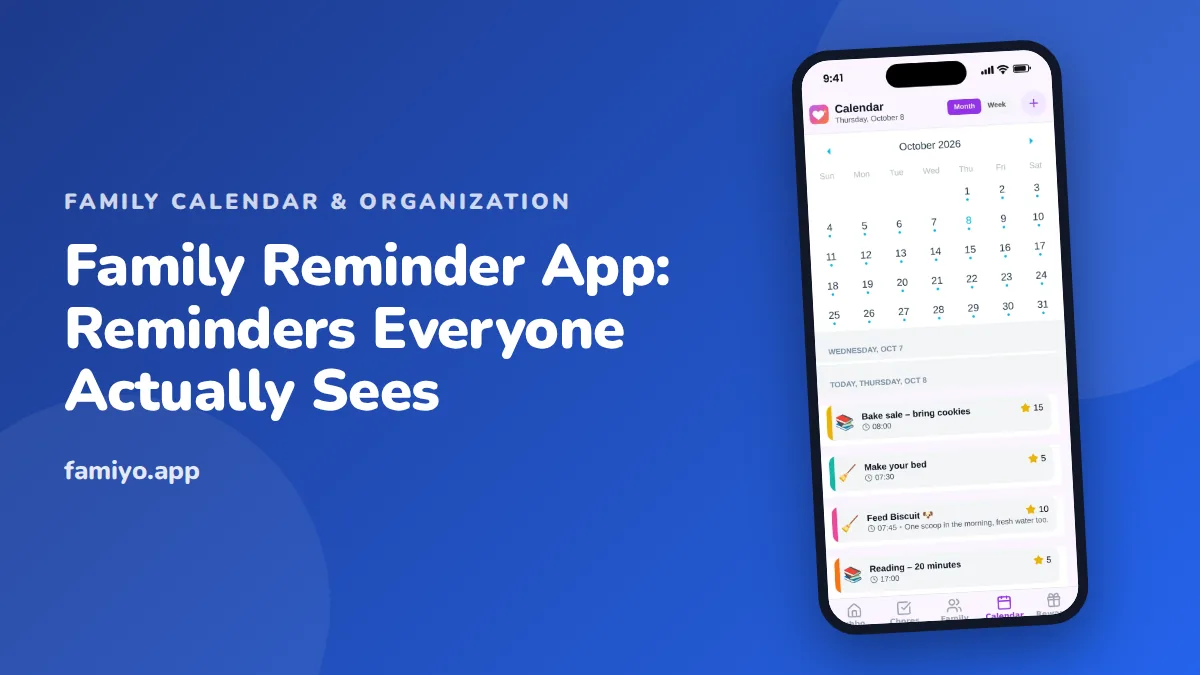
A reminder only works if the right person sees it at the right moment. That sounds obvious until you notice how many family reminders go to the wrong phone: the parent who set it up, a note on the fridge nobody reads, a text that scrolls out of view. This guide is a buyer's walk-through for choosing a family reminder app. It covers what the app has to do, the questions to ask, what to avoid, and a week-long setup that shows whether it will hold up in real life.
What a family reminder app has to get right
Plenty of apps can ping a phone. Family use is harder, because there are several people, different ages and one household rhythm. Check for these five things.
- Reminders can be assigned to a specific person, or to several people at once.
- They can repeat on a schedule, daily, weekly or every few days, without being re-entered.
- Children can see and act on theirs, ideally by ticking something off.
- Parents hear back when something is done, so they stop asking "did you do it?"
- The reminder says what to do, not just that something exists.
The fifth one is easy to miss. "Reminder" tells nobody anything. "Pack swim bag, practice at 4" tells a nine-year-old exactly what to do before they leave.
Types of family reminders and who should get them
Not all reminders are alike, and sending them all to everyone is the quickest way to train people to ignore them. Sort them first.
| Type | Example | Who gets it | Best timing |
|---|---|---|---|
| Appointment | Dentist on Thursday at 3:30 | The parent taking the child | The day before and 1 hour before |
| Pickup or drop-off | Collect Maya from practice | The driver only | 30 minutes before |
| Daily routine | Feed the dog | The child responsible | Same time every day |
| Weekly job | Trash out Thursday night | One named person | Evening before |
| School item | Permission slip due Friday | Parent and child | Two days before |
| Shared heads-up | Grandma visits Saturday | The whole family | Morning of, then the day before |
The pattern is simple. Individual duties go to individuals. Only genuinely shared events go to everyone. If your app cannot tell the difference, you will end up with a phone that buzzes all evening and a family that tunes it out.
Timing: when reminders work for kids and when they backfire
Kids respond to reminders very differently from adults.
Young children, up to about age 7, often do not have a phone at all. For them the reminder is a parent at a fixed moment, backed by a visible list. A routine chart works better than a ping. Older kids can handle a short alert that names one action, as long as it arrives when they can act on it. A "tidy your room" alert at 8:50 on a school morning is wasted. The same alert at 4:15 after snack is useful.
A few principles help:
- Tie each reminder to something that already happens, such as after school, after dinner or before bed.
- Send one alert, not a series. Repeated nagging inside an app is still nagging.
- Let a child tick the task off. The small act of finishing is part of what makes it stick.
- For teens, a reminder that comes with a clear reason ("bring the permission form, bus leaves at 8") lands better than a bare command.
If a reminder is ignored three times in a row, change the timing or the wording before you change the child.
Red flags and free-versus-paid traps
Reminder apps tend to fail in a handful of predictable ways. Watch for these while you test.
- Alerts that only go to the creator, not the person named in the task.
- No way to repeat a reminder without retyping it.
- Free trials that lock notifications after a few days.
- Ads or upgrade offers that appear inside notifications.
- A child needing their own email address and password just to receive a nudge.
- A cap on the number of reminders or repeats so low that you reach it in a week.
- No clear way to silence reminders at night.
On pricing, count how many repeating reminders your family really needs. A typical week might include a daily feeding task, a weekly trash job, two or three practices and a standing Sunday check-in. That is already five to eight repeats. If the free plan allows one, you will notice quickly. Read the plan limits before building your routine around the app, and see our guide to a free organizer with no ads for how to read a plan page without getting caught.
Writing reminders people will act on
The words matter as much as the timing. Compare these pairs.
| Vague | Specific |
|---|---|
| Practice | Pack cleats and water bottle, practice at 4:30 |
| Homework | Math worksheet on the desk before dinner |
| Chores | Empty the dishwasher before screen time |
| Dentist | Dentist Thursday 3:30, leave the house at 3:00 |
A good reminder names the action, the object and the moment. It also fits on a phone's lock screen, so keep it short. If the reminder is for a child, write it the way you would say it out loud. "Feed Biscuit" works better than "Pet care task due".
A one-week setup that shows if it will stick
Test with real life, not sample data. Here is a simple plan.
- Sunday evening: add everyone, then enter the next week's fixed events.
- Monday: add the daily tasks for each child and attach a time that fits your routine.
- Tuesday: create one weekly job per person, such as trash or laundry.
- Wednesday: send a test reminder to each phone and ask each person to confirm they got it.
- Thursday: look at what was actually tapped or completed. Which reminders did people act on?
- Friday: delete or reword the reminders nobody used.
- Weekend: add the next week's items in a ten-minute sit-down.
The Thursday and Friday steps do most of the work. Pruning is what keeps a reminder system alive, because the number of reminders tends to creep up while people's attention does not.
If your household is still deciding how to split the work behind those reminders, our piece on household chores division gives a fair way to divide tasks before you assign them.
How Famiyo handles family reminders
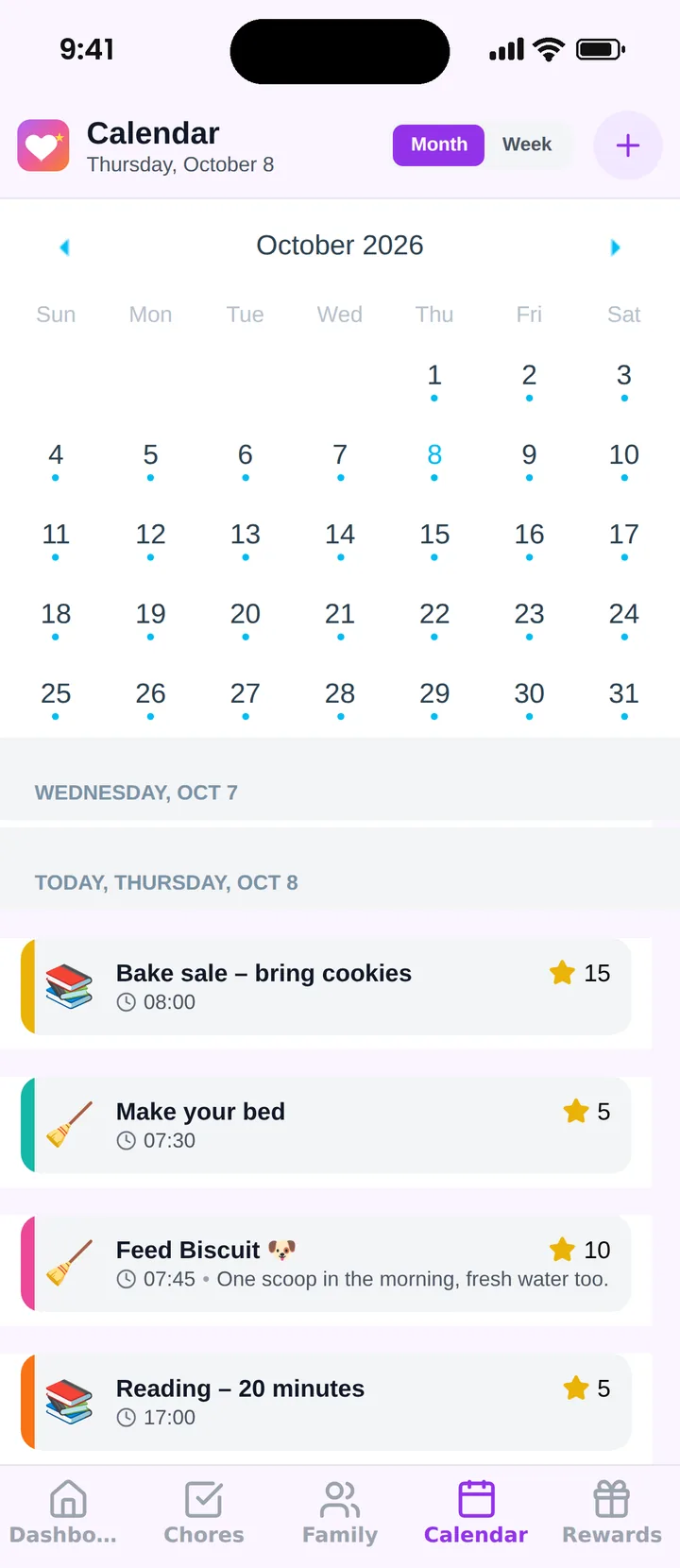
Famiyo is a free family app for iPhone and Android that combines a shared family calendar, chores with points and a rewards shop; kids join with a code, no email needed. Push notifications work in both directions: kids hear about new tasks, and parents hear when a chore is done or a reward is redeemed. Repeating events can run daily, weekly or every few days, and each family member has their own color on the shared calendar. The free plan has no ads and covers up to 3 family members and 1 repeating task, so check that limit against your own routine.
Our ranking of the best family organizer apps compares the options side by side.
Keep it to what people act on
Open your phone's notification list tonight and count how many family reminders arrived this week. Keep the ones someone acted on, and cut the rest. A short list that everyone follows beats a long list that gets swiped away. If lists are your next step, our guide to a family to-do list app separates shared lists from chores with points.
Frequently asked questions
What is the difference between a reminder app and a shared calendar?
A calendar shows when things happen. A reminder app pushes a nudge to a person at a chosen moment. The best family tools combine both, so an event on the calendar also pings the people involved shortly before it starts.
How many reminders per day is too many?
When people start swiping alerts away without reading them, you have too many. Keep daily reminders to the few that matter, such as a pickup or a task, and put everything else on a calendar anyone can open when they want to check.
Should kids get reminders on their own phones?
If they have a phone, yes, and it works best when the alert names a task they can finish, such as feeding the dog. For younger children without phones, a parent can show the day's list at a set time instead.
Why do family members ignore reminders?
Usually because the alert is vague, comes at a bad time, or arrives every day for things that never change. Make each reminder specific, tie it to a moment in the routine, and cut the ones nobody acts on.
Is a free family reminder app enough?
Often, yes. Check that notifications, repeating alerts and shared access are included in the free plan. If those work, extras are optional. Avoid anything that locks reminders behind a trial or shows ads inside the alerts.
Try Famiyo With Your Family
Chores with points, a rewards shop for kids and one shared family calendar. Set it up in a couple of minutes.



Free to download • No credit card required • Available on iOS & Android