Household Chores App for Families: What to Look For
How to choose a household chores app: the features that matter, questions to ask, free-plan traps, red flags and a first-week setup for the whole family.
By Famiyo Editorial Team5 min read
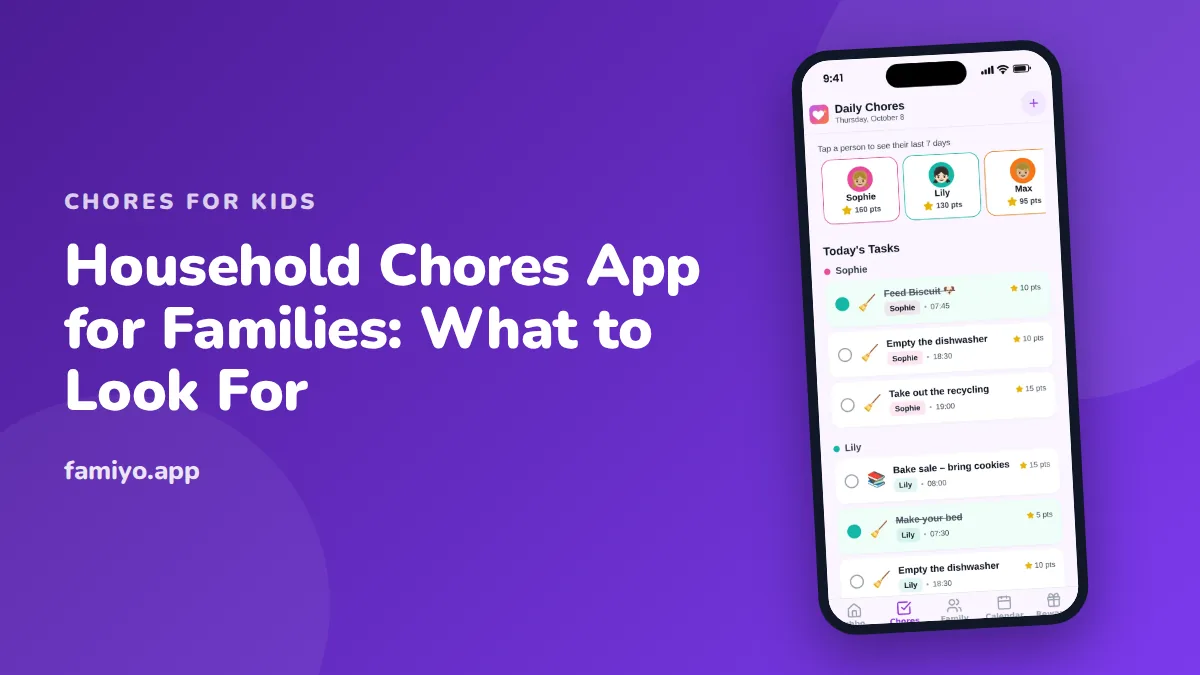
Most households do not need a smarter system. They need one place where it is obvious who is doing what today, and where it is hard to forget. A household chores app can be that place, or it can become a second job of data entry. This guide covers what the app should do, what to ask before you commit, the traps to watch for on a free plan, and how to launch it with the whole family in a week.
What does a household chores app need to do?
Think of the job in two halves. One half is the plan: which tasks exist, who owns them, how often they happen. The other half is the daily moment: a person opens their phone, sees what is theirs, does it, and ticks it off.
For the plan half, you want:
- Tasks that repeat on a schedule (daily, weekly, every few days) without being retyped.
- A clear owner for each task. Shared tasks that belong to everyone end up belonging to nobody.
- The ability to change an owner quickly when life shifts, because someone will be sick on Thursday.
- A view of the whole household, so a parent can see in ten seconds what is done and what is not.
For the daily half, you want:
- Each person sees their own list, not the whole house.
- Check-off takes one or two taps.
- A notice when something new is assigned, and a quieter notice to you when it is finished.
- A way to see the last few days, because arguments about "I always do it" are settled by a record, not memory.
Everything else, from charts to badges, is a bonus. If the two halves are weak, the extras will not rescue it.
Questions to ask before you choose
Work through these before you enter a single chore.
- Does every family member get their own login, or does everyone share one screen?
- Can children join without an email address? Younger kids rarely have one.
- How many people and how many repeating tasks does the free plan allow?
- Can I assign the same task to two people and count it separately for each?
- Does the app show only what is due today, or do I have to dig through a calendar?
- Can I see what was done last week?
- Are there ads, and are they where a child can reach them?
- If I stop using it, can I export or delete what I entered?
Question 3 is the one that decides most people's experience. A cap of one repeating task, or a short list of people, can be fine for a small family trying the idea and frustrating for a household of five.
Free versus paid: the traps
Free is a good starting price and a bad guarantee. Before you invest an evening, look for these patterns.
The first is a quiet cap. The app lets you add everything, then blocks you at the sixth task or the fourth person. Find the limit in the plan description before you build anything.
The second is a paywall in the middle of the thing you actually wanted. If the feature that made you download the app (repeating tasks, rewards, a history) is the paid one, the free plan is a demo, not a plan.
The third is a trial that renews on its own. Check how it is billed (monthly, yearly) and how to cancel before you enter a card.
The fourth is data that is hard to leave. If you cannot delete the family, you will not want to leave when something better appears.
None of this makes paid plans bad. A family that uses the app every day for years may be glad to pay. The point is to pay for something you tested, not to discover the price after a month of setup.
How to split a home fairly
An app records a split. It cannot invent a fair one. Spend twenty minutes on paper first.
- Write every recurring job: dishes, trash, laundry, bathrooms, floors, pet care, meals, school bags, plants, mail.
- Next to each, guess the minutes and how often. A daily 5-minute job is 35 minutes a week.
- Assign by age. Kids can do roughly 5 to 10 minutes a day at ages 2 to 3, 20 to 30 minutes at ages 8 to 9, and 30 to 45 minutes at 13 and up.
- Give adults the heavy and risky jobs, and carry the biggest total yourselves.
- Put the least popular job on a weekly rotation so nobody owns it forever.
For specific teen jobs, our page on household chores for teenagers has a realistic list to copy from.
Where an app struggles
Be honest about the limits, so you do not blame the app for a design problem.
An app cannot make a child want to help. It can make the task visible and the reward concrete. It cannot fix a list so long that the child quits, or a schedule that ignores a heavy sports week. If practices fill your evenings, plan lighter loads on those days. Our guide to planning chores around sports season shows how.
It also cannot replace a short conversation. Five minutes on Sunday about what went well and what to change will do more than any setting.
A sample split for a family of four
Here is how the paper plan might look before it goes into an app. Say two adults, a 9-year-old and a 13-year-old. These are examples, so change the minutes to fit your home.
| Person | Daily jobs | Weekly job | Total per day |
|---|---|---|---|
| 9-year-old | Make bed, set and clear the table, feed the pet | Vacuum one room | About 20 to 30 minutes |
| 13-year-old | Make bed, load or empty the dishwasher, take out the trash | Own laundry start to finish | About 30 to 45 minutes |
| Parent A | Cook dinner, wipe counters | Bathrooms | Largest share |
| Parent B | Morning routine, school bags | Groceries, floors | Largest share |
Notice that the adults hold the biggest totals and the heaviest jobs. Kids see that and feel the system is fair, which is half the work of getting them to take part.
Using Famiyo for a household
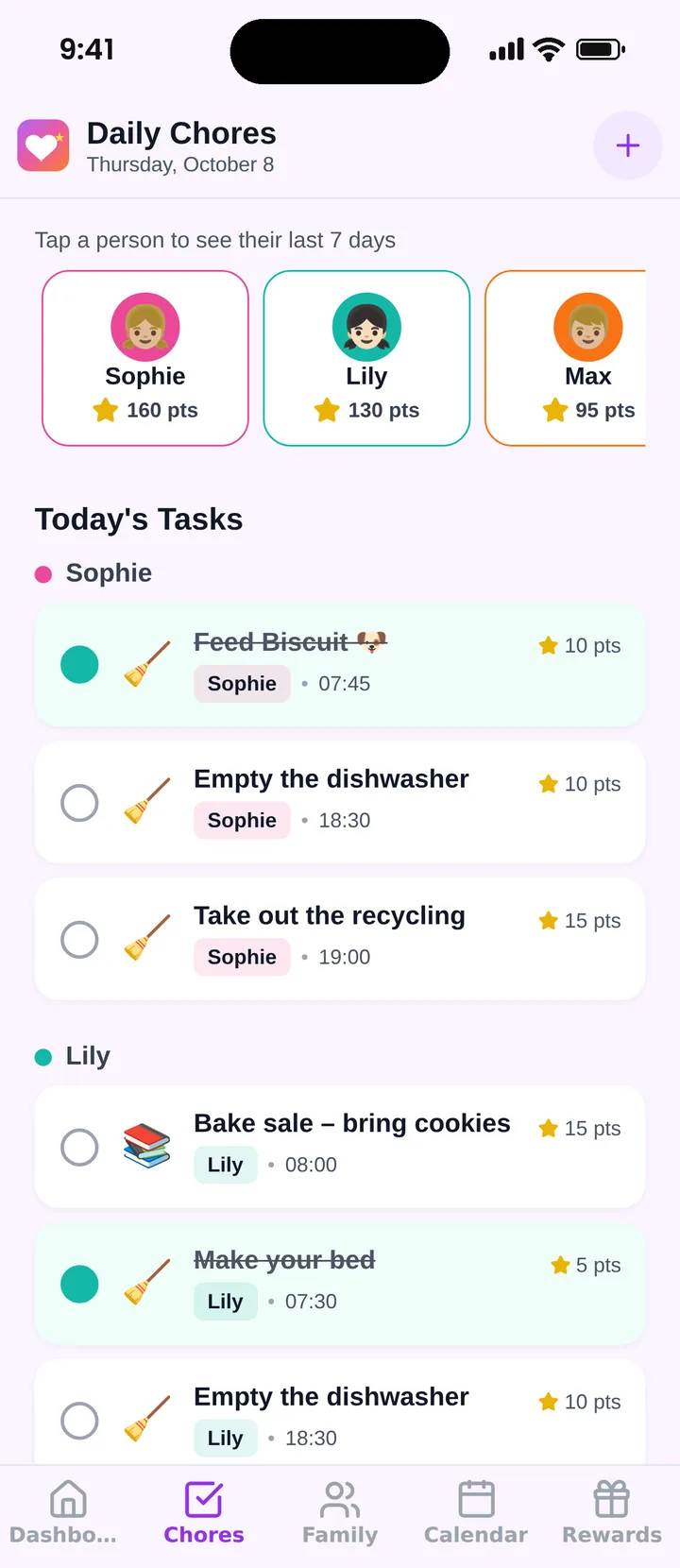
Famiyo is a free family app for iPhone and Android that combines a shared family calendar, chores with points and a rewards shop; kids join with a code, no email needed. Each person sees their own tasks, jobs can repeat on a schedule, and the same chore can carry different points for different people. Kids check off their own tasks or a parent approves them, and both parents can be administrators. Push notices go to kids when a task arrives and to parents when it is done. See how it compares in our list of the best chore apps for kids.
A first-week plan
Keep it small and keep it short.
- Monday: write the task list on paper and agree on owners with everyone present.
- Tuesday: enter one daily job per person, with a time on it.
- Wednesday to Friday: only watch. Resist adding things.
- Saturday: add one bigger weekly job for anyone age 8 and up.
- Sunday: five-minute review. Remove, reword or reassign whatever caused friction.
Give the routine two to three weeks before you decide it works. For a younger teen in the house, our page on the chore app for teens covers how phones change the equation.
Frequently asked questions
What features does a household chores app need?
Repeating tasks, separate lists per person, a simple way to mark a job done, notifications that do not nag, and some record of who did what. Points and rewards are optional but useful when children are involved.
Is a chores app better than a paper chart?
For many families, yes, because the list travels with each person, repeats by itself and updates for everyone at once. Paper still wins for very young children who need something to touch. Some families use both.
How do I split chores fairly in an app?
List every recurring household job, estimate minutes for each, then divide so each person carries a similar total for their age. Rotate the least popular jobs weekly. A good app lets you reassign a task in a couple of taps.
Do adults belong in the chore app too?
They help a lot. When parents' tasks show up beside the kids' tasks, the system looks fair and kids stop asking why they are the only ones with a list. Add one or two adult jobs a week to set the tone.
How many family members can use a free chores app?
It varies widely. Some free plans cap you at a few people or a few tasks. Check the member limit and the repeating-task limit before entering your whole week of chores, because those two limits shape what the app can do for you.
Try Famiyo With Your Family
Chores with points, a rewards shop for kids and one shared family calendar. Set it up in a couple of minutes.



Free to download • No credit card required • Available on iOS & Android