Morning and Bedtime Routine App for Kids: What to Look For
What a kids morning and bedtime routine app needs, how to set one up in six steps, sample routines with times, and when paper still wins.
By Famiyo Editorial TeamUpdated 6 min read
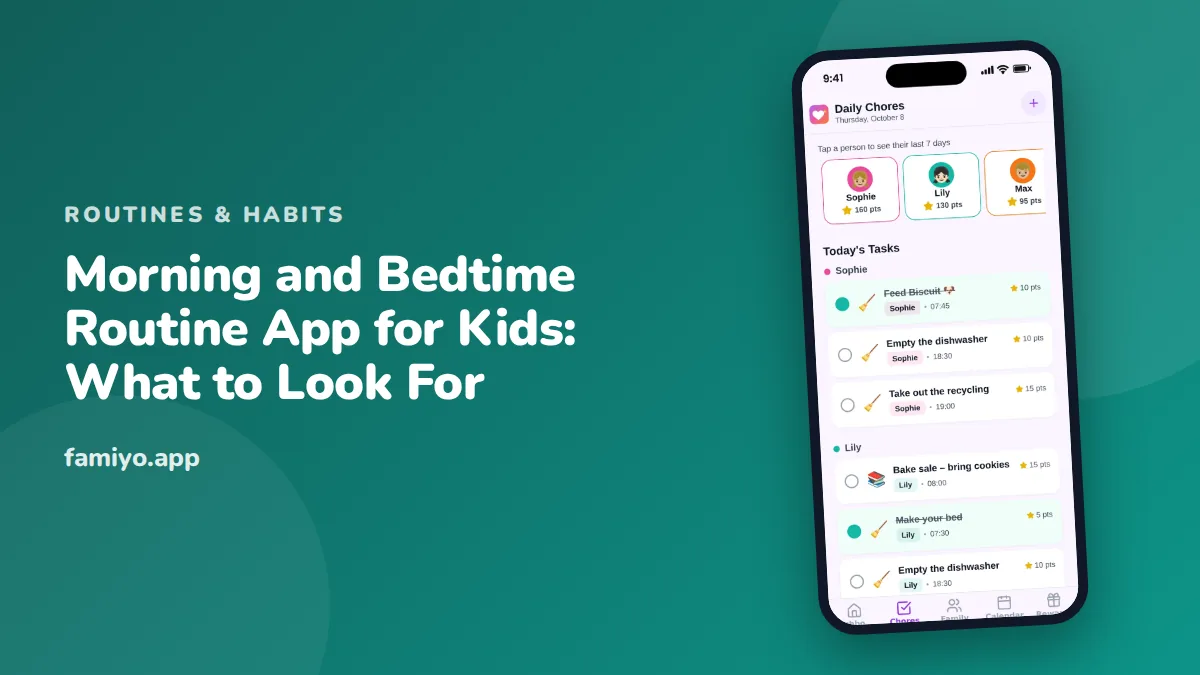
Mornings and bedtimes are the two stretches of the day where timing is tight and patience is thin. A routine app can take the repeating of instructions off you, but only if it is set up well and matched to the way your family works. This page covers what to look for in an app, how to set up both routines in six steps, example routines with times for a 7-year-old, and the honest limits of using a phone for this.
What a routine app needs to do
Apps differ a lot, so decide what matters before you download anything. For morning and bedtime routines, five features count.
- Repeating tasks, so you enter each step once and it appears every day.
- A separate list for each child, with steps matched to age.
- A simple screen the child can follow alone, with a clear check-off.
- Notifications, so you know when a step is done without asking.
- Sync between phones, so both parents and the child see the same state.
Nice extras include points, rewards and a shared calendar to see the day around the routine. Skip anything that adds complexity for a child, such as long menus or ads. A child tapping through settings at 7:30 am is a child missing the bus.
Our list of the best family organizer apps compares options if you want to look at several side by side.
Set up both routines in six steps
- Write the steps on paper first. Say it out loud, then count: aim for 4 to 6 steps for kids under 7, and a few more for older children.
- Put them in the order they actually happen. Brush teeth after breakfast, not before.
- Decide timing. A morning routine usually takes 30 to 45 minutes for school-age kids, and a bedtime routine 20 to 30 minutes. Work backward from leaving time and bedtime.
- Enter the steps as repeating tasks for each child, with the child's name and a clear title like "Shoes on".
- Walk through the first morning and the first bedtime together. The child taps, and you narrate.
- Check in after one week. Remove or change what is not working.
Keep the first version small. You can always add steps, but removing them feels like a failure. Give the new routine 2 to 3 weeks before changing the structure.
A sample morning and bedtime for a 7-year-old
Times assume a 7:45 departure and an 8 pm lights-out. Adjust to your own life.
| Time | Morning step | Time | Bedtime step |
|---|---|---|---|
| 6:55 | Wake up, bed made | 7:00 | Tidy toys, clothes in the hamper |
| 7:05 | Get dressed | 7:10 | Bath or shower |
| 7:15 | Breakfast | 7:25 | Pajamas, brush teeth |
| 7:30 | Brush teeth, hair | 7:35 | Read a book together |
| 7:35 | Pack the school bag | 7:50 | Lights down, goodnight talk |
| 7:40 | Shoes and coat | 8:00 | Lights out |
A 7-year-old needs 9 to 12 hours of sleep per night according to the American Academy of Pediatrics, so an 8 pm lights-out with a 6:55 alarm gives about 11 hours. That fits the range, with room for falling asleep. For more detail on each part, see our guides on the morning routine for kids and the step-by-step bedtime routine.
What to say to your child when you introduce it
How you present the routine decides whether a child sees it as a tool or as a rule. Choose a calm moment, not the middle of a rushed morning, and keep it short. Something like this works for most school-age children.
"Mornings have been hard for both of us. I'm tired of reminding you, and I bet you're tired of hearing it. So we're going to try something. Here are the steps, in the order you pick. Your phone will show them, and you tick each one. If it works, I'll stop nagging."
For a younger child, make it a game: "Let's see if you can beat the clock to shoes on." Avoid turning the clock into a threat. A timer that counts toward something fun ("when the steps are done, we have ten minutes to read") motivates more than one that counts toward being late.
Let the child choose a few details. Which step first, whether to brush teeth before or after getting dressed, which pajamas. Small choices give a sense of control, and children who choose are likelier to follow.
On the first few days, expect testing. A child may ignore the app, tick everything at once or ask for a reminder anyway. Stay calm, point to the list and say, "What's next?" That sentence does the work the app is meant to do, and it keeps you from slipping back into instructions.
Two weeks in, ask your child what they would change. A 7-year-old will often say something sensible, like swapping breakfast and teeth, and the change costs you nothing.
The screen problem at bedtime
Here is the catch with a bedtime routine app. Pediatric guidance suggests screens off about an hour before bed. A child ticking steps on a phone at 7:50 pm is breaking that rule by using the tool meant to help sleep.
There are three clean ways around it. First, schedule the screen steps early, so the digital tick happens before the hour mark and the last few steps are screen-free. Second, move the final steps to a paper card or picture strip by the bed. Third, keep the phone with you and tick the steps for the child as they go. Pick one and stay with it.
The morning has the opposite risk: a phone in a child's hand at 7 am can lead to distraction. Many families set a rule that the phone is for the checklist until the shoes are on, then goes in the bag.
When paper wins
An app is not always the right tool. Paper or a picture strip is better when the child is under about 5 and cannot read, when you want the routine visible on the wall at eye level, or when a child is anxious at bedtime and needs a calm, screen-free ritual. For children who find bedtime hard, see our bedtime routine for kids with anxiety.
A mixed approach is common. The app holds the morning, where timing is tight and you want a notification, while a picture chart on the wall holds the bedtime. Use what keeps your evening quiet.
What an app cannot do
It cannot make a child tired, fix a late bedtime or replace you. It will not soothe a bad day, and it will not make a routine happen on its own. It does remove the daily "did you brush your teeth" and gives the child a way to own the sequence. That is a real gain, but modest. Expect the routine, not the app, to do most of the work.
Doing this with Famiyo
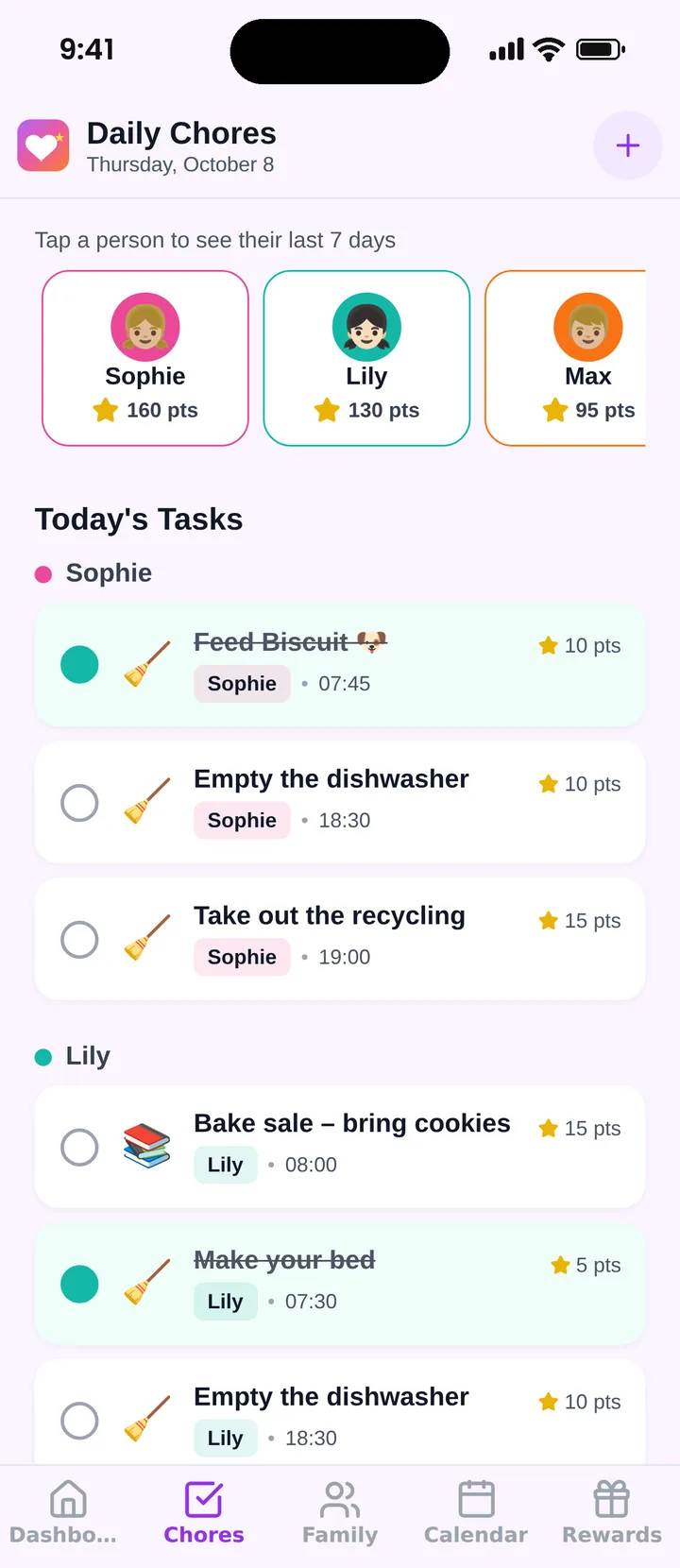
Famiyo is a free family app for iPhone and Android that combines a shared family calendar, chores with points and a rewards shop; kids join with a code, no email needed. For routines, each step is a task you assign to a child and repeat daily, with times and points if you want them. Kids see their own list on their own phone and tick steps off, and you can choose to approve them instead. Parents get a push notification when something is done. Everything syncs live between phones. The free plan includes 1 repeating task and up to 3 members, so a full multi-step routine needs Premium. Premium removes the limits.
Write tonight's bedtime steps and tomorrow's morning steps on paper first, then try them for a week.
Frequently asked questions
Do routine apps work better than paper charts?
Neither is better for every family. Paper suits young children and one fixed spot in the house. An app helps when you have several kids, two homes or a changing schedule, because it travels with the child and updates everywhere.
How many steps should a kids routine have?
For kids under 7, 4 to 6 steps. A morning routine for school-age kids usually takes 30 to 45 minutes from wake-up to leaving, and a bedtime routine 20 to 30 minutes. More steps than that and the routine feels heavy.
Should kids use a phone at bedtime for their routine?
Screens should be off about an hour before bed. Do the bedtime checklist earlier in the evening, or let a child tick the final steps on a paper card by the bed. Keep the app for planning and the earlier steps.
How long before a new routine sticks?
Give a new routine 2 to 3 weeks of consistent use before judging it. Expect resistance in the first week and improvement in the second. If a step keeps failing after that, change the step, not the child.
Try Famiyo With Your Family
Chores with points, a rewards shop for kids and one shared family calendar. Set it up in a couple of minutes.



Free to download • No credit card required • Available on iOS & Android