Kids Reward App: What to Look For (and What to Skip)
How to pick a kids reward app: the features worth having, the ones to skip, questions to ask before you download and how to test it in a week.
By Famiyo Editorial Team6 min read
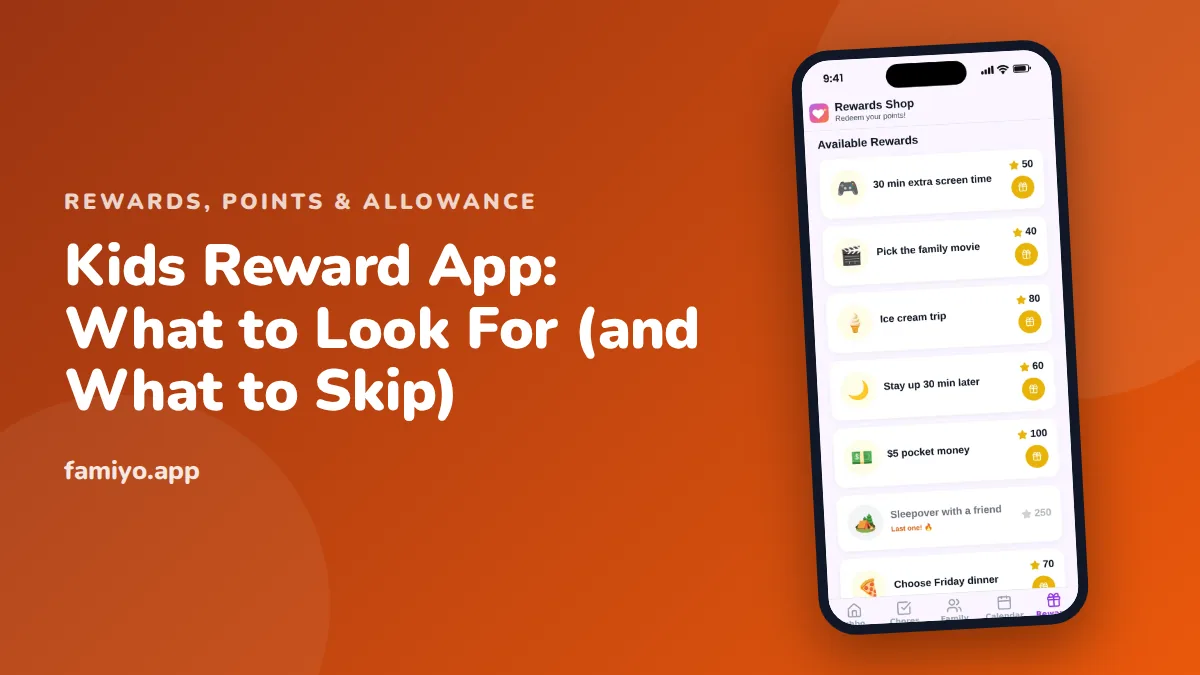
Search for a kids reward app and you will find dozens, from simple star counters to full family platforms with leaderboards and shops. They look alike in screenshots and behave very differently on a Tuesday evening. This guide lists what is worth having, what to skip, what to ask before you let your child use one, and how to test it in a week.
What a kids reward app is supposed to do
Behind every reward app is the same plan: a child does something agreed in advance, earns a reward, and sees progress toward it. Child development guidance from groups such as the American Academy of Pediatrics favors this kind of positive, predictable feedback over punishment. The app is only the record keeper. It cannot create motivation by itself.
That shapes how to judge one. A good app makes your system easier to run. A bad one tries to run your child.
The features worth having
You will not find a perfect match for your family, so rank these in order of how much they matter in your house.
| Feature | Why it matters | What to check |
|---|---|---|
| You choose the tasks | Your family's jobs differ from any default list | Can you add and edit your own tasks? |
| Values on tasks | Kids need to see that a bigger job earns more | Can each task have its own points? |
| Rewards with a price | Without a visible goal, interest fades | Can you set the cost and how many are available? |
| Parent approval | Prevents tapping "done" on an unmade bed | Is approval optional or required? |
| Child's own view | Older kids want ownership | Can they see their tasks and balance without your phone? |
| A clear balance | Kids will ask "how many do I have?" | Is the total shown, and what it buys? |
| History | Settles "I did that yesterday" | Can you look back at the last week? |
| More than one child | Fair rules at a glance | Do siblings share the same system? |
Two features come up in reviews and rarely matter. Animations and sound effects are fun for a week. Badges for streaks sound motivating, but see below.
What to skip
Several design choices work against you, and a few of them are built to keep a child tapping rather than to help your family.
- Ads and in-app purchases. A child's reward app should not be a place where a child can buy something.
- Streaks that punish. A counter that resets to zero after one sick day teaches a child that missing once means failure.
- Public rankings between siblings. A visible leaderboard turns a shared household into a contest and gives the child who loses a daily reminder.
- Rewards supplied only by the app. If the prize is a virtual item you cannot control, your child learns to love the app and not the family routine.
- Child accounts that ask for an email, full name or birth date, when a simple code would do.
- Chat with other users, or any link to strangers.
- Notifications aimed at the child that pull them into the app all day.
A good rule: if a feature serves the app's engagement numbers more than your family's routine, skip it.
Questions to ask before you download
Run through these on the app's page and in its privacy policy. Five minutes saves a lot of cleanup.
- What does a child have to give to sign in, and can I run it without their personal details?
- Is the free version a real working version, or a trial with the useful parts locked?
- How many children, tasks and rewards does it allow before it asks for payment?
- Are there ads, and are they shown to the child?
- Can the child buy anything, with real money or from a shop inside the app?
- Can I see and delete my family's data?
- Does it work on the devices my family really has?
- What happens if I stop paying or stop using it?
The free-versus-paid question deserves care. A free plan that limits you to one child or one recurring task can be fine for a trial, and it is a trap if your plan needs more by week 3. Count what your system will really use, then read the limits.
Test it for one week with one child
Do not move the whole family on day one. Pick one child and one habit.
- Write down three tasks and the reward they work toward, for example "empty the dishwasher, put away shoes, pack the school bag, and 100 points buys the family movie pick."
- Enter them yourself. Time how long it takes. If setup runs past 20 minutes, the app will be hard to keep up.
- Show your child the screen, but let them tap first.
- For 7 days, check the app at the same time every day, such as after dinner.
- On day 7, ask two questions: did your child look at it without being reminded, and did you find yourself checking it more than they did?
If the answer to the second is yes, the app may be adding work for you. Our look at the sticker chart app debate shows when plain paper is the better choice, especially under age 7.
How to set rewards that hold up
Even a perfect app fails if the rewards are wrong. Keep these ground rules in mind.
- Aim for a small reward within 2 to 3 days and a bigger one within a few weeks. Children give up on goals that feel a month away.
- Make most rewards experiences or privileges: a family movie pick, 15 extra minutes of screen time, choosing dessert. Our guide to setting up a family rewards store at home has ideas and prices.
- Agree on the reward in advance. A prize announced after the behavior starts to feel like a bribe, and our article on rewards vs bribes explains the difference.
- Never take earned points away as a punishment.
Matching an app to your child's age
What helps a 6-year-old frustrates a 12-year-old, so use age as a filter.
- Ages 4 to 6: a parent runs the app and the child sees the result. Large pictures, few choices and a reward within a day or two. Paper is often better here.
- Ages 7 to 10: the child can check their own tasks and balance. Clear prices and a visible goal matter most.
- Ages 11 and up: older kids resent anything that feels babyish. Look for plain screens, a say in the rewards and no cartoon mascots.
Whatever the age, a child should know what the rules are before the first reward is earned, and you should be able to explain the system in two sentences.
Where Famiyo fits
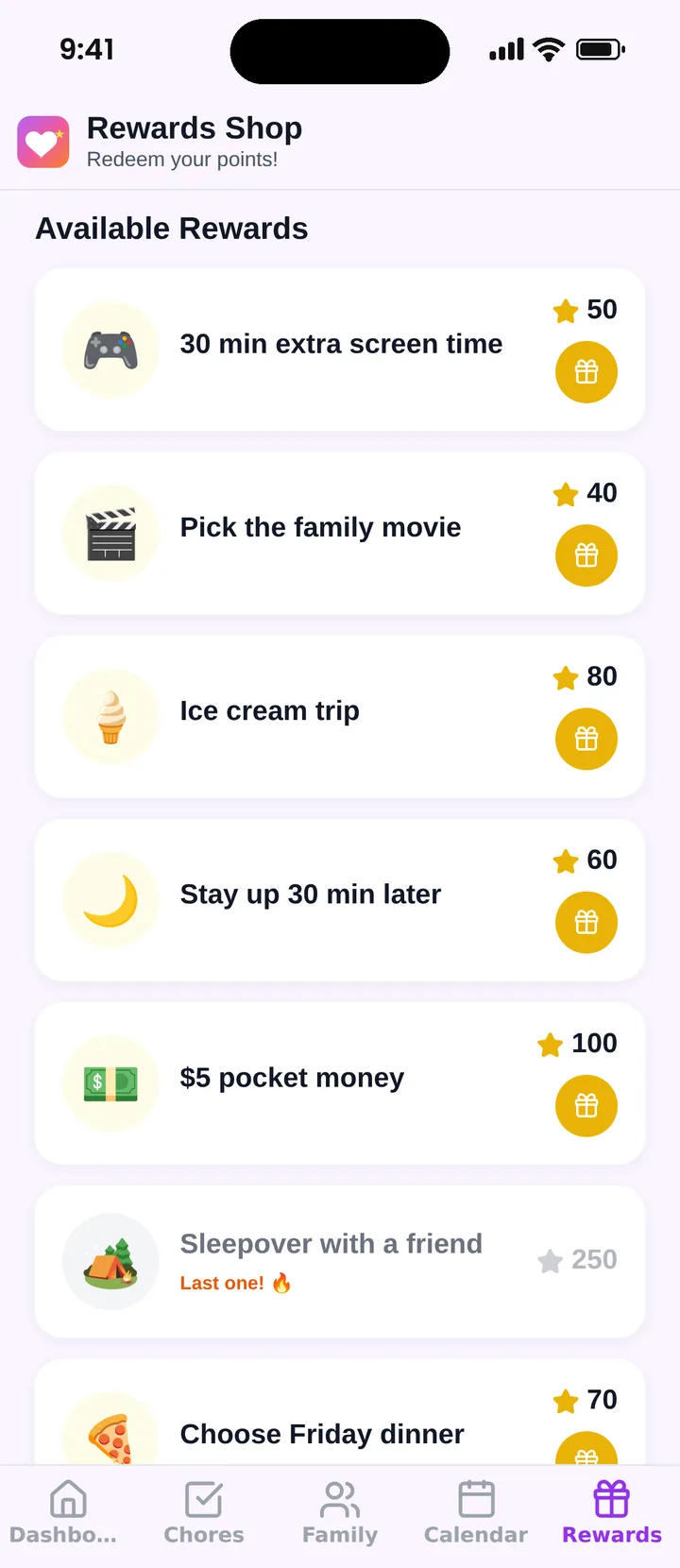
Famiyo is a free family app for iPhone and Android that combines a shared family calendar, chores with points and a rewards shop; kids join with a code, no email needed. Parents create the rewards with a price in points, set how many are available and when. Kids earn points from chores and redeem them on their own phone, where they see how many points they will have left. Parents can approve tasks or let kids check them off, and get a notification when a reward is redeemed.
You can compare it with others in our list of the best reward chart apps for kids.
Decide with your own checklist
Write down your three must-haves, your two deal-breakers and the number of children you need to cover. Then try one app with one child for a week.
Frequently asked questions
What should a kids reward app do?
It should let you choose the tasks, give each a value, set rewards a child can actually earn, and show progress. You should be able to approve or reject a task. Everything else is a bonus that you can live without.
Are kids reward apps safe for children?
Safety depends on the app. Prefer one that needs no email or password from the child, shows no ads, has no chat with strangers and sells nothing to kids. Read the privacy policy and keep the parent account in your own hands.
At what age can a child use a reward app?
Children can see and tap their own progress from about age 6 or 7, if they have a device. Under that, a parent usually runs the app and shows the child, and a paper chart often works better.
Do reward apps work better than paper?
Not automatically. The method matters more than the format: a clear task, a quick and fair reward, and a parent who follows through. An app helps most with several children, bigger goals and remembering to track.
Should rewards in an app be money?
Money is one option, but many families prefer rewards that are experiences or privileges, such as a movie pick or a later bedtime. If you use money, decide the rate in advance and keep it separate from basic family chores.
Try Famiyo With Your Family
Chores with points, a rewards shop for kids and one shared family calendar. Set it up in a couple of minutes.



Free to download • No credit card required • Available on iOS & Android