Sticker Chart App for Kids: Digital vs Paper
Should you use a sticker chart app or paper? Compare both by child age, setup effort, motivation and cost, with a first-week plan for either one.
By Famiyo Editorial Team6 min read
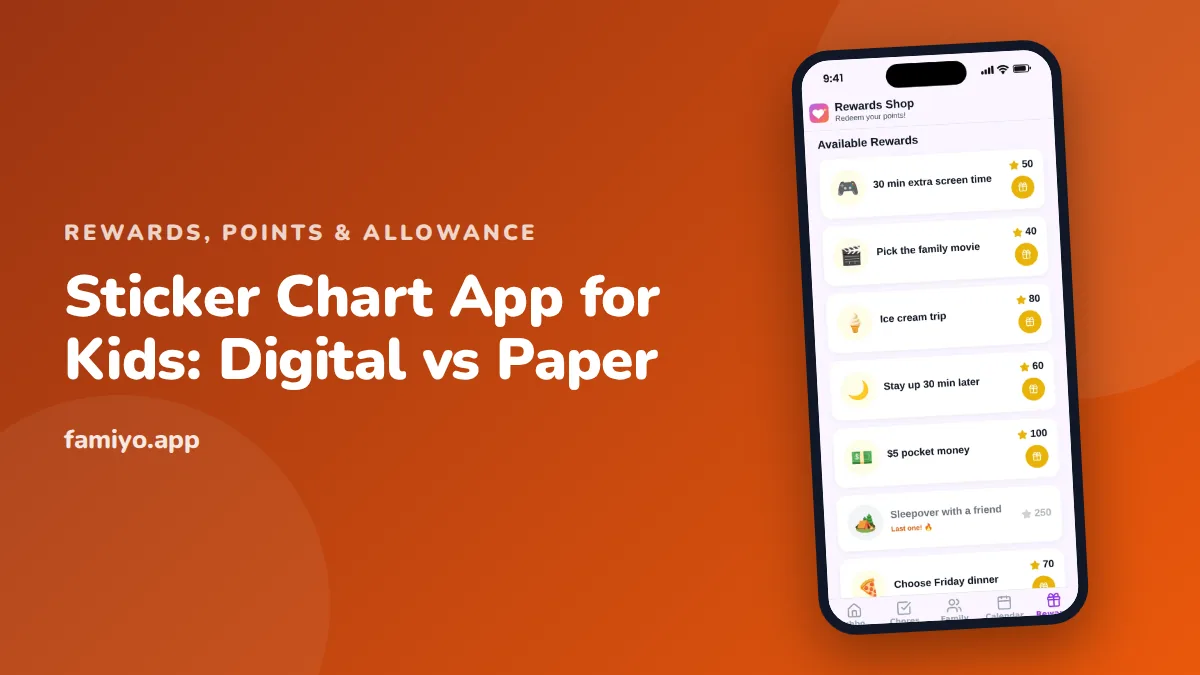
A sticker chart is one of the oldest tools in parenting, and now there is an app version of it. Pick the wrong one for your child's age and it gathers dust within a week. This guide compares the two formats honestly, tells you which questions to ask before you download anything, and gives you a first-week plan that works for paper or screen.
What a sticker chart actually does
A sticker chart makes progress visible. Your child does something specific, gets a small immediate mark, and watches the marks add up toward a goal. That is the whole mechanism. Pediatric and psychology guidance, including advice from the American Academy of Pediatrics, favors this kind of approach (clear target, quick feedback, praise alongside) over punishment for building habits in young children.
It also helps to know what a chart cannot do. Researchers have long noted that external rewards can dampen a child's interest in something they already enjoy, such as reading for fun. A sticker chart is best for the jobs a child would not choose on their own: teeth, shoes by the door, a bedtime routine. How well it works depends on the child, and on how consistently the adults use it.
Paper vs digital: how they compare
| Paper chart | Sticker chart app | |
|---|---|---|
| Best age | 2 to 6 | 7 and up (younger with a parent running it) |
| Feedback | Touch, peel, stick, instant | A tap, sometimes with sound or animation |
| Visible to the child | Always, on the fridge | Only when they open the app |
| Setup time | A few minutes | 10 to 20 minutes |
| Several children | Needs one sheet each | One place for everyone |
| Goes missing | A sheet can be lost or torn | Survives, but so does the pressure to check it |
| Parent effort | You must be there with stickers | Can be approved from anywhere |
| Cost | Pennies | Free tiers with limits, or a subscription |
| Risk | Boredom with the same stickers | Ads, in-app purchases, more screen time |
Neither column wins outright. A 4-year-old who just brushed their teeth wants to press a star onto paper with their own finger. A 10-year-old who has to ask you for a sticker will probably quit.
When paper is the better choice
Pick paper if your child is under about 6, if the target behavior happens in a room without a phone (bathroom, bedroom, front door), or if you want to keep screens out of the routine. The AAP suggests about an hour a day of high-quality programming for ages 2 to 5, and a chart that needs a screen can quietly add to that.
Paper is also easier to get right in the first week. There are no accounts and no settings. Stick it low enough for your child to reach, use 5 to 8 boxes at most, and put the reward at the end where they can see it.
When a sticker chart app is the better choice
An app earns its place in four situations.
- Your child is 7 or older and would rather track things on their own phone than ask you for a sticker.
- You have two or more children and want the same rules, a fair count and no arguments about who got what.
- The reward costs more than one chart can hold, so points have to carry over from week to week.
- You are the weak link. If you forget the stickers by Wednesday, an app that reminds you and logs the day can hold the routine together.
If none of these describe your home, stay on paper.
What to look for in a sticker chart app
Before your child gets near it, check these things yourself.
- Who is it for? Look for an app built for families, with a parent area and a child view. A drawing game with a star counter is something else.
- Ads and purchases. A children's app should be free of ads. Be wary of anything that offers extra stickers for real money.
- Account for a child. Does your child need an email address or a password? The less personal data the better.
- Parent approval. Can you decide whether a task counts before the sticker lands?
- A real goal. A chart that only collects stars with no reward at the end tends to fade. Look for rewards you can set yourself.
- Limits of the free version. Count children, tasks and rewards allowed before you commit.
- Exit. Can you stop using it without losing your data or being pushed to a paid plan?
Red flags: streak timers that scold a child for missing a day, public leaderboards between siblings, and rewards that only the app can supply.
Your first week with either format
The same plan works on paper or screen.
- Pick one behavior. Choose something small and concrete, such as "shoes on the shelf when you get home." Skip vague goals like "be good."
- Explain it in one sentence. For example: "Every time you put your shoes on the shelf, you get a sticker. Five stickers and you pick the dessert on Saturday."
- Give the sticker straight away. A reward that arrives hours later is much weaker, especially under age 6.
- Praise with it. Say what they did: "You put them on the shelf without me asking." That keeps the sticker from becoming the only thing that matters.
- Never take stickers away. Do not remove one as a punishment. The chart is for progress only.
- Review on day 7. Count the stickers, hand over the reward and decide whether to keep going, make the goal slightly harder or retire the chart.
If your child loses interest by day 10, the goal is probably too far away or the task too easy. Shorten the path, with a smaller reward after 3 stickers, or change the task. Our guide to rewards vs bribes explains how to offer a reward in advance without it becoming a negotiation.
Moving from stickers to points
Stickers have a ceiling. A child of 7 or 8 will ask what happens after the chart is full, and you will want more than one reward. That is the natural point to move to a points system with a price list. Our article on how to reward kids without money lists rewards you can put on that list, and the kids reward app guide covers what to look for in the digital version.
Mistakes that sink a sticker chart
Most failures come from a few repeating errors, on paper or in an app.
- Too many tasks at once. Start with one.
- A goal that is weeks away. For ages 3 to 5, a reward after 3 to 5 stickers works better than one after 20.
- Missing days. If you forget for two days in a row, the chart loses credibility.
- Using the chart for punishment. Never remove stickers for bad behavior.
- Rewards that are food. Sweets as the standard prize make the chart harder to retire later. See our list of non-food rewards for kids for alternatives.
Where Famiyo fits
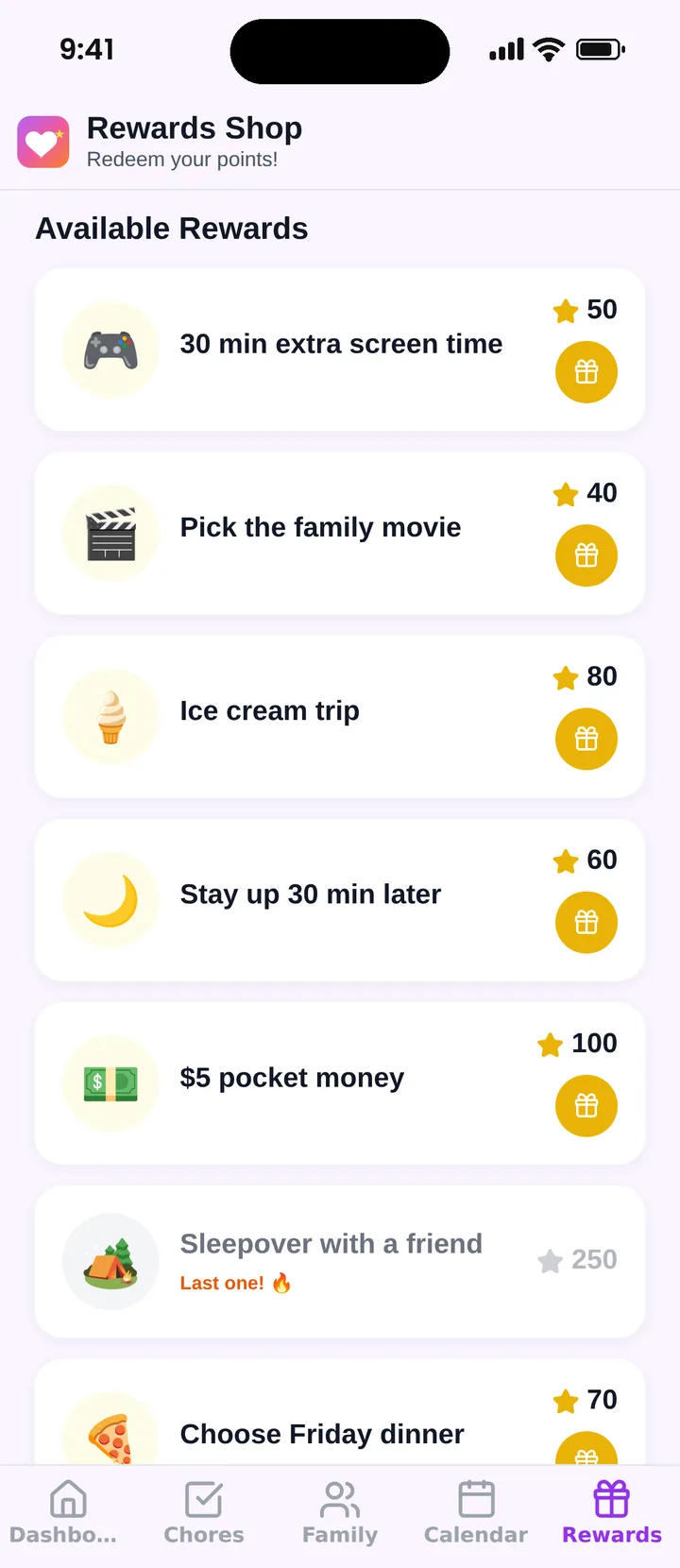
Famiyo is a free family app for iPhone and Android that combines a shared family calendar, chores with points and a rewards shop; kids join with a code, no email needed. It is not a sticker chart, but it covers the stage after one. Children earn points from chores, and parents set the rewards with a price in points. Kids redeem from their own phone and see how many points they will have left.
If you want to compare other tools, see our list of the best reward chart apps for kids.
Pick the format for the child you have
Look at your child's age, the room where the habit happens and how often you will actually remember to give the reward. Start with whichever format you will keep up for 2 weeks, and make the first goal small enough to finish in a few days.
Frequently asked questions
Is a digital sticker chart as effective as a paper one?
There is no good evidence that one format beats the other. What matters is that the reward comes right after the behavior, the goal is clear and the adult stays consistent. Younger children usually respond better to something they can touch.
What age is a sticker chart app good for?
Most children under 6 or 7 want a physical sticker. From about 7, many kids prefer their own phone or tablet, and a digital chart also fits kids who already read well and track their own progress.
Are sticker chart apps free?
Many have a free version, but free often means limits on children, tasks or rewards, or ads aimed at kids. Check the limits and whether ads or in-app purchases appear before your child uses it.
Can I use both paper and an app?
Yes, and it works well. Keep a paper chart for the daily routine of a small child and move to an app once points, several children or a bigger reward need tracking. Tell your child the switch is a promotion, not a punishment.
How long should a sticker chart last?
Plan on 2 to 3 weeks for a first chart. Retire it when the behavior is automatic, or swap the goal for a new one. A chart that runs for months with the same task usually loses its pull.
Try Famiyo With Your Family
Chores with points, a rewards shop for kids and one shared family calendar. Set it up in a couple of minutes.



Free to download • No credit card required • Available on iOS & Android