Allowance App for Kids: How to Choose One
How to choose an allowance app for kids: money-moving vs tracking-only, fees, parent controls, age fit and red flags, plus a way to set it up in week one.
By Famiyo Editorial Team5 min read
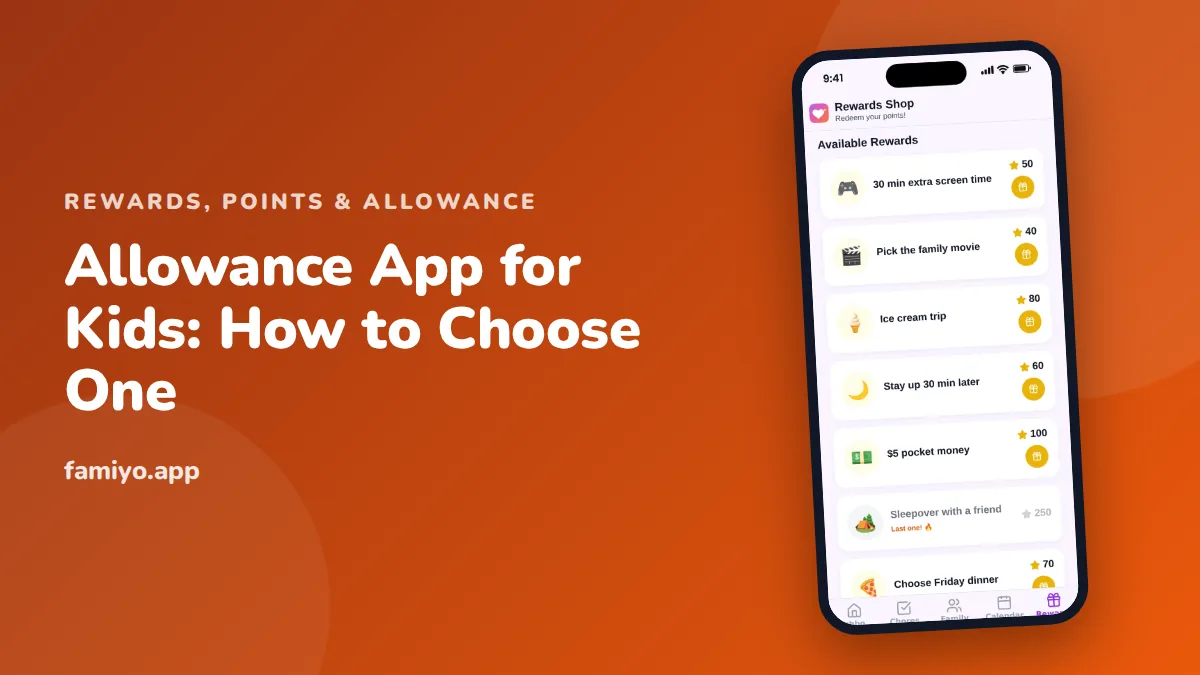
An allowance app can save you the Friday scramble for cash and give a child a real feel for their own money. It can also be a fee-charging bank account in disguise or a points game with no link to your plan. This guide helps you pick the right type, ask the right questions and set it up so the money lessons are the ones you intended.
First decision: does the app hold real money?
Allowance apps fall into two groups, and everything else depends on which you choose.
| Tracking only | Holds real money | |
|---|---|---|
| What it does | Records chores, points or what you owe | Stores money, pays on a schedule, may offer a card |
| Money moves | Outside the app, by hand or transfer | Inside the app |
| Typical cost | Free tier or a small subscription | Subscription, card or transfer fees possible |
| Data and risk | Low: no financial details | Higher: bank links, a child's identity data |
| Best age | 5 to 10 | 12 and up |
| Teaches | Earning, goals, waiting | Spending, saving, budgeting with real balances |
| Failure mode | You forget to pay out | A card makes spending too easy |
Neither is better. A 7-year-old does not need a card, and a 15-year-old buying their own lunch might. If you are not sure, start with tracking and add real accounts when your child has a use for them.
What the research and guidance say
Child finance guidance generally agrees on a few points: children learn money habits young, practice with small amounts beats lectures, and being able to see a balance matters more than the size of the amount. There is no official standard for how much to give, which is why our article on allowance for kids calls the common rule of $1 per week per year of age a starting point. The same applies to apps: no app can decide the amount or the rules for you.
What a good allowance app does
Look for these, in rough order of importance.
- You set the amount and the schedule. Weekly or per chore, your choice, not a default.
- The child sees what they have and what it can buy. A balance, a goal, and the time left to reach it.
- Spend, save and give are easy to separate. A simple split for younger kids is 50% spend, 40% save and 10% give.
- You can approve and correct. If a chore was skipped, you can undo it.
- Rules are visible to the child. They should be able to tell why they were paid or not.
- A history of what was earned and spent.
- Fair treatment of siblings, with the same rules and private balances.
Red flags
- Fees you find only after signing up: monthly charges, card fees, top-up or transfer fees, inactivity fees.
- A default upsell to a paid tier as soon as you add a second child.
- Ads or purchases aimed at the child.
- Requesting a child's full identity details for a tracking app.
- Hard to cancel, or no way to export or withdraw your data and money.
- A card that spends instantly with no parent approval or limits.
- Rewards or bonuses that push a child to spend more (cash back on junk, for example).
- Public rankings between siblings.
Before adding money to any app, read the fee table, the account terms and the privacy policy. Ask where the money sits and what happens to it if the company closes.
Match the app to the age
Age changes what the tool needs to do.
- Ages 4 to 6. A child this age needs a visible goal more than a balance. A jar and a chart often beat an app. See how much allowance for a 6-year-old for typical amounts, which at this age are small, $3 to $7 a week.
- Ages 7 to 10. Tracking works well here. Typical weekly ranges are $7 to $10 for ages 8 to 10. Points that convert to a real reward or a payment teach the link between effort and result.
- Ages 11 to 13. Typical range $10 to $15 a week. A child can handle a real balance, a savings goal and a spending decision.
- Ages 14 and up. Typical range $15 to $25 a week, sometimes with a budget for clothes or lunches. How much allowance for a 14-year-old covers what that amount should include. A real account and card are reasonable at this age, with limits.
Set it up in the first week
- Write the rule on paper first. For example: "Basic chores are unpaid. Extra jobs earn points. 100 points equals $1. Payday is Saturday morning."
- Choose the type of app that fits the rule, not the other way round.
- Set up the parent account yourself and read what data you are giving.
- Add one child and 3 to 4 tasks. Price them: small job $0.25 to $1, big job $2 to $5.
- Show your child the balance and the goal before the first task.
- Pay out on the day you promised, every time. A late payday teaches more than a missed lesson.
- After 2 weeks, review. If your child never spends or never saves, change the split, not the app.
Pocket money as a reward
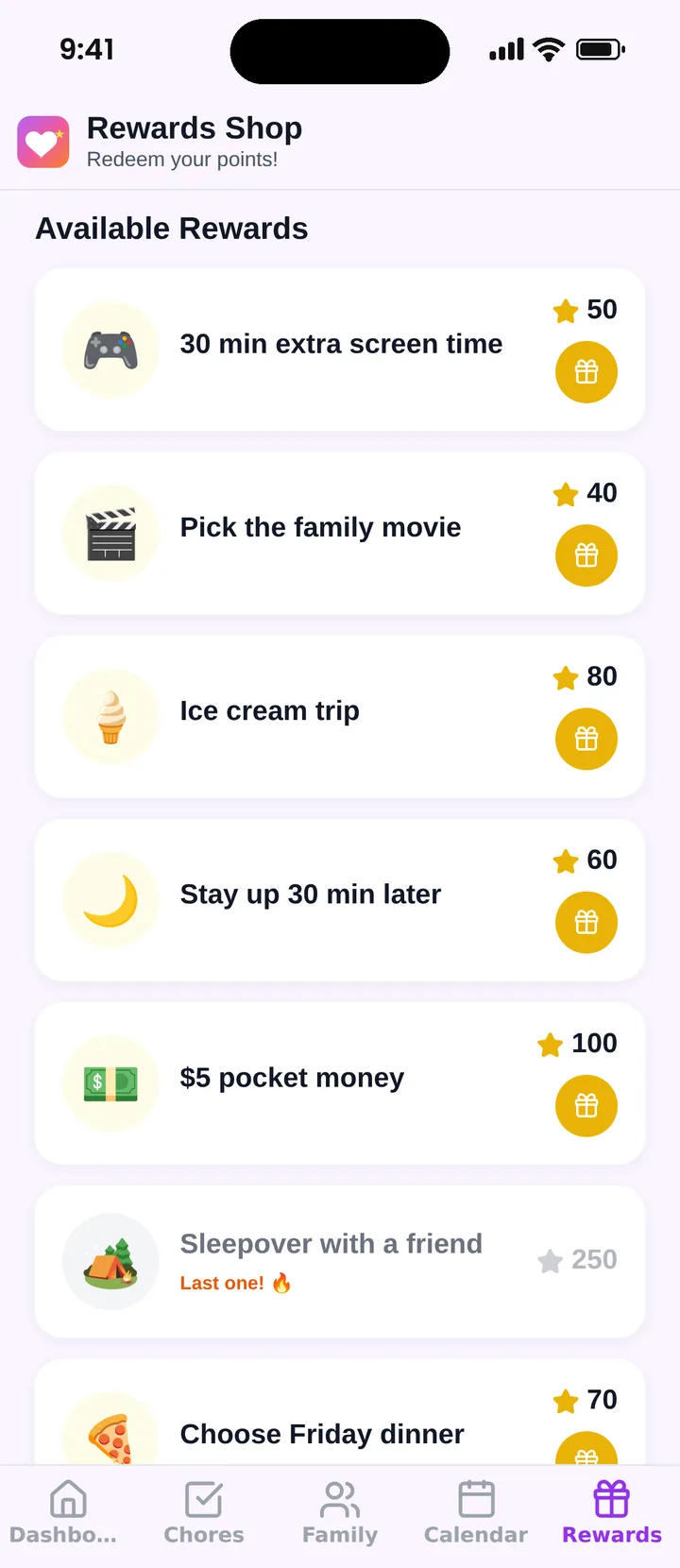
Points are a good bridge between chores and money. A child earns points, and pocket money is one of the rewards they can choose, next to screen time or a movie pick. This keeps money visible without making every chore a transaction. If you do convert, a simple rate is 100 points = $1. The money itself changes hands outside a tracking app, in cash or by transfer.
Whether to link money to chores at all is a family decision, and our guide on reward chart apps explains how points and charts differ.
Talking to your child about the app
An allowance app works better when your child helped choose the rules. Sit down for ten minutes and explain three things: what earns money or points, when payday is and what happens to the balance if it is not spent. Let your child pick a savings goal, something they want that costs about four to six weeks of allowance. A goal that far away teaches patience, and one that is only a few days off teaches little.
Expect the first month to be messy. Children test the rules, forget to check, or spend everything on day one. That is useful information, not a failure. Resist the urge to rescue a child who spent it all, and talk about it calmly at the next payday.
Where Famiyo fits
Famiyo is a free family app for iPhone and Android that combines a shared family calendar, chores with points and a rewards shop; kids join with a code, no email needed. It does not hold or move money. Instead, kids earn points from chores, and parents set the rewards with a price in points, including pocket money as a reward. Kids redeem from their own phone and see how many points they will have left, and you hand over the cash yourself.
To compare more tools, see our list of the best allowance apps for kids.
Choose the rule, then the app
Write down what your child earns, when and how it is paid. If an app fits that sentence, try it for two weeks with one child before you commit.
Frequently asked questions
What is an allowance app?
It is an app that helps parents manage a child's allowance. Some only track chores and what is owed. Others hold real money, send it on a schedule and may come with a card. Know which type you are looking at before you compare.
Do I need an allowance app?
No. A notebook, a jar or a spreadsheet works. An app helps when you forget payday, have several children, want to see what is owed at a glance or want to teach spending and saving with real numbers.
What age is right for an allowance app?
Children can handle a tracking app around 6 to 8, when they can count and wait for a goal. Real accounts and cards suit tweens and teens, who can make decisions with money and accept the rules.
Are allowance apps free?
Tracking apps often have a free tier with limits. Apps that hold money may charge a monthly fee, fees on a card or on top-ups. Ask for the full fee list before you add money.
Should an allowance be tied to chores?
Families disagree. Many keep basic family chores unpaid and pay for extra jobs, or give a flat weekly amount to teach budgeting. Decide the rule first, then pick an app that supports it.
Try Famiyo With Your Family
Chores with points, a rewards shop for kids and one shared family calendar. Set it up in a couple of minutes.



Free to download • No credit card required • Available on iOS & Android