Reward Chart App for Kids: Features, Limits and Free Options
What to expect from a reward chart app for kids, where free plans run out, what charts cannot do and free alternatives that work, from paper to a spreadsheet.
By Famiyo Editorial Team5 min read
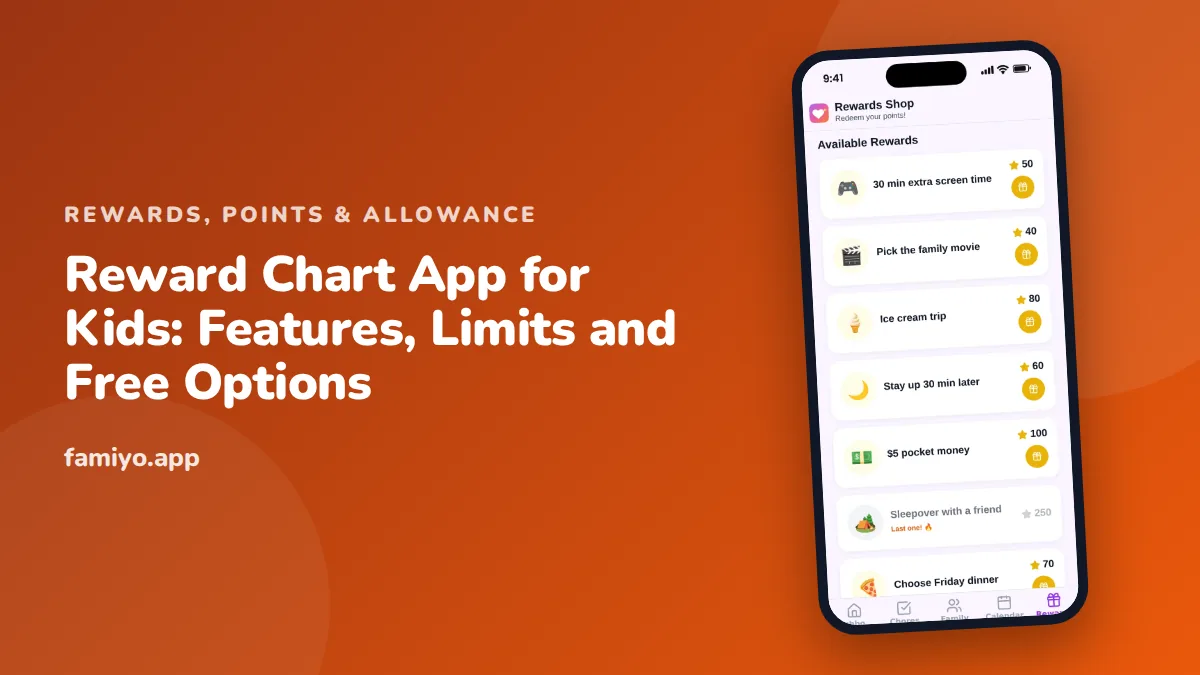
A reward chart is simple to describe and surprisingly easy to get wrong. The search for a reward chart app for kids brings up plenty of options, most of them free to download and not always free to use. This guide covers what a chart app can do, where its limits sit, how free plans work and what to use instead when a chart is not the right tool.
What a reward chart app does
At its core, a reward chart app gives you three things: a list of tasks for each child, a way to mark them done, and a reward at the end. The better ones add points, a reward list, reminders and a history. The American Academy of Pediatrics favors clear, immediate, positive feedback for young children, and a chart is one way of delivering it.
Before you search, decide which of these two things you want, because they are different tools:
| Reward chart | Points system | |
|---|---|---|
| How it works | Mark tasks, reach one goal | Tasks earn points, points buy rewards |
| Best age | 3 to 8 | 6 and up |
| Best for | 1 to 3 habits | Chores and several children |
| Reward | One at a time | A menu to choose from |
| Effort to run | Low | Medium |
| Risk | Goes stale in 2 to 3 weeks | Prices need adjusting |
Many apps offer both under the name "reward chart". Look at the screenshots on the store page and find out which one you are getting.
Features worth having
- Tasks you write yourself, not just a preset list.
- A visible goal or price list the child can see.
- Parent approval, so a tap does not automatically count.
- A child's own view that does not need your phone.
- A history, for settling "I did it yesterday".
- Support for several children without a separate account for each.
- Reminders for the parent, not for the child.
Nice to have but not essential: sounds, animations, themes and avatars. They add a week of novelty.
Where free plans run out
Most chart apps are free to start and paid to grow. These are the limits that show up most, and the moment you meet them.
| Limit | When you hit it |
|---|---|
| One or two children | The second child wants in |
| A short task list | Week 3, when you add the bedtime routine |
| Few or no custom rewards | When the preset prizes stop appealing |
| Only one repeating task | The moment you want a daily chore |
| History limited to a few days | The first disagreement about last week |
| Ads | Immediately, and aimed at your child |
None of these is wrong in itself. A developer needs income. The question is whether the free tier covers the plan you wrote down, or only the demo. Count your children, your tasks and your rewards before you download. If your plan needs more than the free tier allows, either pay deliberately or pick another tool.
Be careful with anything that asks for payment details before you have used the app, trials that renew without a clear reminder, and in-app purchases your child can reach.
What a reward chart cannot do
A chart is a good tool for a narrow job. It has real limits.
- It cannot explain why a task matters. If your child does not know why shoes go on the shelf, a star will not tell them.
- It cannot fix a task that is too hard. If your 4-year-old cannot manage a 6-step routine, adding stars will not help.
- It fades. Researchers have long observed that external rewards can lose pull over time, and that they can dampen interest in something a child enjoys. A chart works best for tasks a child would not do otherwise, and it should have an end date.
- It cannot handle money, a growing wish list or several siblings well. At that point you need points.
Our article on sticker chart apps vs paper shows when a physical chart is the better fit.
Free options besides an app
You can run a chart for free without installing anything.
- Paper on the fridge. Draw 5 to 8 boxes, choose one habit and a reward at the end. A pen works as well as a sticker.
- A whiteboard. Easy to reset each week, and visible to the whole family.
- A shared spreadsheet. Columns for children, rows for days, a column for points. Good for older kids who like numbers, with one weakness: it relies on you to update it.
- A jar and a handful of tokens. For preschoolers, a marble in a jar is clear feedback with no screen.
Each of these has no limits and no subscription. What they lack is reminders, a balance that updates itself and a view on each child's phone.
Setting up a chart that works
- Pick one habit. Choose a behavior with a clear start and end, such as "get dressed before breakfast".
- Set the target. A short goal, 5 stars for ages 3 to 5, up to 10 for older children, with a reward they chose.
- Reward quickly. Give the sticker or tap right after the behavior. Delay weakens the link.
- Review at week 2. If the habit is easy now, raise the bar or retire the chart.
- Add points when you outgrow stars. For children who do chores, this is the natural next step. Our guide on how much to pay kids for chores explains pricing if you plan to convert points into money, using 100 points = $1 as a simple rate.
If you find yourself writing a second chart for a second child, that is the signal to move to a system that handles more than one. The article on reward trackers for families describes how.
Signs your chart needs a change
Charts have a life cycle, and spotting the end saves frustration. Watch for these signs.
- Your child stops asking about stars or points.
- You are the only one who remembers to update it.
- The reward no longer excites them.
- A task is done on autopilot, even without the reward.
- Siblings argue about whose chart is better.
When any of these appears, do one of three things: raise the goal a little, swap the reward for something your child picks, or retire the chart and praise the habit instead. None of those is a defeat. A chart is a scaffold, and scaffolds come down.
Where Famiyo fits
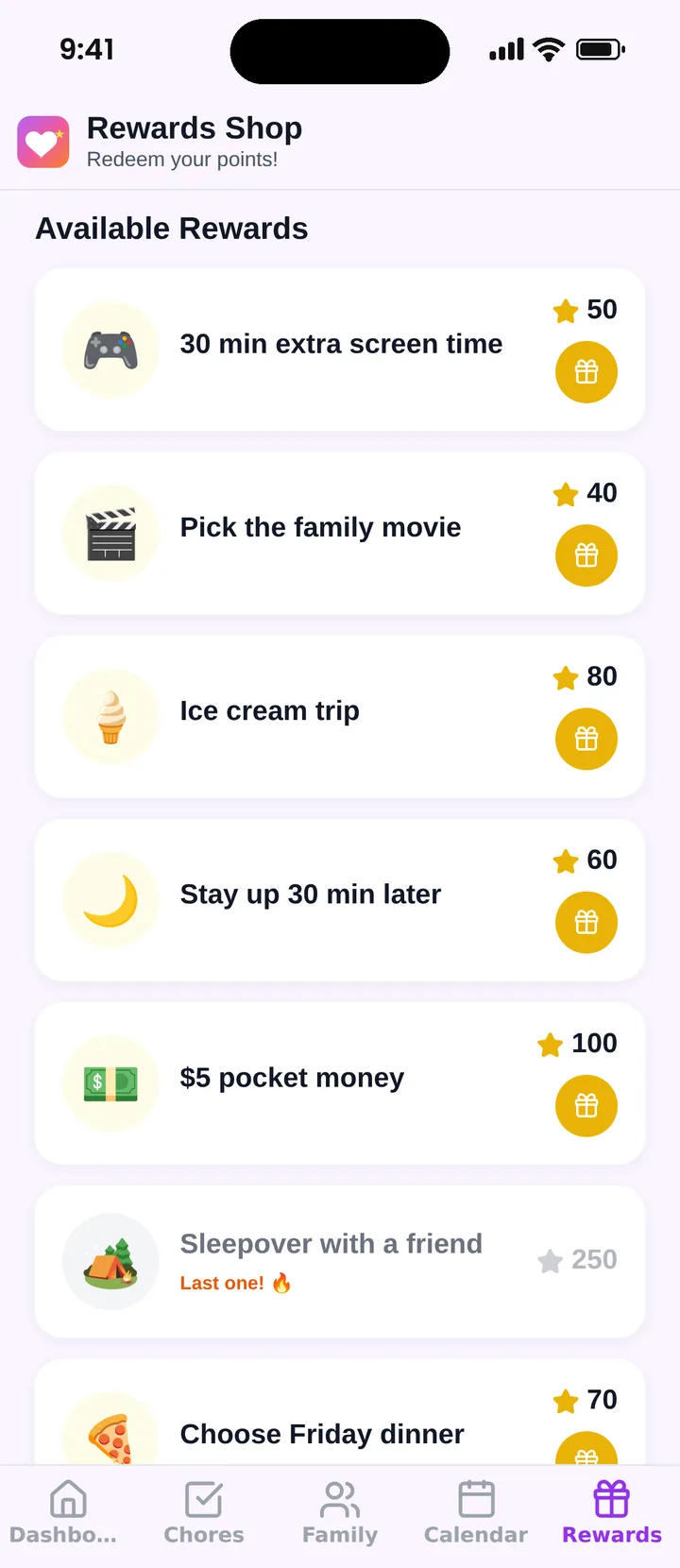
Famiyo is a free family app for iPhone and Android that combines a shared family calendar, chores with points and a rewards shop; kids join with a code, no email needed. The free plan covers up to 3 family members and 1 repeating task, with chores with points, the rewards shop and statistics included, and no ads. Parents create rewards with a price in points, and kids redeem them from their own phone. Optional Premium removes the limits. It is a points system more than a chart, so it suits older kids and chores best.
For other choices, see our list of the best reward chart apps for kids.
Pick for the habit, not the features
Name the one habit you want to change this month, then choose the simplest tool that tracks it. If paper does the job, use paper.
Frequently asked questions
Is there a free reward chart app?
Yes, many offer a free plan. Free usually means limits on the number of children, tasks or rewards, or ads. Check these limits against your own plan before your child gets attached, because switching apps later costs you the history.
What is the difference between a reward chart and a points system?
A reward chart marks completed tasks toward a single goal. A points system gives each task a value and lets a child spend the total on different rewards. Charts are simpler and suit younger kids. Points scale better to chores and several children.
How many tasks should be on a reward chart?
One to three for young children, and up to four or five for school-age kids. A longer chart looks like a to-do list and loses its pull. Start with the one habit that causes the most stress at home.
What age is a reward chart for?
Most useful from about 3 to 8. Younger children need a parent to run it. Older children usually want more say and a bigger payoff, which points and a reward list provide better than stars.
When should I stop using a reward chart?
When the behavior happens without it for 2 to 3 weeks. Fade the chart gradually: reward every second day, then weekly, then praise only. Keep the habit in the routine, not on the chart.
Try Famiyo With Your Family
Chores with points, a rewards shop for kids and one shared family calendar. Set it up in a couple of minutes.



Free to download • No credit card required • Available on iOS & Android