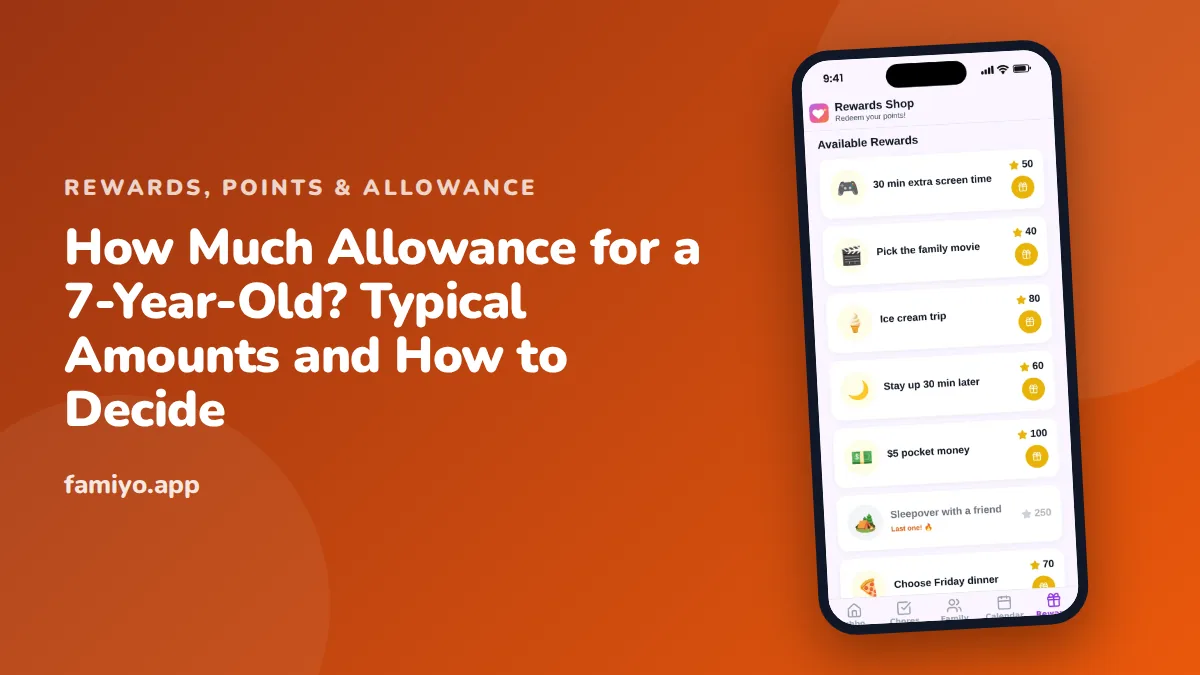
How Much Allowance for a 7-Year-Old? Typical Amounts and How to Decide
Most 7-year-olds get $3 to $7 a week. See what the $1-per-year rule gives, how to split it, what it should cover and how to run it in an app.
By Famiyo Editorial Team4 min read
Seven is a sweet spot for allowance. Kids can count change, they understand "I want that toy more than that candy," and they have not yet been spoiled by a phone full of in-app purchases. The tricky part is the number. Here is what families typically give, and how to land on an amount for yours.
What is the typical allowance for a 7-year-old?
For ages 5 to 7, the typical range is $3 to $7 a week. A 7-year-old sits near the top of that range in some households and the middle in others, depending on where you live and what the money is meant to cover.
There is no official standard. Anyone who tells you the "right" number is guessing. The ranges below are common patterns, nothing more.
| Approach | Weekly amount for a 7-year-old | Good fit when |
|---|---|---|
| Low | $3 | Allowance only covers small treats and you are also paying for extras |
| Middle | $5 | A balanced starting point for most families |
| One dollar per year of age | $7 | You want an easy rule that grows each birthday |
| Points converted to money | Varies | Your child earns through chores and you want it to flex week to week |
If you are unsure, start at $5 and adjust after a month. Raising an allowance is easy. Lowering one feels like a punishment.
How does the $1 per year rule work?
Multiply your child's age by $1. A 7-year-old gets $7 a week, an 8-year-old gets $8, and so on. It is simple and it automatically rises each year, which is why parents like it.
It has limits. By age 14 the formula says $14, while typical amounts for teens run $15 to $25 a week, and that is when the allowance often starts to cover real expenses. For a 7-year-old the rule can also feel like a lot when the money only buys a snack and a small toy. Treat it as the top of your range, not a rule you must obey.
What should a 7-year-old's allowance cover?
This question matters more than the dollar amount. Decide before you start:
- Things the allowance covers. Usually small wants: stickers, a toy, a treat at the store, a birthday present for a friend.
- Things you cover as usual. Food, clothes, school supplies and activities.
- Things you are open to adding later, such as a book at the school fair or a trip to the movies.
Tell your child in plain words: "This is your money for things you want. If it runs out, it runs out until Saturday." Do not rescue them the first time. A 7-year-old who spends $5 on candy and then wants a toy is learning more than any lecture could teach.
Should the allowance be tied to chores?
Parents split on this, and both camps have a point. A common middle path works well for this age:
- Keep a few basic chores unpaid. Making the bed, clearing a plate and feeding the family pet are part of living in a house.
- Pay a small amount for extra jobs. Typical rates are $0.25 to $1 for a small extra job and $2 to $5 for a big one. For a 7-year-old, washing the car windows or sorting a drawer of socks might earn $1.
- Keep the weekly amount steady, so the money does not disappear after one bad week.
The most common mistake is paying for everything. A child who learns that every task has a price may stop helping unless money is on offer. If you want more on how pay and chores connect, our article on how much to pay a 9-year-old for chores shows how the pay scale grows two years later.
How to split a 7-year-old's money
A simple split for younger kids is spend, save, give. For example:
| Jar | Share | On $5 a week |
|---|---|---|
| Spend | 50% | $2.50 |
| Save | 40% | $2.00 |
| Give | 10% | $0.50 |
Use three clear jars or envelopes at home. Seven-year-olds love seeing the savings pile grow, and a goal like a $20 toy makes waiting concrete. In ten weeks at $2 a week they will have it. Let them count it themselves.
If your child wants to see the same logic with a tracking sheet, our allowance tracker template is a quick way to start.
Running allowance in an app
Famiyo is a free family app for iPhone and Android that combines a shared family calendar, chores with points and a rewards shop; kids join with a code, no email needed. For a 7-year-old you can give each chore a point value, then add "$5 pocket money" to the rewards shop at 500 points, using the 100 points equals $1 conversion.
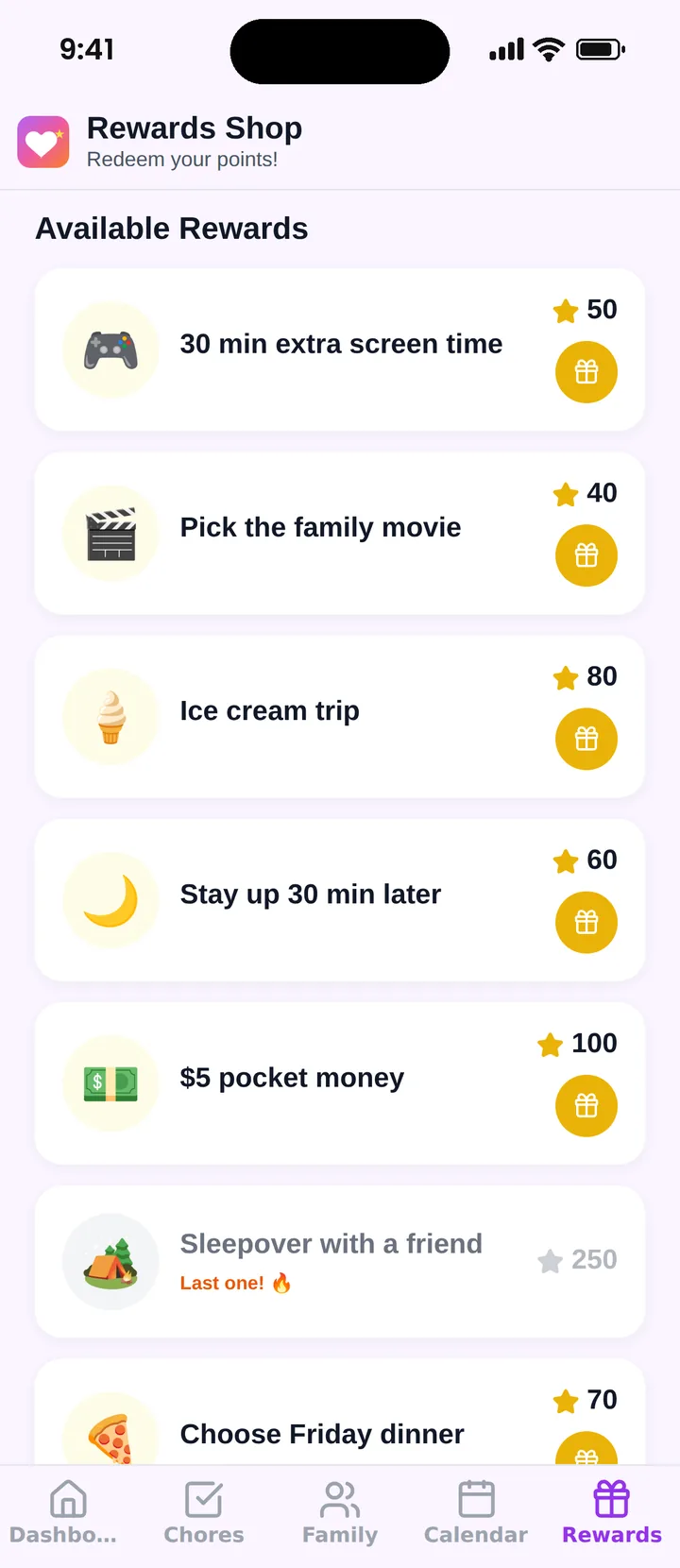
The app does not move or hold money. You hand over the cash or add it to a bank account yourself, and the app just keeps the count honest. Compare options in our list of the best allowance apps for kids.
A simple way to start this weekend
Choose $5, a payday and a rule for what it covers. Tell your child all three at once, hand over the first amount on Saturday and write down what they do with it. Review after four weeks. If the money is gone by Tuesday every time, do not raise it. Help them plan instead.
Frequently asked questions
Is $5 a week too much for a 7-year-old?
No. Five dollars sits in the middle of the typical $3 to $7 range for ages 5 to 7. What matters more is what it has to cover. If it only pays for small treats and toys, $5 is generous but reasonable.
Should a 7-year-old's allowance be tied to chores?
Many parents keep basic chores unpaid because they are part of being in the family, then pay $0.25 to $1 for extra jobs. Others pay a flat allowance with no strings. Either can work if you explain the rule clearly.
How often should I pay a 7-year-old allowance?
Weekly. At this age a month is too long to wait, and children lose the link between earning and receiving. Choose a fixed day, such as Saturday morning, and never skip it.
Can I use points instead of cash for a 7-year-old?
Yes. With 100 points equal to $1, a child can collect points for chores and exchange them for pocket money or other rewards. Points make it easy to see progress before the real money changes hands.
Try Famiyo With Your Family
Chores with points, a rewards shop for kids and one shared family calendar. Set it up in a couple of minutes.



Free to download • No credit card required • Available on iOS & Android