How to Make a Kids Reward Chart in 7 Simple Steps
How to make a kids reward chart that works: choose goals, pick a format, set points and rewards, and keep it running. Step by step, with a sample week.
By Famiyo Editorial Team5 min read
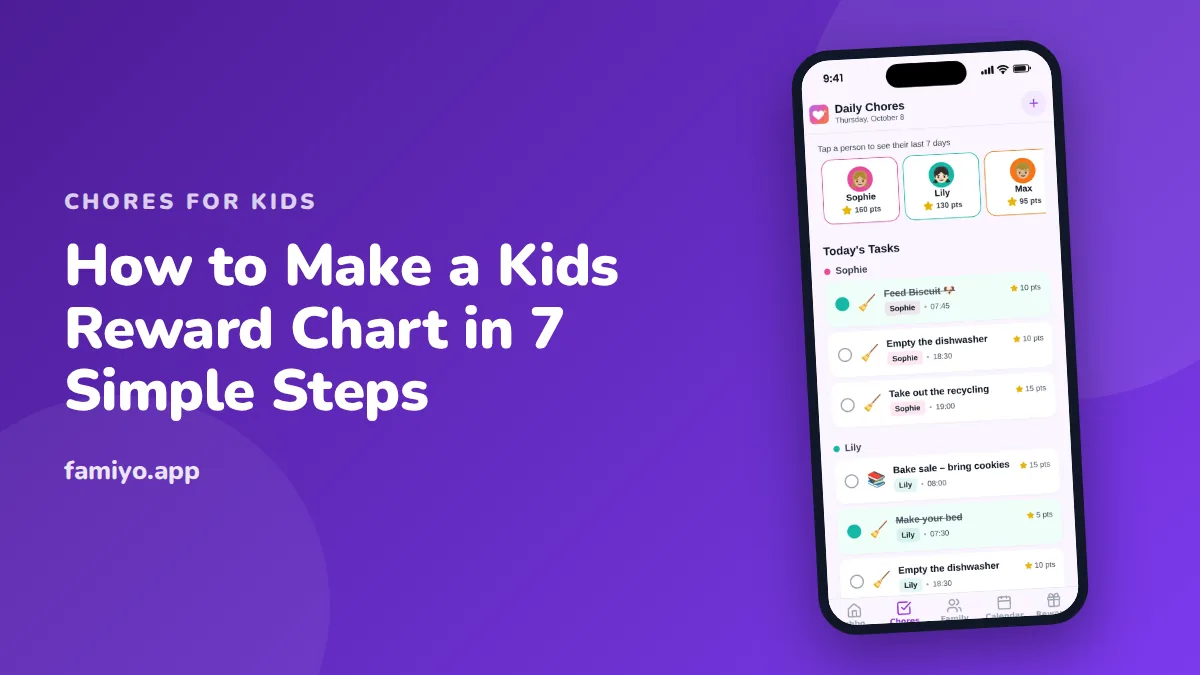
A reward chart is a simple idea that goes wrong in simple ways. The tasks are too many, the rewards are too far away, or the chart ends up in a drawer by Thursday. This page shows how to build one in seven steps, with a sample you can copy and a few fixes for when it stalls.
Step 1: Pick two to four tasks
Start with a short list. For preschoolers, 2 to 3 daily tasks is plenty, and for school-age children 3 to 4. A child who sees eight rows will not try row one.
Choose tasks that are specific, observable and doable alone. "Get ready for bed" is fuzzy. "Pajamas on, teeth brushed, clothes in the hamper" is a task list. If you need ideas, our chore list for kids sorts jobs by age, and as a rough guide, ages 2 to 3 handle putting toys in a bin and clothes in the hamper, ages 4 to 5 make the bed roughly and clear their own place, and ages 6 to 7 pack the school bag and tidy their room.
Pick one hard habit and two easy wins. The easy wins build momentum while the hard one develops.
Step 2: Choose the format
The best format is the one your child will look at. Common options:
| Format | Good for | Watch out for |
|---|---|---|
| Paper grid with stickers | Ages 3 to 6 | Gets lost or torn |
| Whiteboard with magnets | Whole family, any age | Fades if nobody updates it |
| Jar and marbles | Kids who like seeing progress fill up | Marbles everywhere |
| Printed checklist | Ages 6 and up | Needs a pen nearby |
| App | Kids with phones, busy families | Needs a charged phone |
For more ways to lay it out, see our roundup of chore chart ideas for kids. If your child can't read yet, use pictures: a toothbrush, a bed, a bag.
Step 3: Draw the grid
The standard layout is tasks down the left and days across the top.
- Rule seven columns for Monday through Sunday, plus one for the task name.
- Write each task in its own row, one to three words each, with a small picture beside it.
- Leave a row at the bottom for a total.
- Leave a space at the top for the child's name and the week's goal.
Use big boxes. A 4-year-old's sticker is a blob, and the box should hold it.
Step 4: Decide what a check is worth
A chart without points is a record. With points, it is a plan. Use the standard scale:
| Task size | Example | Points |
|---|---|---|
| Small (2 to 5 minutes) | Make the bed, feed the pet | 5 |
| Medium (10 to 15 minutes) | Empty the dishwasher, tidy the room | 10 |
| Big (30 minutes or more) | Clean the bathroom, mow the lawn | 20 |
| Bonus | Done without a reminder | +2 |
For a young child, you can skip numbers and make each sticker worth one point, then count them on Sunday. Older kids can handle different values for different jobs.
Step 5: Write a reward menu
Put the menu next to the chart so the goal is always in view. Three tiers work for most families:
| Reward size | Examples | Price |
|---|---|---|
| Small | 15 extra minutes of screen time, choose dessert | 30 to 50 points |
| Medium | Pick the family movie, stay up 30 minutes later | 100 points |
| Big | A day out, a toy around $20 | 300 to 500 points |
Check the math. If your child earns 15 to 20 points a day, they can afford a small reward every 2 to 3 days and a big one every 3 to 4 weeks. Let them choose from the menu, and ask for their ideas when you write it.
Step 6: Launch it with a short conversation
A chart that appears on the fridge without warning looks like a trap. Spend five minutes explaining it:
- "These are the jobs for this week."
- "Every time you finish one, you get a check."
- "Checks turn into points, and points buy things from this list."
- "We'll look at it together every Sunday."
Hang it at the child's eye level, near where the tasks happen. A bedroom chart works for bedtime tasks, and a kitchen one for after-dinner jobs.
Mark the check right away, in front of them. Delayed rewards lose most of their effect with young kids, and a sticker added the next morning feels like homework.
Step 7: Review weekly and adjust
Every week, spend two minutes on the chart. What got done? What got skipped? If a task is skipped half the time, it is too hard, too vague or at the wrong time of day. Fix the task, not the child.
When a habit sticks, which usually takes a few weeks, retire the row and add a new one. Give any new routine 2 to 3 weeks before you judge it. Our piece on chore charts that actually work lists nine rules for keeping one alive.
A sample week
Here is a chart for a 5-year-old. See the reward chart for a 5-year-old for more ideas at that age.
| Task | Mon | Tue | Wed | Thu | Fri | Sat | Sun |
|---|---|---|---|---|---|---|---|
| Make the bed (5) | check | check | check | check | check | check | |
| Clear my place (5) | check | check | check | check | check | check | |
| Pick up toys (5) | check | check | check | check | check | ||
| Bonus, no reminder (+2) | check | check |
The total here is 89 points: 6 beds, 6 places, 5 toy pickups and 2 bonuses. That buys two small rewards, or gets the child close to a 100-point movie pick. Notice that Wednesday and Thursday have gaps. A chart with every box checked would be suspicious.
What to do when the chart stalls
Most charts stall in week three. Common causes and fixes:
- The chart is out of sight. Move it to where the tasks happen.
- You forgot to hand out points. Set a daily alarm for a two-minute check.
- The rewards are stale. Rewrite the menu with your child.
- Too many tasks. Cut back to two and rebuild.
Avoid removing earned points as punishment. A chart should reward what happens, never threaten.
Replacing paper with Famiyo
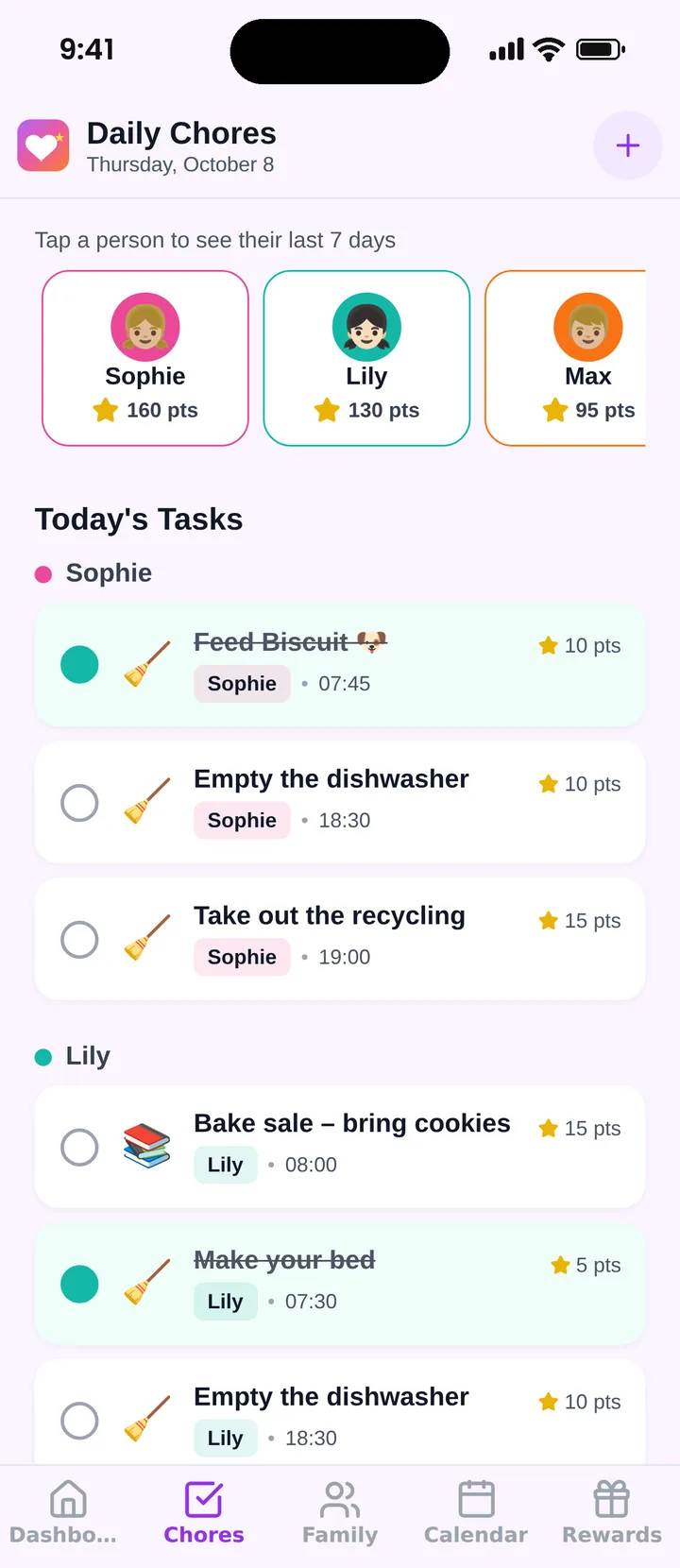
Famiyo is a free family app for iPhone and Android that combines a shared family calendar, chores with points and a rewards shop; kids join with a code, no email needed. It does the chart's work for you. You add each chore, give it points and make it repeat daily or weekly, and each child checks it off on their own phone while you approve it or let them check it off themselves. Everyone's phone updates live, and you get a notification when a chore is done. Today's view shows every child's tasks and points at a glance. For other options, see our ranking of the best chore chart apps.
Start tonight with two tasks, one grid and a sticker sheet, and look at it together on Sunday.
Frequently asked questions
What should go on a kids reward chart?
Two to four specific, observable tasks a child can finish alone, such as making the bed, brushing teeth or packing the school bag. Avoid vague goals like being good. Add a new task only when one becomes automatic.
How many tasks should a reward chart have?
The usual guidance is 2 to 3 daily tasks for preschoolers and 3 to 4 for school-age kids. More than that overwhelms a child, and the chart is abandoned within a couple of weeks.
What should the rewards on a chart be?
Small, quick rewards like choosing dessert or 15 extra minutes of screen time at 30 to 50 points, and bigger ones like a family movie pick at about 100 points. A day out or a toy runs 300 to 500 points.
How long does a child use a reward chart?
Give a new chart 2 to 3 weeks of consistent use before judging it. Many families run one for a few months, then drop tasks that have become habits and keep the chart for newer goals.
What can I use instead of stickers?
Checkmarks, stamps, marbles in a jar, magnets or points on an app all work. What matters is that the child sees progress right away, and that you give it out the same way every time.
Try Famiyo With Your Family
Chores with points, a rewards shop for kids and one shared family calendar. Set it up in a couple of minutes.



Free to download • No credit card required • Available on iOS & Android